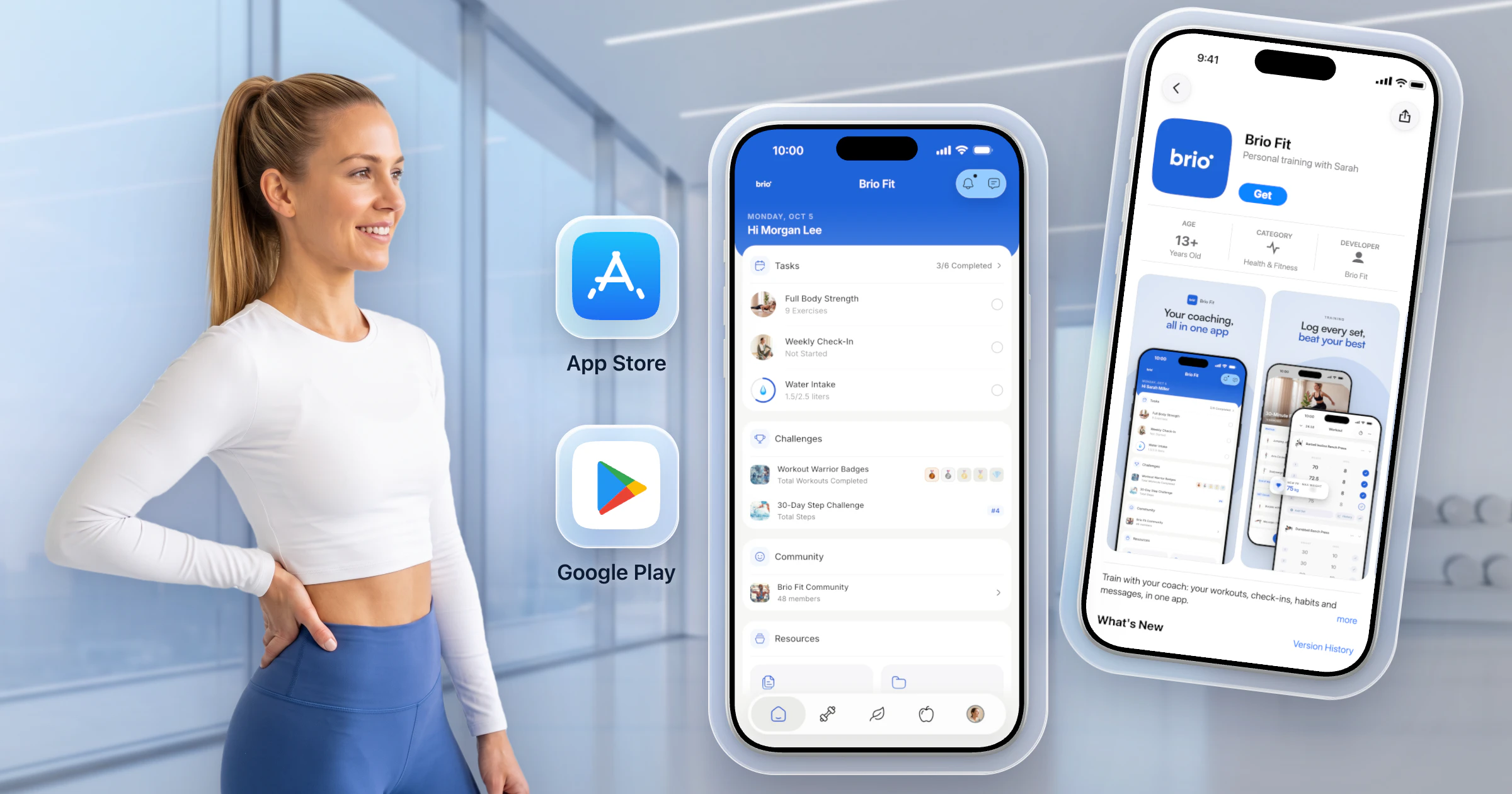

If you're an online coach or personal trainer, finding the right client check-in tool is one of the most important decisions you'll make for your business. Check-ins are where coaching actually happens: reviewing progress photos, tracking measurements, reading client feedback, and adjusting programs. The wrong tool means scattered data, missed submissions, and hours wasted chasing clients across WhatsApp, email, and spreadsheets.
We've compared the top 5 client check-in tools (HubFit, PT Distinction, Trainerize, Google Forms, and Typeform) to help you find the best fit for your coaching workflow. Spoiler alert: HubFit takes the top spot as the most complete check-in tool for coaches in 2026.
Top 5 Client Check-In Tools
- 1. HubFit
- 2. PT Distinction
- 3. Trainerize
- 4. Google Forms
- 5. Typeform
1. HubFit — Best Client Check-In Tool for Online Coaches
Best for: Online coaches and personal trainers who want a purpose-built check-in system with custom forms, progress photo comparison, automated reminders, and nutrition sync — all inside a single coaching platform.
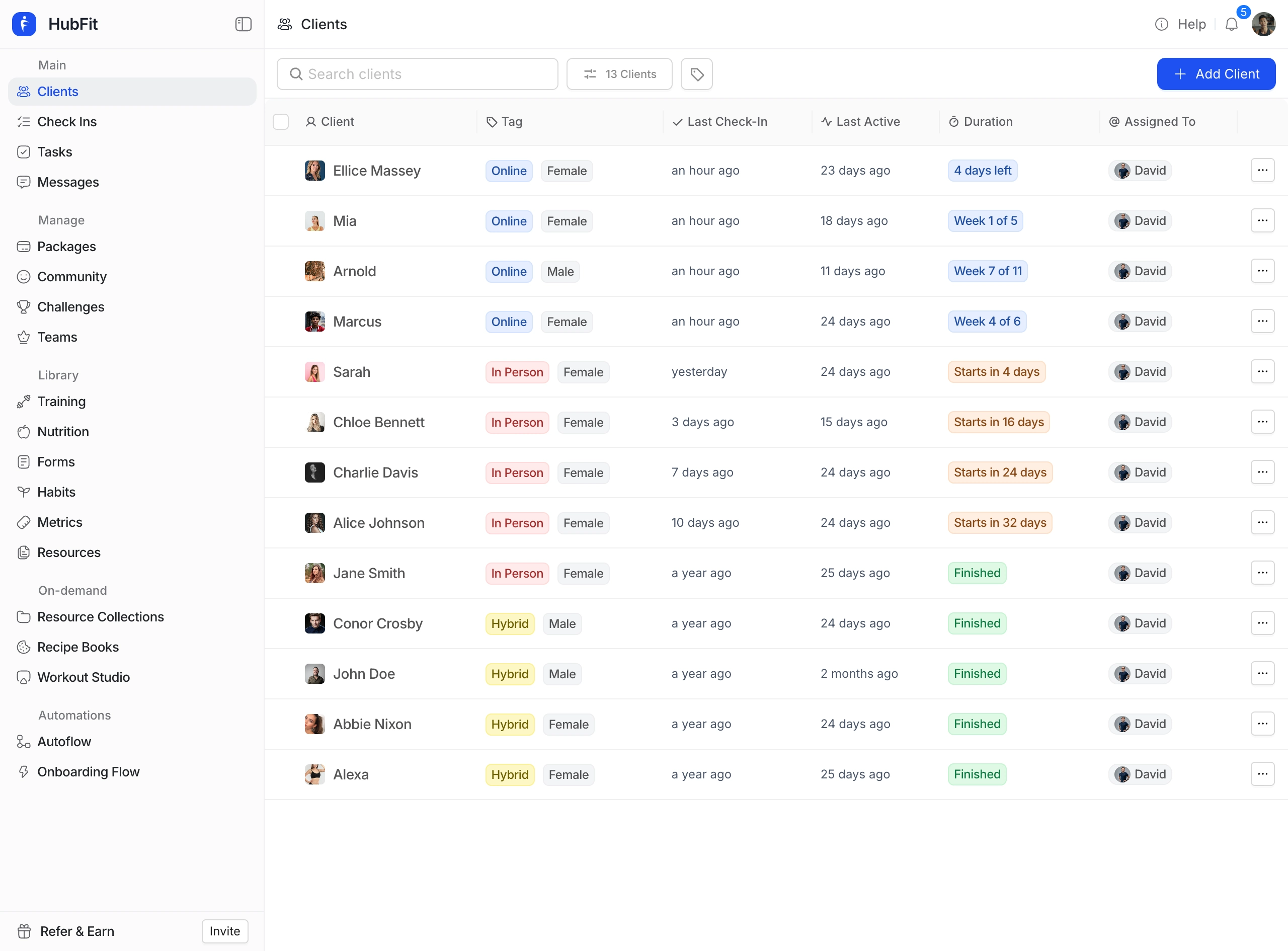
HubFit offers the most complete check-in system on the market for online coaches. Unlike generic form builders or platforms that bolt check-ins on as an afterthought, HubFit's check-in system is deeply integrated into every part of the coaching workflow: training, nutrition, habits, and metrics all feed into a single client timeline.
Every check-in submission lands in a dedicated review inbox on both the web dashboard and the coach mobile app, so you can review and respond from anywhere. Coaches can compare any two submissions side by side — including progress photos — to spot trends and show clients how far they've come.
Key Features:
- Custom Check-In Forms: Build forms with 11 question types including text, number, photo, video, signature, rating, 1–10 scale, and auto-syncing metrics. Mix and match for any check-in style.
- Progress Photo Comparison: Clients upload labelled front, side, and back photos. All photos sync to a dedicated progress gallery, and coaches can compare any two submissions side by side.
- Flexible Scheduling: Set check-in frequency to daily, weekly, bi-weekly, monthly, or a custom cadence. Every check-in is scheduled in the client's local timezone.
- Smart Push Notifications: Clients receive an automatic push notification when a check-in is due, delivered in their local timezone on the scheduled day. No manual reminders needed.
- Loom Video Feedback: Record and attach Loom video reviews directly to check-in submissions for a personal coaching touch.
- Nutrition and Metric Sync: Check-in responses automatically pull in data from HubFit's built-in nutrition tracker and metrics system, so coaches see weekly macro averages and body weight trends without clients having to re-enter data.
- Review Inbox: Every submission gets its own review thread. Coaches can leave notes, attach videos, and mark submissions as reviewed.
Benefits:
- All-in-One Platform: Check-ins live alongside training programs, meal plans, habit tracking, and messaging. No need to send clients to a separate app or form.
- Saves Hours Per Week: Automated reminders, auto-syncing metrics, and a centralized inbox mean less time chasing clients and more time coaching.
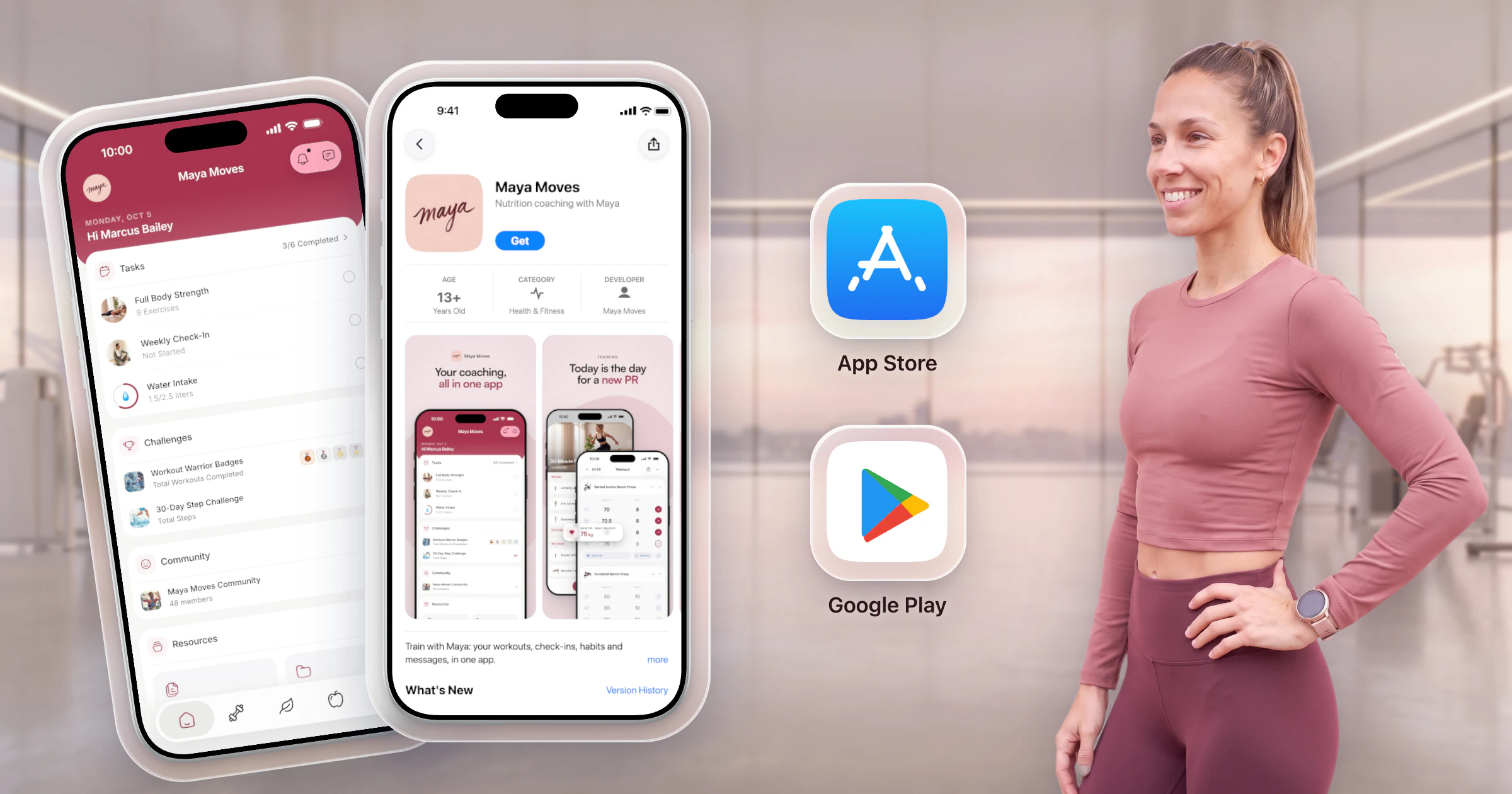
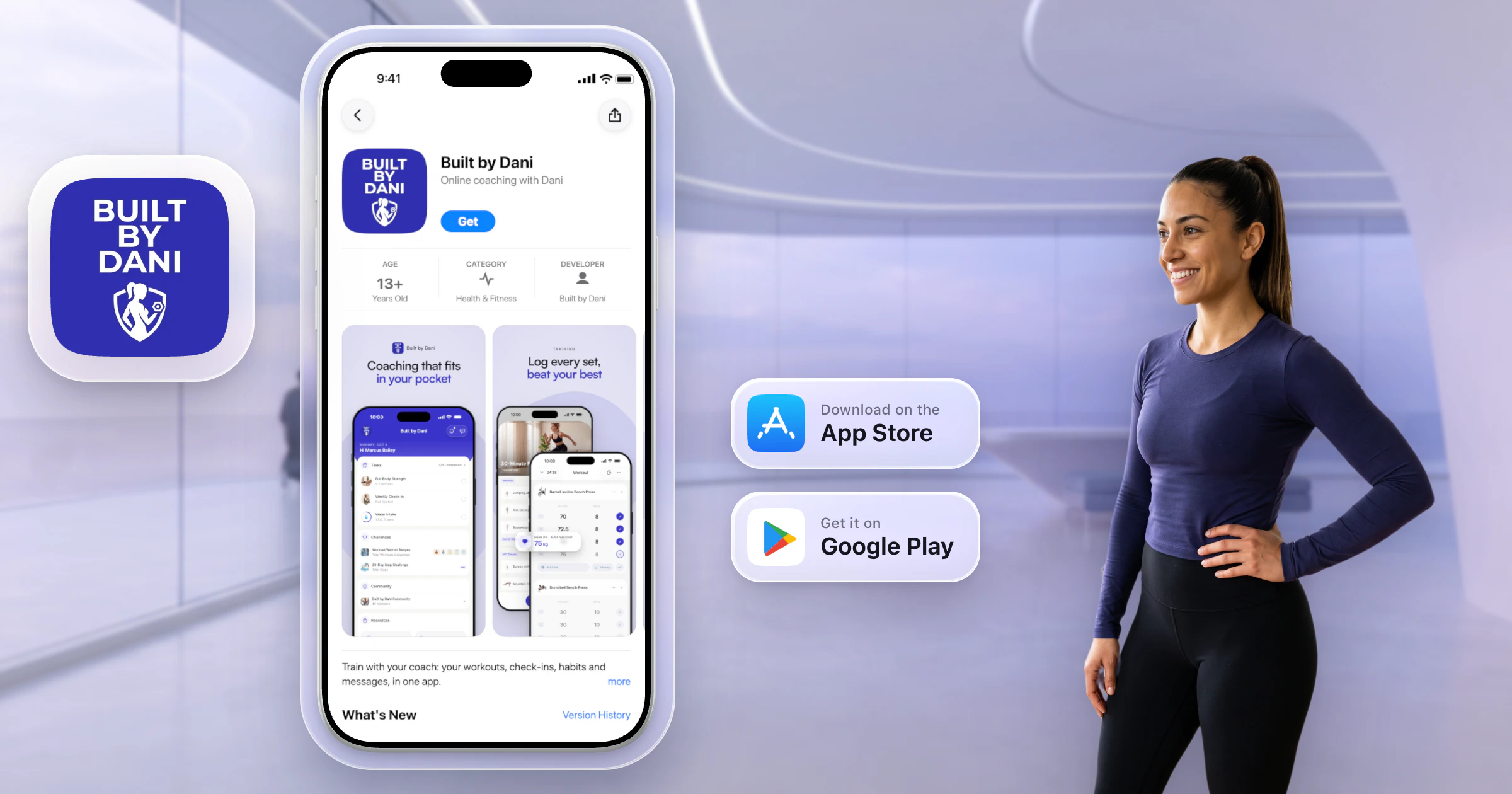
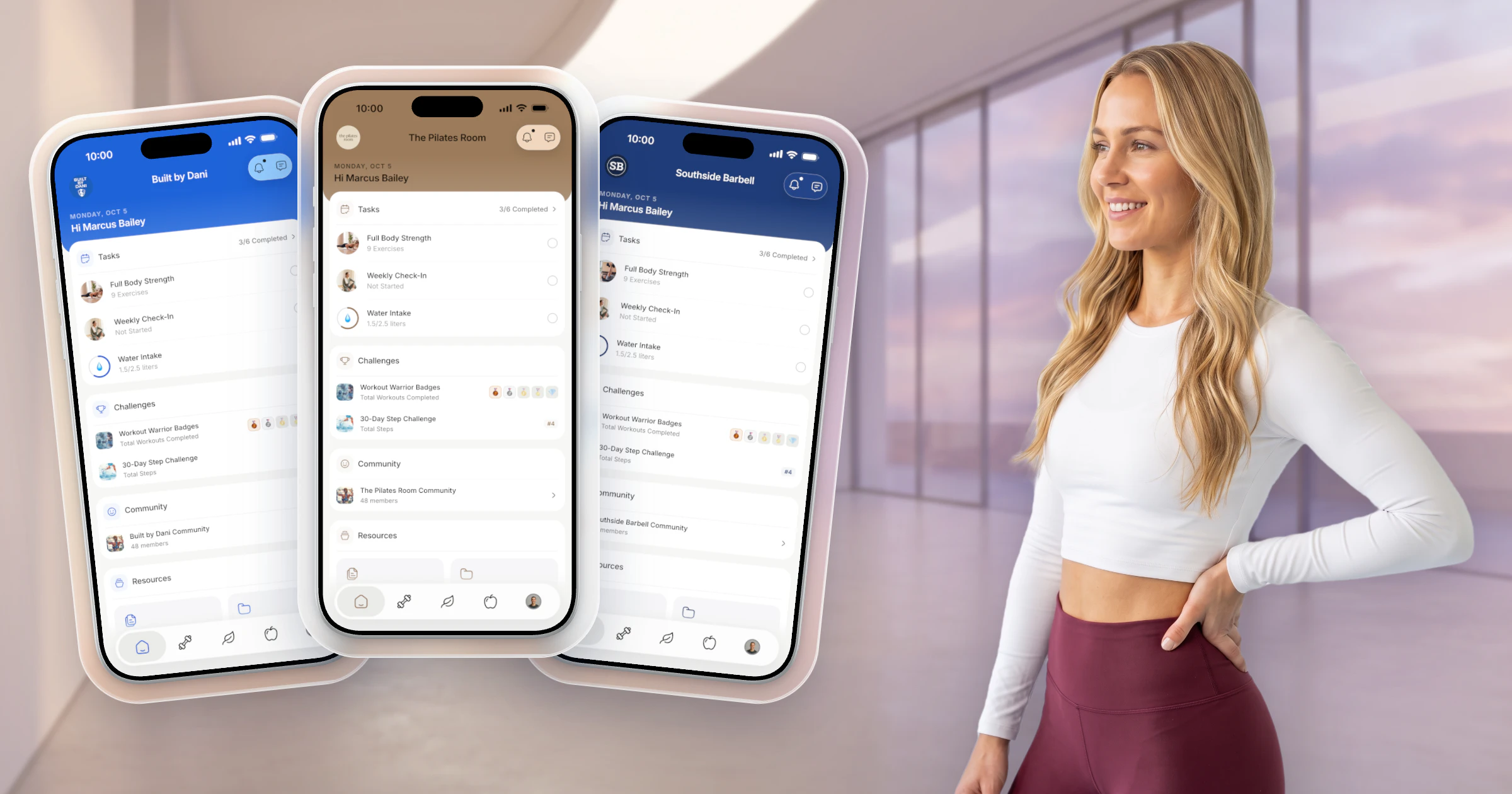
- Professional Client Experience: Clients submit check-ins, view feedback, and track their own progress inside the same app they use for workouts and nutrition.
- Scales with Your Business: Whether you coach 5 clients or 500, the review inbox and team workspace keep everything organized.
Learn more about how HubFit's check-in system works on the coaching platform page, or read our guide on the top 7 features to look for in a check-in tool.
2. PT Distinction
Best for: Solo personal trainers who want a dedicated coaching platform with built-in check-ins and don't need advanced nutrition tracking.
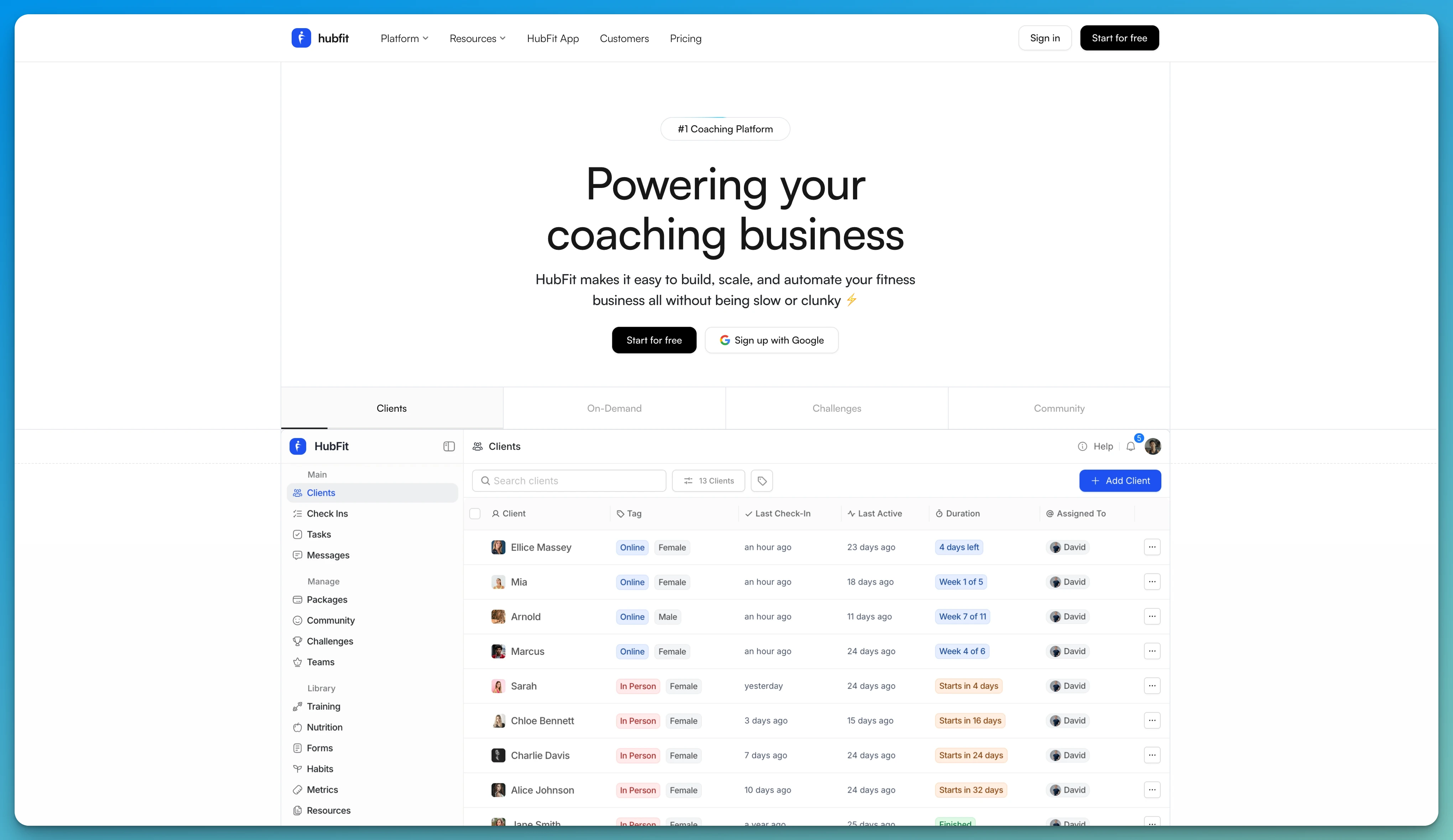
PT Distinction is a well-established personal training platform that includes check-in functionality as part of its broader coaching toolkit. Coaches can create custom forms and questionnaires, track progress photos, and monitor client compliance from a single dashboard.
Key Features:
- Custom forms and questionnaires with multiple question types
- Progress photo tracking alongside body measurements
- Automated notifications and reminders for clients
- Habit tracking integrated into the coaching workflow
- Client dashboard with workout compliance and check-in history
Pros:
- Purpose-built for personal trainers with a focused feature set
- Strong automation for reminders and program scheduling
- Clean client-facing experience
- Affordable pricing for solo coaches
Cons:
- No side-by-side photo comparison tool
- Nutrition features are basic compared to platforms with a built-in tracker
- Limited team and workspace features for growing businesses
- Mobile app experience is less polished than newer platforms
Who It's For: Solo personal trainers who want a straightforward coaching platform with solid check-in forms and don't need deep nutrition or team features.
3. Trainerize
Best for: Coaches who want check-ins bundled with workout programming and are willing to pay extra for nutrition add-ons.
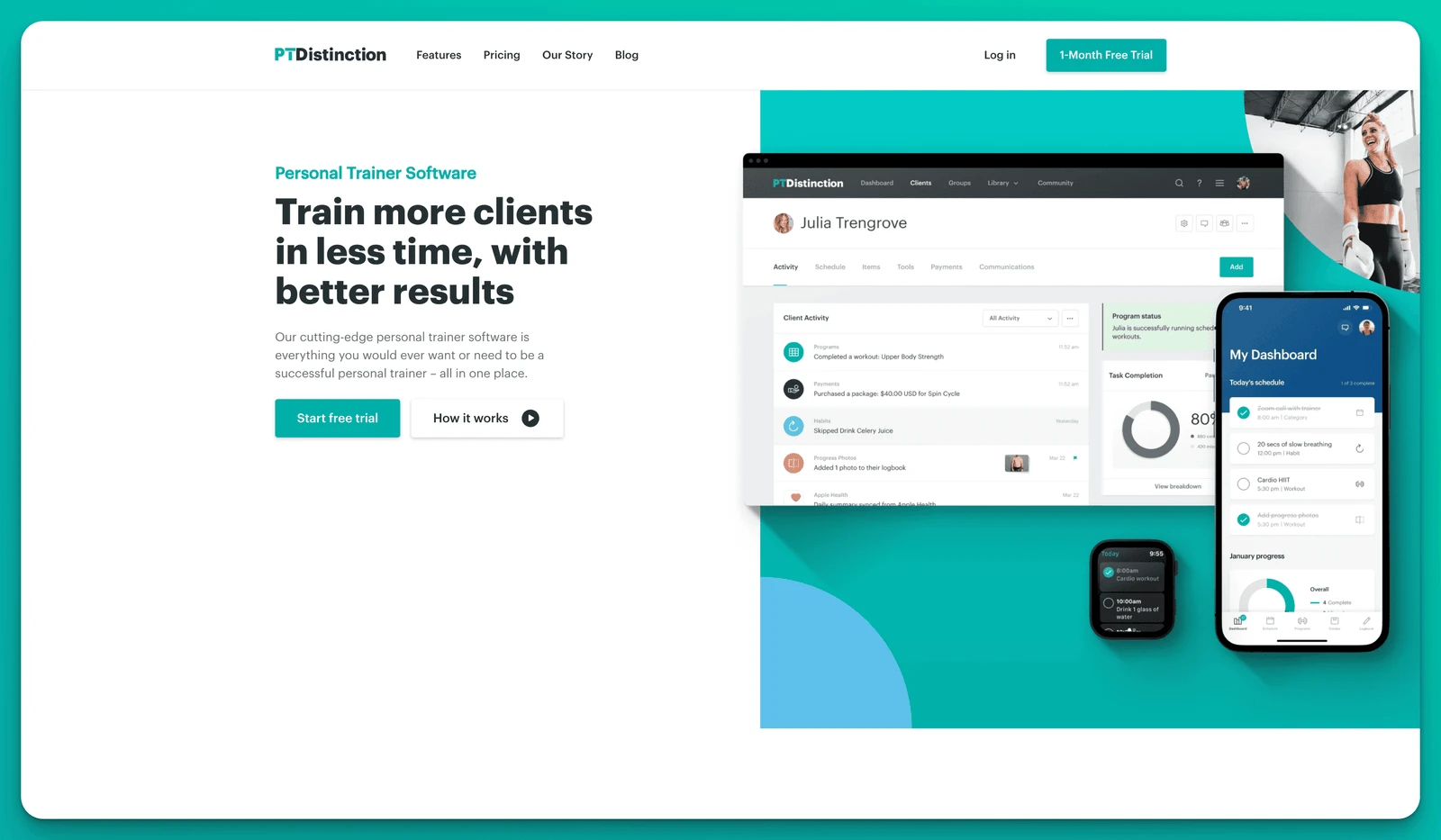
Trainerize (now ABC Trainerize) is a popular fitness coaching platform that added check-in forms as a feature update. Coaches can create customizable forms to capture wellness, lifestyle, and progress updates directly inside the app. The platform also offers side-by-side form comparison to review client progress over time.
Key Features:
- Customizable check-in forms with wellness and lifestyle questions
- Side-by-side form comparison across weeks
- Workout programming and habit tracking in one platform
- Integration with MyFitnessPal for nutrition logging
- Push notifications for check-in reminders
Pros:
- Check-ins are integrated into the broader coaching experience
- Side-by-side form review helps coaches spot trends
- Large user base with extensive integrations
- Strong workout programming features
Cons:
- Nutrition tracking requires MyFitnessPal integration (not built in)
- Check-in forms were added later and feel less mature than core features
- Advanced features like nutrition coaching cost extra
- Photo comparison is limited compared to dedicated check-in systems
- Custom form flexibility is still evolving with planned future updates
Who It's For: Coaches who already use Trainerize for training and want a basic check-in system without switching platforms.
4. Google Forms
Best for: New coaches on a tight budget who need a free, no-frills way to collect weekly check-in responses.
Google Forms is a free form builder that many coaches start with when they first move online. You can create a check-in questionnaire, share the link with clients, and review responses in a Google Sheet. It works, but it was never designed for coaching.
Key Features:
- Free to use with unlimited responses
- Multiple question types (text, multiple choice, linear scale, file upload)
- Responses automatically saved to Google Sheets
- Shareable via link or email
- Basic charts and summary views
Pros:
- Completely free with no response limits
- Quick to set up — most coaches can build a form in minutes
- Familiar interface for most clients
- Google Sheets integration allows basic data analysis
Cons:
- No automated reminders — clients frequently forget to submit
- No progress photo comparison or gallery
- No connection to training, nutrition, or habit data
- Feels impersonal and transactional for clients
- Manual review process — coaches must cross-reference data across tools
- No mobile app experience — clients fill out a web form
- Doesn't scale — managing 20+ clients across spreadsheets becomes unworkable
Who It's For: Brand-new coaches testing online coaching with a handful of clients who need a free starting point before investing in a proper platform.
5. Typeform
Best for: Coaches who prioritize a polished, conversational form experience and are comfortable stitching together their own tech stack.
Typeform is a premium form builder known for its one-question-at-a-time conversational interface. It creates a more engaging experience than a traditional form, which can boost completion rates. Some coaches use it for weekly or bi-weekly check-ins because the forms feel more personal than a basic survey.
Key Features:
- Conversational one-question-at-a-time interface
- Logic jumps to show or skip questions based on answers
- Pre-built templates for coaching and wellness forms
- Integrations with Zapier, Slack, Google Sheets, and more
- Mobile-friendly responsive design
Pros:
- Higher completion rates thanks to the engaging interface
- Beautiful, branded form design
- Conditional logic creates shorter, personalized paths for different clients
- Integrates with many tools coaches already use
Cons:
- Expensive — free plan is limited to 10 responses per month
- No progress photo comparison or gallery
- No connection to training, nutrition, or coaching data
- No automated check-in scheduling or push notification reminders
- Requires a separate coaching platform for everything else
- Data stays in Typeform — coaches must manually export or integrate to review alongside other client data
- Not designed for coaching, so features like video feedback and metric sync don't exist
Who It's For: Coaches who want a premium-feeling intake or check-in form and don't mind paying for a standalone tool separate from their coaching platform.
Check-In Tool Comparison
| Feature | HubFit | PT Distinction | Trainerize | Google Forms | Typeform |
|---|---|---|---|---|---|
| Custom Check-In Forms | ✅ | ✅ | ✅ | ✅ | ✅ |
| Progress Photo Comparison | ✅ | ❌ | ⚠️ | ❌ | ❌ |
| Automated Push Reminders | ✅ | ✅ | ✅ | ❌ | ❌ |
| Nutrition Data Sync | ✅ | ❌ | ❌ | ❌ | ❌ |
| Metric Auto-Sync | ✅ | ⚠️ | ⚠️ | ❌ | ❌ |
| Loom Video Feedback | ✅ | ❌ | ❌ | ❌ | ❌ |
| Built Into Coaching Platform | ✅ | ✅ | ✅ | ❌ | ❌ |
| Flexible Scheduling (Daily to Custom) | ✅ | ✅ | ⚠️ | ❌ | ❌ |
| Review Inbox | ✅ | ❌ | ❌ | ❌ | ❌ |
| Coach Mobile App Review | ✅ | ⚠️ | ✅ | ❌ | ❌ |
Which Check-In Tool Is Right for You?
Choosing the right check-in tool for coaches comes down to how deeply you want check-ins integrated into your coaching workflow. Generic tools like Google Forms and Typeform can collect responses, but they can't remind clients, sync nutrition data, compare progress photos, or connect check-in answers to the rest of your coaching platform. You end up doing all of that manually.
Dedicated coaching platforms like PT Distinction and Trainerize do a better job by keeping check-ins alongside workouts and client profiles. But they each have trade-offs: PT Distinction lacks side-by-side photo comparison and deep nutrition tools, while Trainerize's check-in system is still maturing and charges extra for nutrition features.
HubFit stands out as the best client check-in tool because it was designed for the full coaching loop. Custom forms, progress photo comparison, automated reminders, Loom video feedback, nutrition sync, and a dedicated review inbox — all inside one platform that also handles training, meal plans, habits, and messaging. There's nothing to stitch together and nothing to chase.
If you want to dive deeper into building an effective check-in process, read our ultimate guide to online coaching check-ins or explore the engagement platform to see how check-ins fit into the bigger picture of client retention.
FAQ
What is a client check-in tool?
A client check-in tool is software that lets coaches collect regular progress updates from their clients. This typically includes questionnaire responses, progress photos, body measurements, and subjective feedback like energy levels or adherence. The best check-in tools automate reminders, organize submissions in a review inbox, and connect check-in data to the rest of the coaching workflow.
How often should coaches schedule client check-ins?
Most online coaches schedule weekly check-ins, but the right frequency depends on the client and coaching style. HubFit supports daily, weekly, bi-weekly, monthly, or custom cadences, all scheduled in the client's local timezone. For guidance on what to ask, check out our 10 must-ask questions for weekly check-ins.
Can I use Google Forms or Typeform for coaching check-ins?
You can, but they come with significant limitations. Neither tool sends automated push reminders, compares progress photos, or connects to your training and nutrition data. Coaches using generic form builders typically spend extra time chasing submissions and manually cross-referencing data across multiple tools. They work as a starting point but don't scale.
What makes HubFit's check-in system different from other platforms?
HubFit's check-in system is built into the same platform where clients access their workouts, nutrition plans, and habits. This means check-in forms can auto-sync metric and nutrition data, coaches can compare progress photos side by side, and every submission lands in a dedicated review inbox with Loom video feedback support. No external tools, no manual data entry, no chasing clients.
Do clients need a separate app to submit check-ins on HubFit?
No. Clients submit check-ins directly inside the HubFit app on iOS or Android — the same app they use for training, nutrition tracking, and messaging. Coaches review submissions from the web dashboard or the coach mobile app. Everything stays in one place.