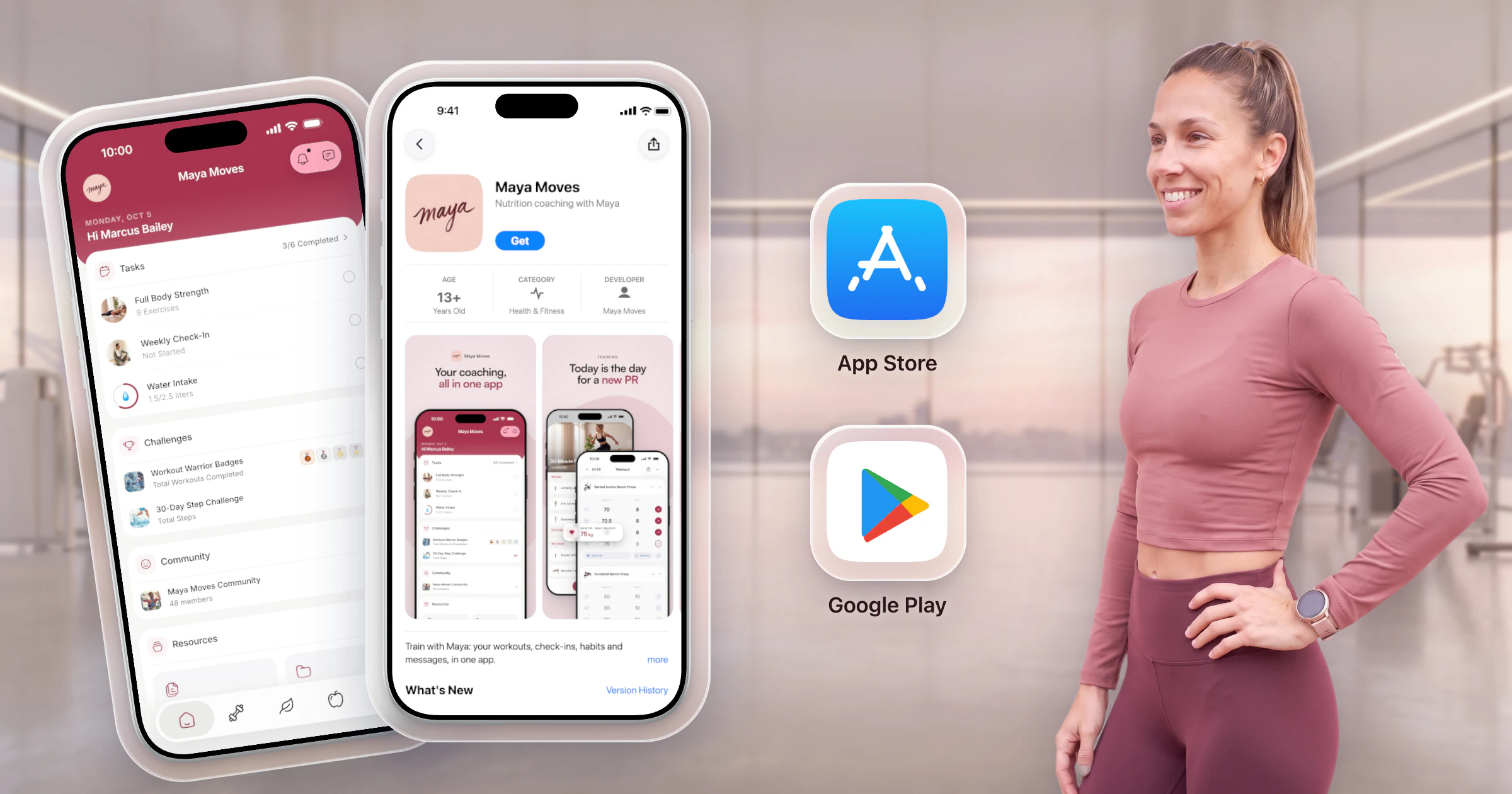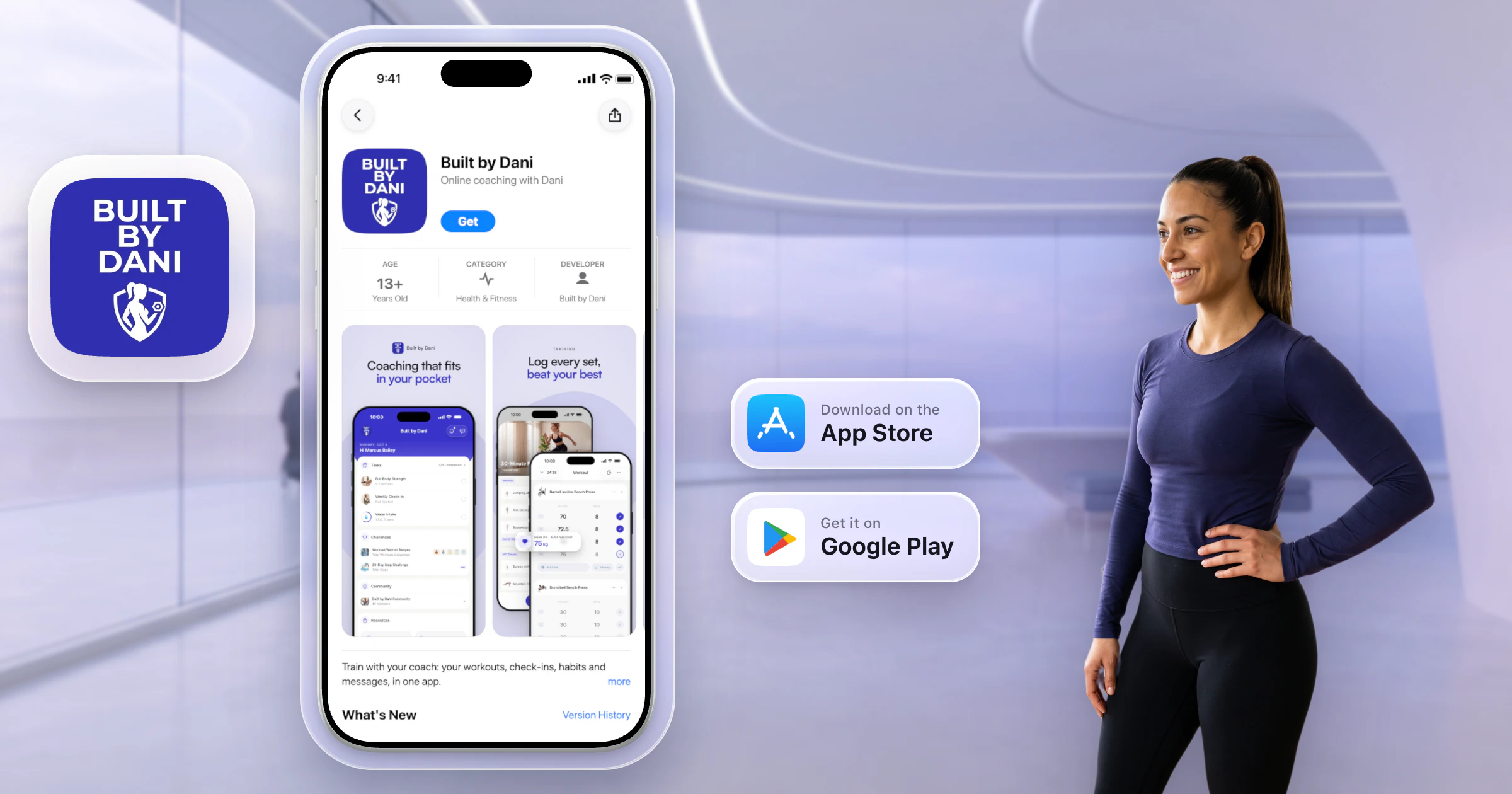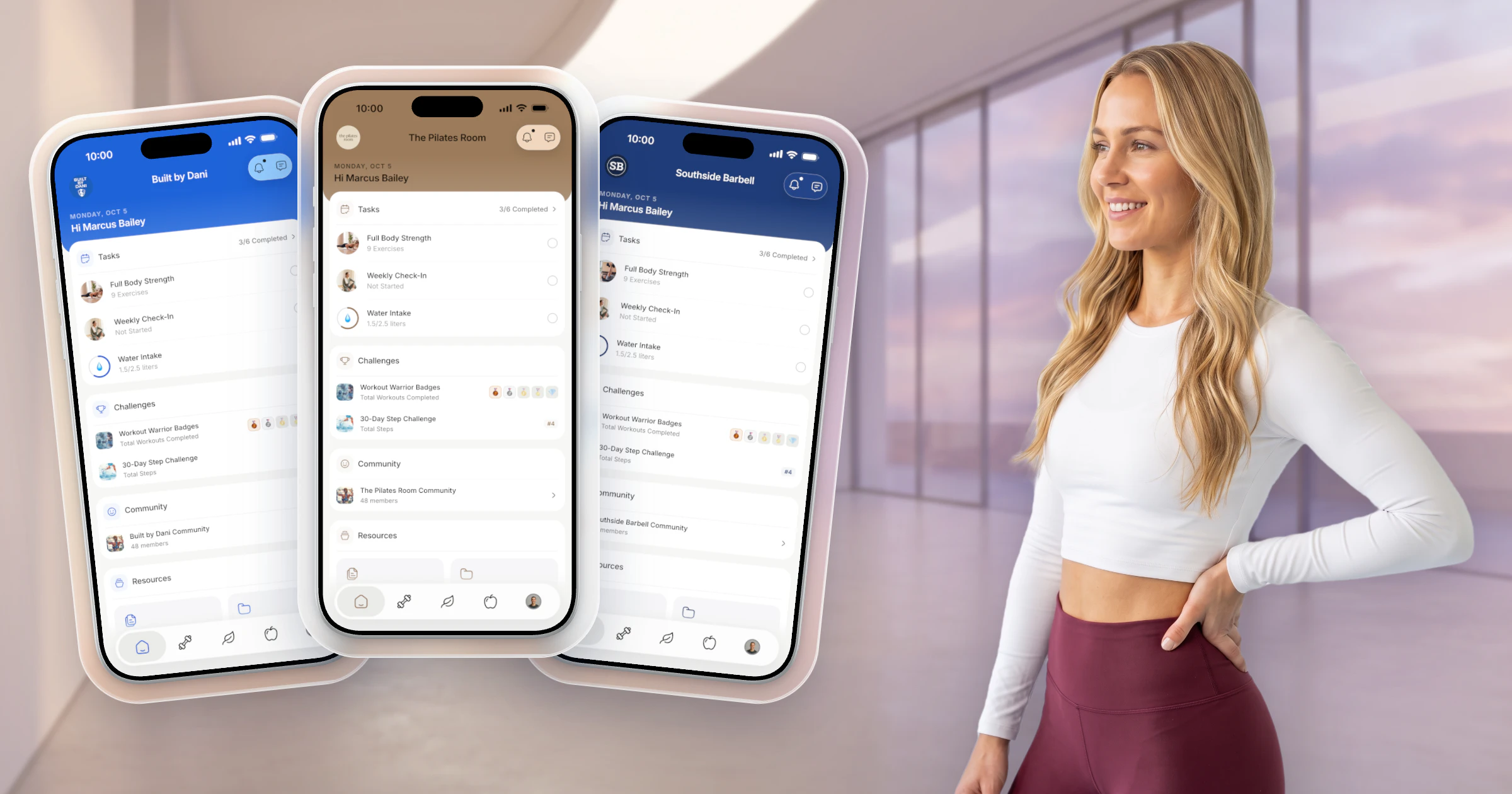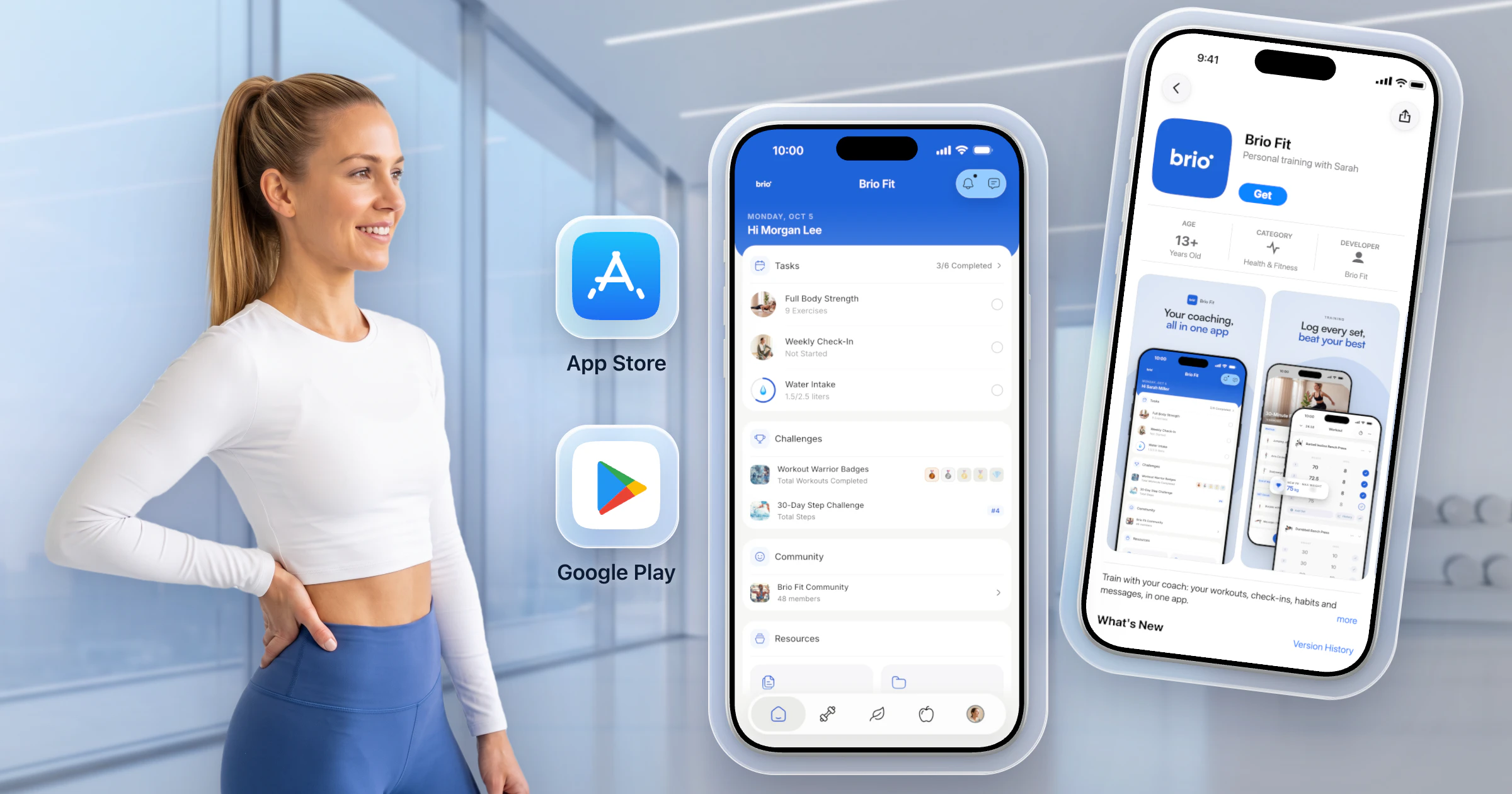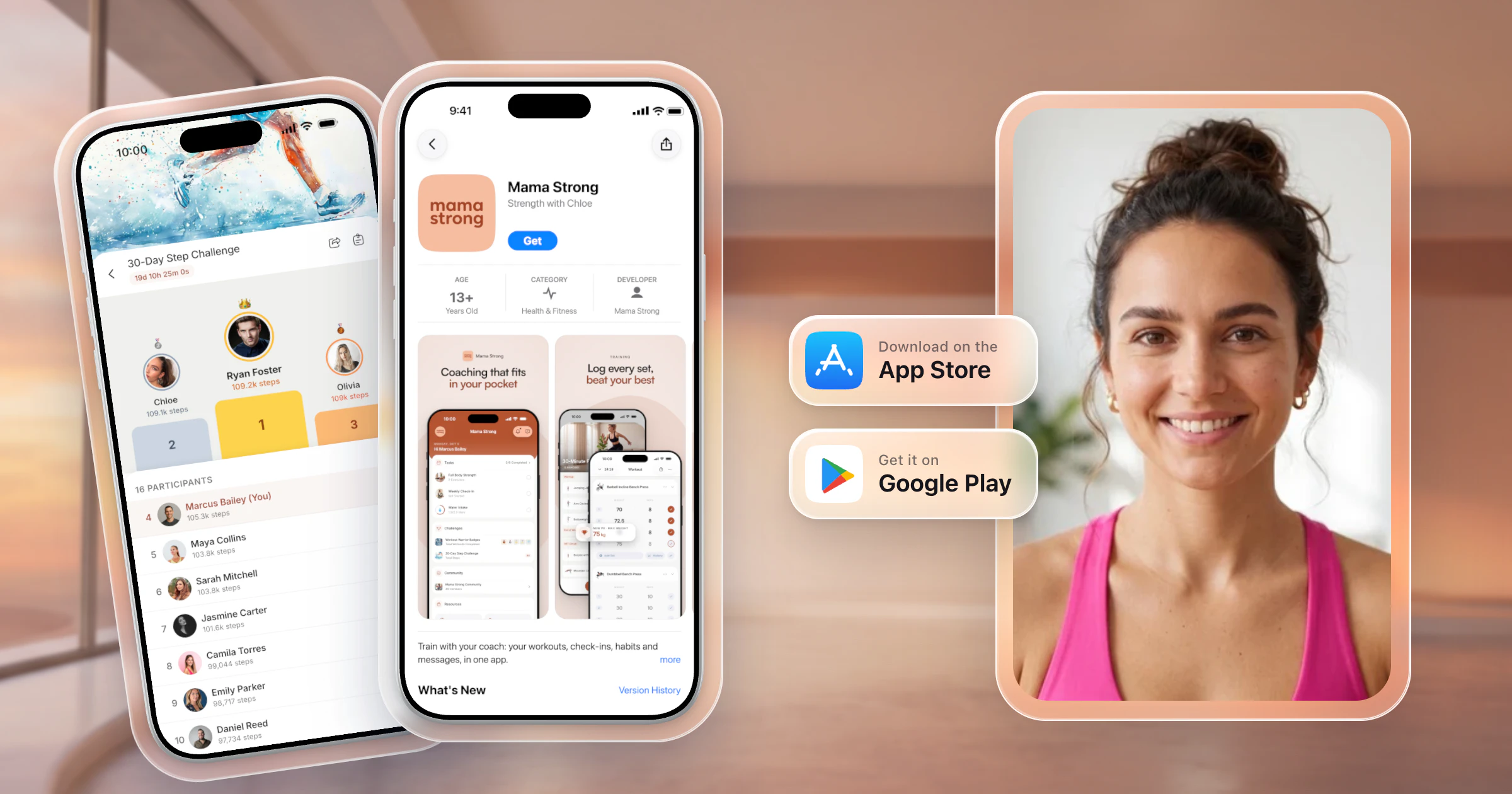
To sell fitness programs online, pick one buyer and one result, build the program in an app they can follow, and price it by the support it includes. Then sell it to your audience with a waitlist and a launch week. The easiest way to do all of it is your own app: HubFit builds it, puts it on the App Store and Google Play under your name, and the program builder and checkout come with it.


Your own app on the App Store and Google Play
- No setup fee
- Live in 7 to 10 business days
- Built and maintained by us
Key takeaways
- Sell one result to one kind of buyer, like "your first pull-up in 8 weeks," not workouts for everyone.
- Deliver in an app, not a PDF. You can't help people finish a program you can't see them doing.
- Repeat offers make the money: a membership, a coaching tier and challenges.
- Sell from your own branded app from day one: $189 a month on top of your HubFit subscription, built and maintained by HubFit.
What is an online fitness program?
An online fitness program is a structured plan of workouts, delivered digitally, that takes a buyer to a defined result over a set number of weeks. It can be a PDF, a set of videos, or a program inside an app that logs every set.
Most creators stop at the PDF. A PDF can't remind anyone, log a set or show you who stopped in week two. An app does all three, and it lets you grow from a one-time program to a membership, coaching and challenges in the same app.
How do you sell workout programs online?
You sell workout programs online in seven steps, from picking one buyer to moving finishers up to your next offer.
1. Pick one buyer and one result
Your niche and target audience should fit in one sentence. "Strength for busy moms: three 40-minute sessions a week at home" sells. "12-Week Strength Program" doesn't.
2. Build a program people finish
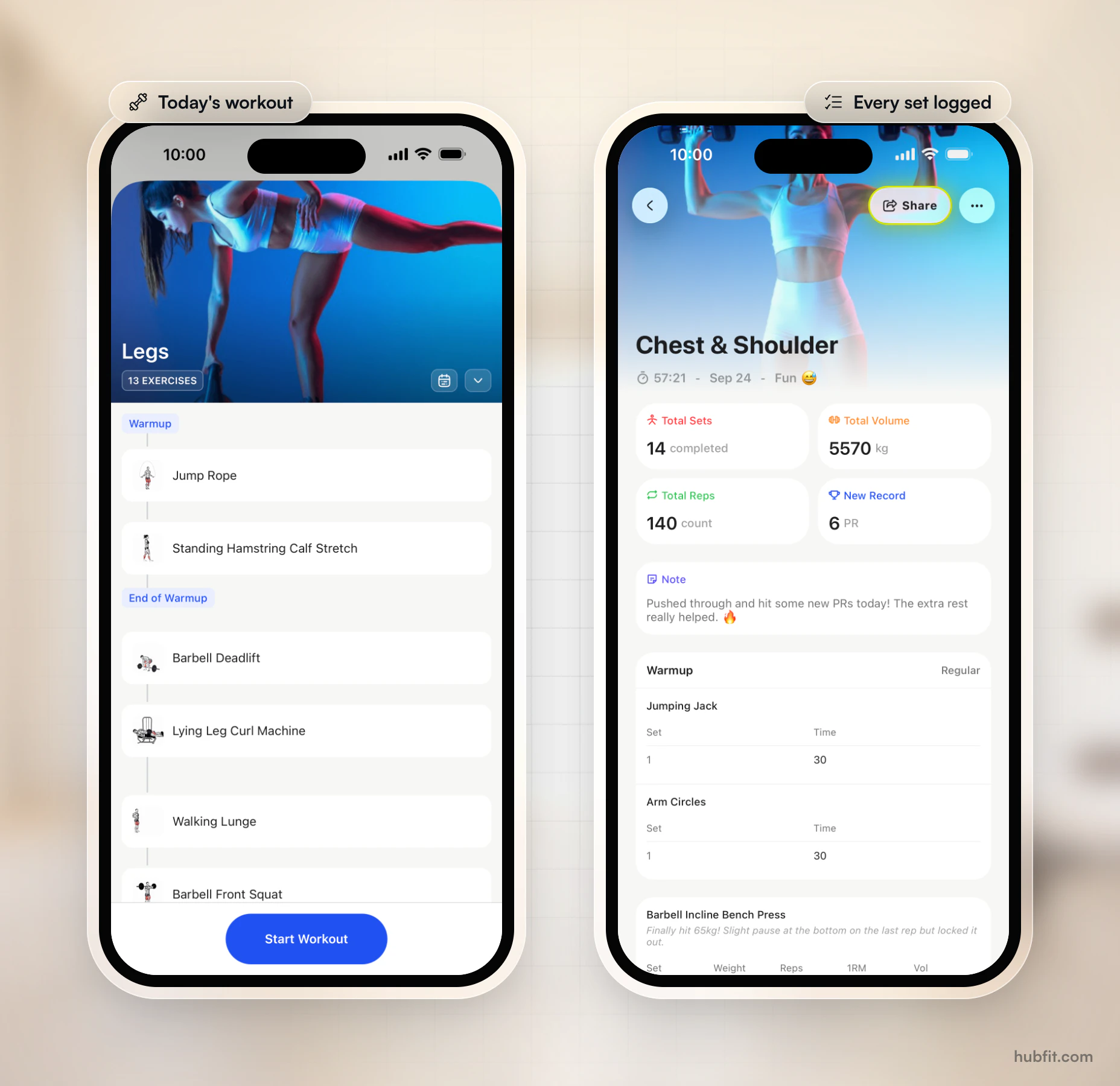
Finishers get results, leave testimonials and buy again. Yet about half of people who start an exercise program quit within six months. Today's workout on their phone, a demo for every exercise, logged sets and a weekly check-in keep them going, so build it in an app your buyers follow every day.
3. Package it into offers
Package by how much of you the buyer gets: a one-time purchase, a subscription membership, a coaching tier or a challenge. Two or three side by side let buyers pick their level.
4. Price it by the support it includes
Price by the support included, not the number of weeks. Example prices:
| Offer | Example price |
|---|---|
| PDF, no contact | $29 one-time |
| Program in an app | $49 one-time |
| Monthly membership | $19 a month |
| Coaching with check-ins | $149 a month |
| 6-week challenge | $39 entry |
Worked example. Sell an 8-week program at $49 to 40 launch buyers ($1,960), then keep 60 members at $19 a month. Eleven of those members cover the $189 app and Apple's fee; your HubFit subscription is on top.
Write a refund policy before launch, such as refunds within 14 days if fewer than two workouts are logged. Raise prices for new buyers, never mid-program.
5. Set up checkout and delivery
You don't need a website to start. A shareable plans page, linked from your bio and emails, is your storefront. The buyer pays, and the program appears in their app.
6. Sell it to your audience
- Free content on social media that previews the program.
- A lead magnet, like a free 7-day starter plan, to grow your email list.
- A waitlist two to four weeks out, then a launch week that opens sales to it first.
- Testimonials from finishers: a short quote and their training progress, never body before-and-after photos.
- Paid ads only once a launch converts without them.
7. Move buyers up the ladder
The end of a program is a sales moment, and each new offer is the next rung. Invite finishers into the membership, offer coaching to members who check in most, and run a challenge every few months. A community keeps members talking in between.
If you're a creator, launch your first program to a waitlist inside your own app, then add a membership on the same app.
Why sell your programs with HubFit?
HubFit, the #1 coaching app, gives you every step in one place, from the program builder to checkout to your own app. You build, sell, deliver and coach without stitching tools together.
- Build it once. Fixed or calendar programs in a drag-and-drop program builder, with 5,000+ exercise videos. Buyers log every set, and personal records are tracked automatically.
- Sell it from one link. Packages and checkout take one-time and subscription payments, free trials and coupons on a shareable pricing page, with no transaction markup from us.
- Deliver it automatically. When someone pays, an Onboarding Flow assigns their program, check-ins and habits.
- Keep buyers coming back. Check-ins with reminders, challenges with leaderboards and a private community, depending on your subscription.
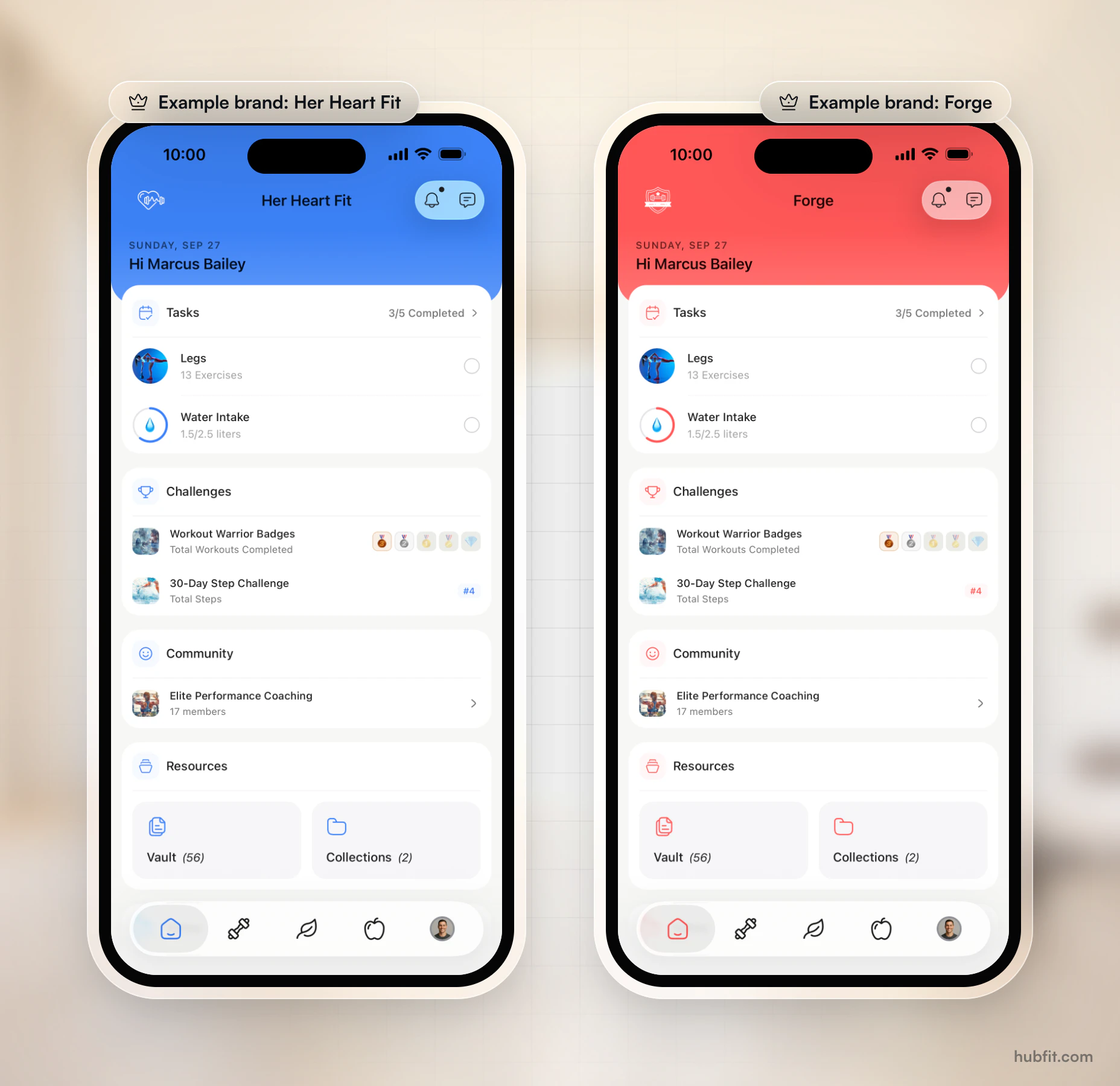
- Put your name on it. The Branded App is your own client app on the App Store and Google Play, with your name, icon and colors. We build, submit and maintain it, and new features ship to it automatically.
Real coaches already sell this way:
- Proven: Josh Taylor's evidence-based coaching, with 200+ programs, live streams and 1:1 coaching in its own app.
- For Her Kind: Dr. Alisa DiFruscia's 1:1 virtual coaching for women, with training, nutrition and check-ins in her own app.
How does HubFit launch your own app?
HubFit launches your app in three steps, and it's typically live in 7 to 10 business days once your Apple and Google developer accounts are ready.
- Share your brand. Send your logo, brand color and app name. No brand kit yet? We help you settle them.
- We build and submit. We build the iOS and Android apps, prepare the store listings, and handle store review and the privacy policy.
- Your app is launched. Clients find it by searching your name. Current clients sign in with their existing details, with their programs and history in place.
You need a registered business with a D-U-N-S number, plus your own Apple Developer and Google Play accounts, enrolled as an organization. We walk you through both. When you're ready, apply for your own branded fitness app.
What does your own app cost?
Your own app costs $189 a month on top of your HubFit subscription, with no setup fee, plus Apple's and Google's developer fees.
| What you pay | Cost |
|---|---|
| Branded App | $189 a month |
| Apple developer fee | $99 a year |
| Google developer fee | $25 once |
| D-U-N-S number | Free |
| Setup fee | None |
That's $2,392 in year one, on top of your HubFit subscription, with no developers to hire.
Building a custom fitness app yourself costs about $80,000 to $250,000, then $2,000 to $5,000 a month to run, after 6 to 12 months of development.
FAQ
These are the questions creators and trainers ask most about selling programs online.
How much should I sell a workout plan for?
Price a workout plan by the support it includes, not its length. A self-guided program sits at the low end of your niche, while one with weekly check-ins is a coaching product priced well above it. Test your price on a waitlist, then raise it for new buyers. Our guide to selling coaching packages shows the setup.
Can you sell workout plans without being certified?
It depends on where you live, so check your local rules. Most US fitness trainers hold a certification in their specialty, according to the Bureau of Labor Statistics, and buyers look for one. Either way, use a health screening form, carry liability insurance and keep medical advice within your qualifications.
Where can I sell fitness programs online?
You can sell on your own website, a link-in-bio page, or a coaching platform with its own checkout. A coaching platform with a program builder also delivers the program and tracks training, which a website alone doesn't. The strongest option is your own app on the App Store and Google Play, where buyers find you by your name.
How do fitness influencers make money?
Fitness influencers make money from brand deals, affiliate links and, more durably, from programs and coaching they own. Brand deals depend on someone else's budget. Memberships, coaching tiers and challenges repeat every month or every run, and a fitness influencer app puts all of them under the creator's own name and icon.
How long does a branded fitness app take to launch?
With HubFit's Branded App, apps are typically live in 7 to 10 business days once your Apple and Google developer accounts are ready. You need a registered business with a D-U-N-S number. We build the apps, prepare the store listings, and handle store review and the privacy policy, far faster than a custom build.
Ready for your own app?
Your programs deserve an app with your name on it, and HubFit builds it for you while you coach. There's nothing to pay to apply and no commitment.

Your own app on the App Store and Google Play.
- Your name, icon & colors
- On the App Store & Google Play
- Built & maintained by us
Maya Moves
by Maya Brooks