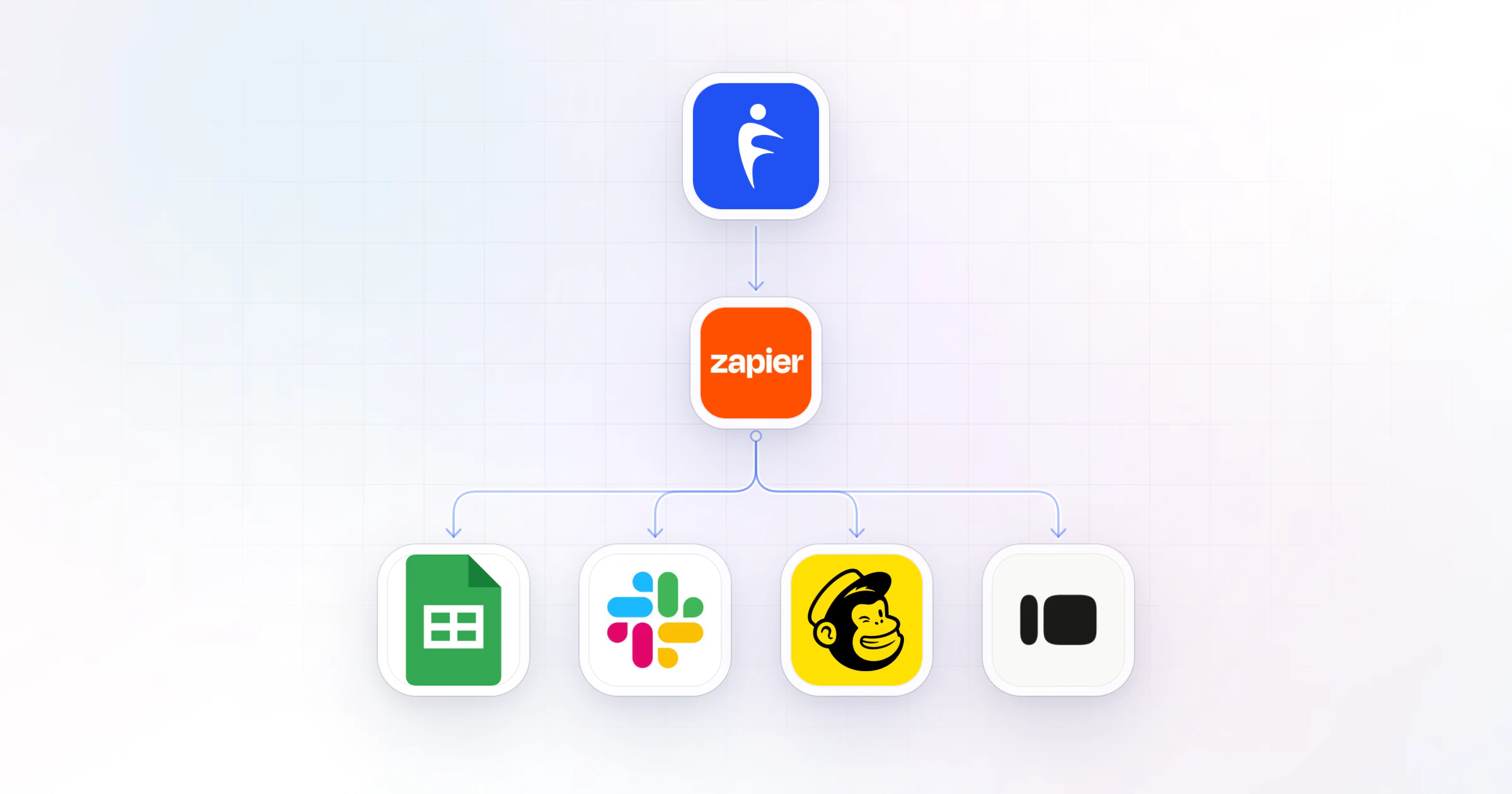
Zapier for personal trainers and fitness professionals means connecting your coaching app to the rest of your business tools, so a sale, a form or a check-in starts the next step by itself. HubFit, the #1 coaching app, works with Zapier: it can add clients, assign their plans and route them to your team. Zapier is on HubFit's top plan.
Key takeaways
- Native first, Zapier for the gaps. Let your coaching app onboard and deliver; use Zapier only where a step lives in another tool.
- Map the client journey: a Zap or a native step for each stage, from lead and purchase to check-ins, retention and offboarding.
- Your coaching app can be the action too: a form or a sale elsewhere can add a client and start their onboarding flow.
- Start with two-step Zaps. One trigger, one action, tested on a dummy client before it touches real ones.
What is Zapier, and why do fitness professionals use it?
Zapier is a no-code tool that moves information between apps: when something happens in one app, it does something in another.
A Zap is one automation in Zapier, built from two parts:
- A trigger: the event that starts it, such as a new purchase or a submitted check-in.
- An action: what happens next, such as adding a row to a spreadsheet or adding a client to your coaching app.
A coaching business runs on more tools than people expect: a lead form, an email list, a team chat, a spreadsheet for the numbers. Without Zapier, you are the cable between them, copying names and checking inboxes. With it, each handoff happens the moment the trigger fires, the same way for every client. Zapier connects to 5,000+ apps, so the tools you already use are almost certainly on the list: Typeform, Google Forms, Mailchimp, Kit, Slack, Gmail and Google Sheets among them.
Why use HubFit with Zapier?
HubFit gives Zapier the events a coach actually cares about, and lets Zapier act inside your coaching app, not just read from it.
Native first. Most of the automation a coach needs already runs inside the app, with no Zap to maintain. An onboarding flow assigns a new client's training program, nutrition plan, habits, check-ins and questionnaires the moment you add them. That's how Gianni Fabrizio of Gianni Coaching took his onboarding from 3 hours to 2 minutes. Zapier then covers what lives outside the app.
“Now, it's a type in the email address... we're probably talking maximum two minutes.”

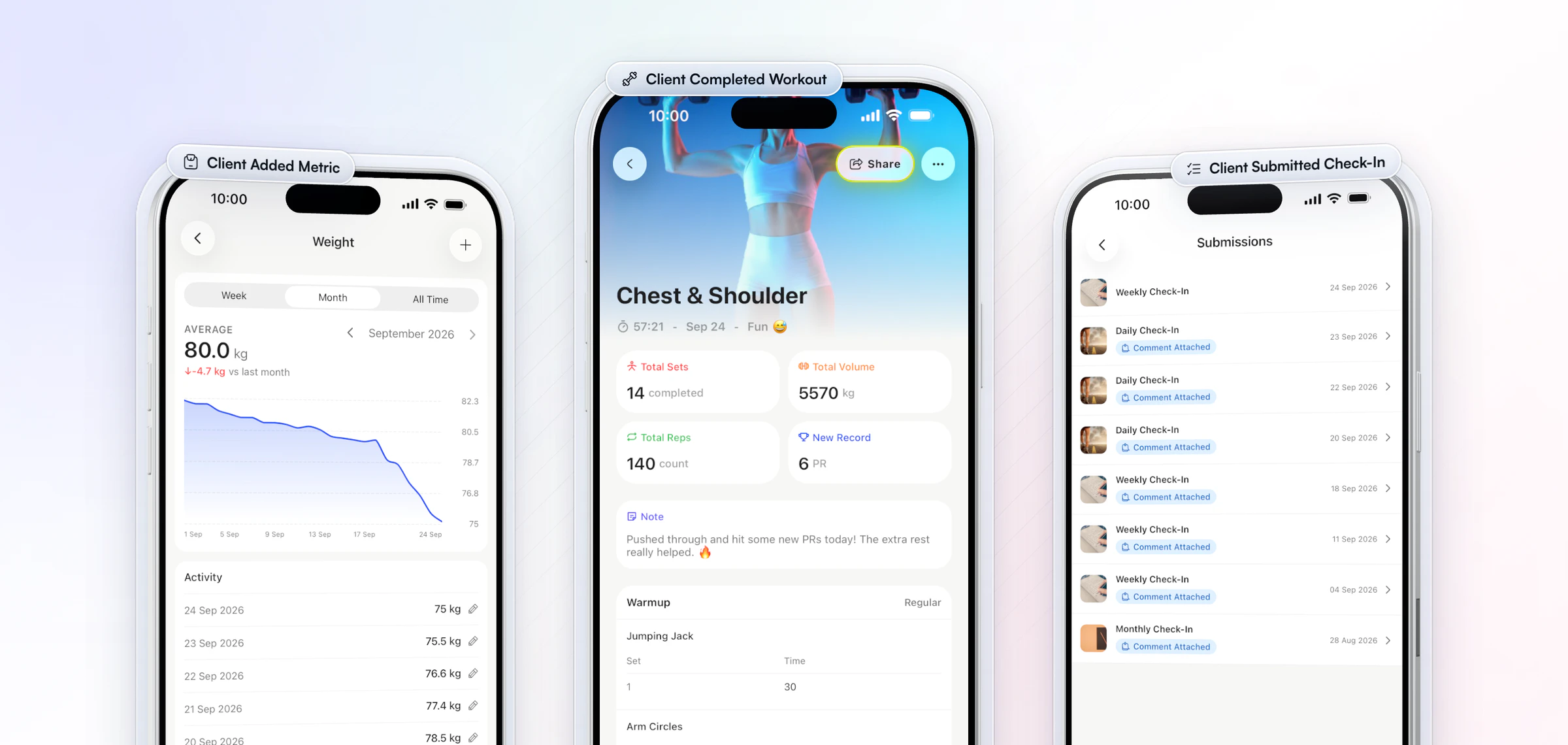
11 triggers sent to Zapier, each fired in real time:
- New Client Added and New Purchase
- Client Submitted Check-In and Client Completed Workout
- Client Added Metric and Client Added Progress Photo
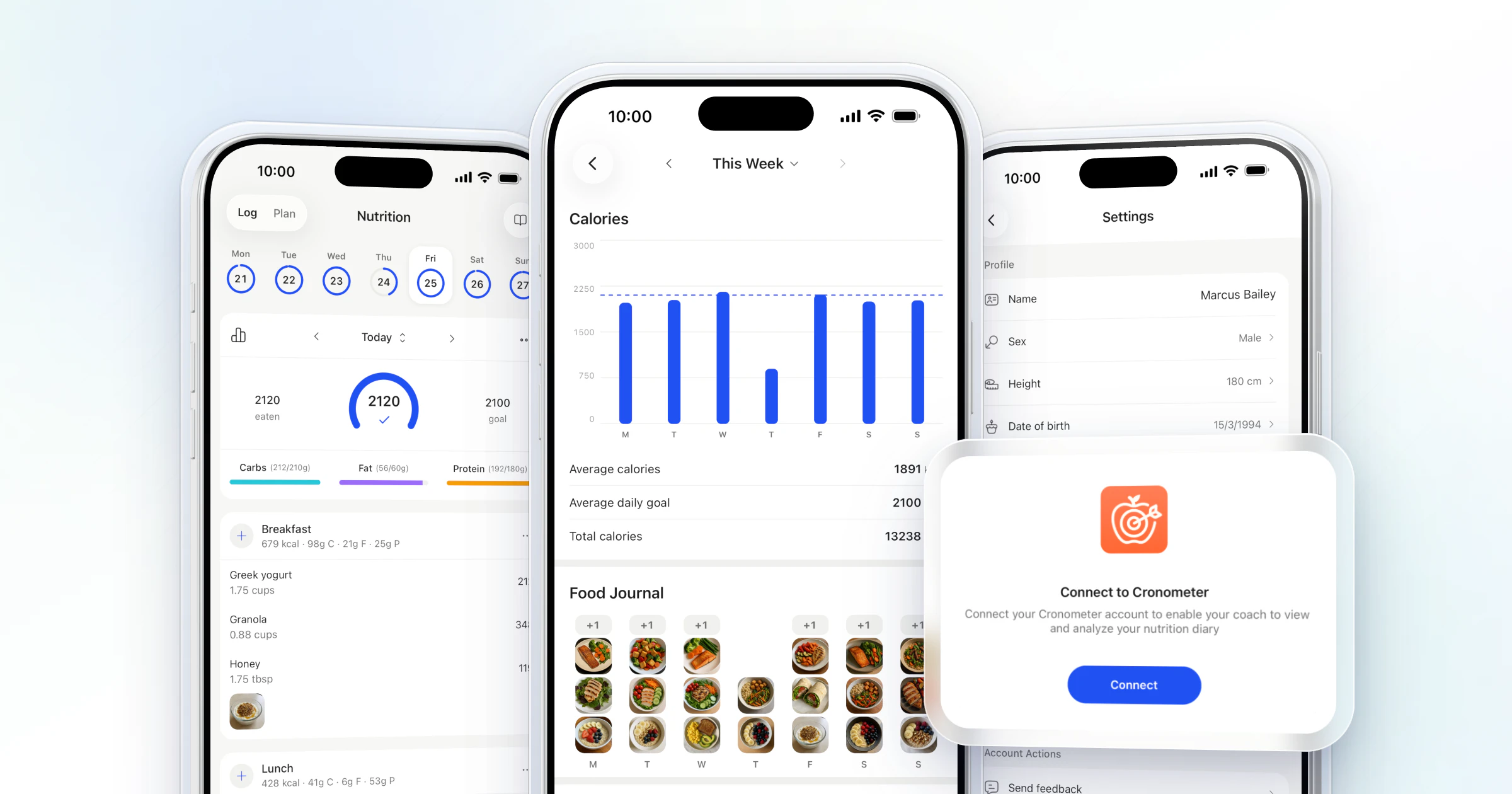
- Client Connected to Cronometer and Client Connected to Fitbit
- New Community Post
- Team Member Accepted Invite and Team Member Completed Task
20+ actions Zapier can take in your account, in four groups: client management, content assignment, communication, and your workspace and library. They include adding or archiving a client, assigning a form, a nutrition plan or a workout plan, triggering an onboarding flow, sending a message, adding a task and assigning a client to a team member.
Team members and the community are part of Ultimate too, with no add-on fee for Zapier.
Those triggers fire on what clients actually do. Your clients log their training, food, habits and check-ins in one app, the #1 coaching app, rated 4.9 on the App Store and Google Play, so every Zap starts from real activity: a weight logged, a workout finished, a check-in sent.
How do you automate the client journey with Zapier?
Give each stage of the client journey one job, and let the coaching app run the stages it can do natively: Zapier is for the handoffs between tools.
| Stage | What fires it | Zap or native | Example app |
|---|---|---|---|
| Lead | A form submission | Zap: Add Client | Typeform, Google Forms |
| Purchase | New Purchase | Zap: add to your email list | Mailchimp, Kit |
| Onboarding | The new client | Native: onboarding flow | None needed |
| Active training | Client Completed Workout | Zap: a new sheet row | Google Sheets |
| Check-ins | Client Submitted Check-In | Zap: Add Task for a coach | In-app tasks |
| Retention | Client Added Metric | Zap: Send Message at a milestone | In-app chat |
| Offboarding | A cancellation in billing | Zap: Archive Client | Your billing tool |
Two stages need no Zap at all. Onboarding runs on an onboarding flow the moment a client is added, whether you add them, they buy a package, or a Zap adds them. And if you sell through packages in HubFit, the purchase itself onboards the client. Packages come with Premium and up.
Not sure where to start? Our guide to fitness business automation covers what to automate first, natively and with Zapier.
10 Zapier workflows for personal trainers and coaches
These ten Zaps cover the handoffs most coaching businesses do by hand today; build the ones that match a job you repeat every week.
| When this happens | Do this | Example apps | Saves you |
|---|---|---|---|
| A lead form is submitted | Add the client | Typeform, Google Forms | Typing in new clients |
| A sale in another checkout | Add client, run onboarding flow | Your checkout | Setting up each sale |
| New Purchase | Add the buyer to your email list | Mailchimp, Kit | Exporting buyer lists |
| New Client Added | Assign client to a team member | In-app team | Routing clients by hand |
| Client Submitted Check-In | Add a task for the coach | In-app tasks | Unreviewed check-ins |
| Client Completed Workout | Log a row in a spreadsheet | Google Sheets | Building reports |
| Client Added Metric | Update a client tracker | Google Sheets | Copying numbers |
| New Community Post | Alert your team chat | Slack | Watching the feed |
| Team Member Completed Task | Notify the head coach | Slack, Gmail | Chasing your team |
| A cancellation in billing | Archive the client | Your billing tool | A cluttered client list |
Three of these deserve a note:
- The sale in another checkout. If you sell through packages in the app, skip this Zap: a purchase onboards the client by itself.
- The check-in task. Pair it with the check-in review inbox, where you compare a client's check-ins side by side and reply. Our guide to client check-ins covers the reply.
- The workout log. A weekly sheet of completed workouts per client shows who is drifting before they cancel.
Running a team? Read our guide to managing a coaching team before you build the routing Zaps.
Recipe: a welcome email sequence
New Purchase in HubFit adds the buyer to your email list, tagged with the package they bought. Your email tool then sends a short sequence: a welcome on day 0, "how is week one going?" on day 2, and what to expect next on day 7.
Keep the emails to welcome and expectations. The onboarding flow already assigns the program and the check-ins, so the emails never need to deliver content, and nothing arrives twice.
Recipe: waivers and documents, native first
Collect the PAR-Q and your waiver as a questionnaire with a signature question, and let the onboarding flow assign it to every new client. Nothing to connect. Use a Zap to an e-signature tool only for formal contracts. Our PAR-Q form and client intake form guides have the questions.
How to set up your first Zap in 4 steps
Your first Zap should take a lead form submission and turn it into a new client with their onboarding flow running.
- Pick the trigger. In Zapier, create a Zap and choose your form tool, such as Typeform or Google Forms, as the trigger app, with "new submission" as the event.
- Add the client. Choose HubFit as the action app, connect your account and pick the add client action. Map the form's fields to the client's details.
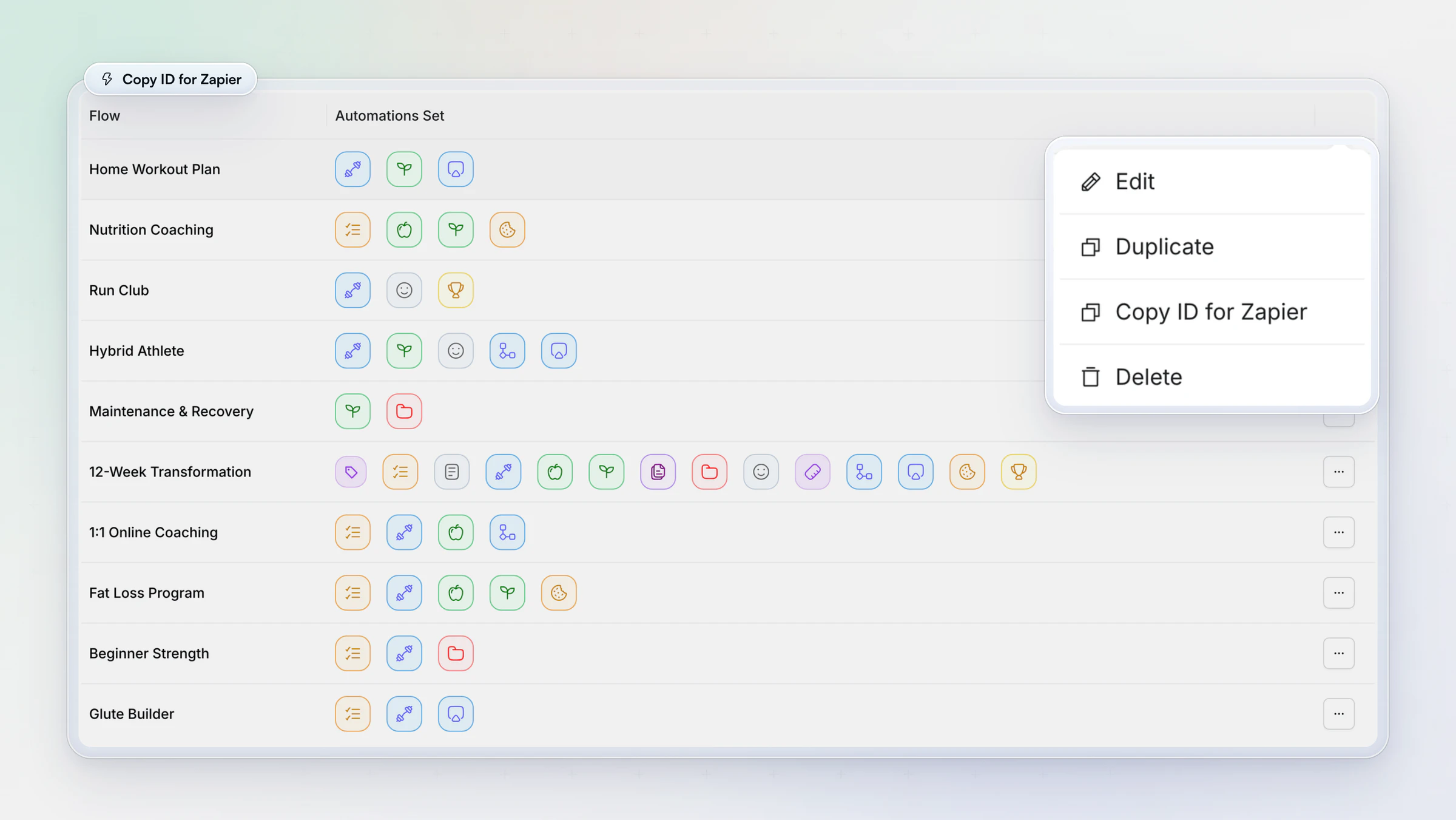
- Start their setup. Add a second action: trigger the onboarding flow for that offer, so the program, nutrition plan, habits and check-in arrive together. Each flow's menu has Copy ID for Zapier for this step. Zaps with more than one action need a paid Zapier plan.
- Test on a dummy client. Submit the form yourself, check the new client in the app, then archive them. Turn the Zap on only when the test is clean.
Want to try it on your own account? Start your free trial, build one onboarding flow, then connect Zapier.
Advanced Zaps once the basics run
Once your first Zaps have run cleanly for a few weeks, these four add reporting, milestones and routing without adding work.
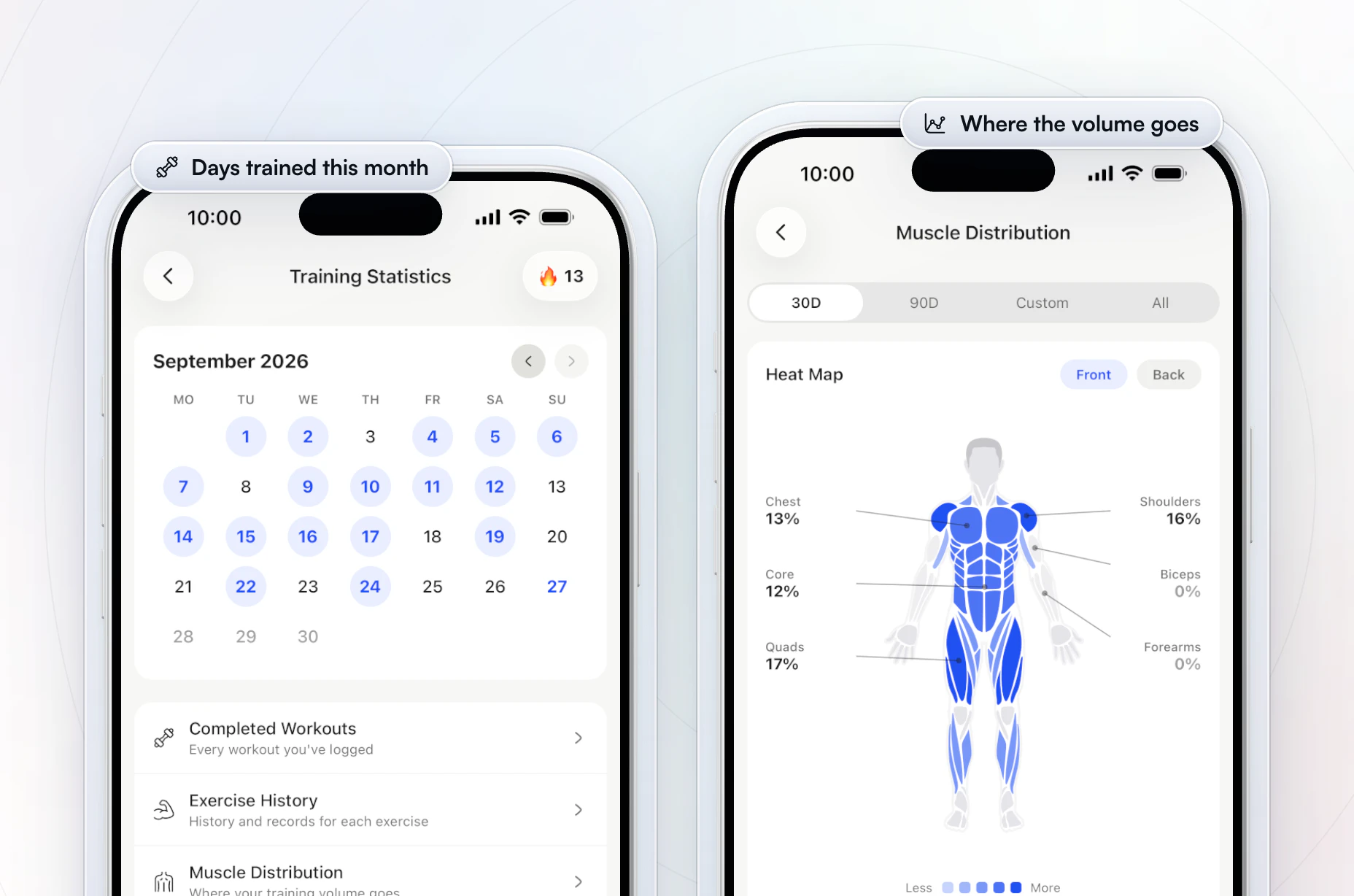
- A weekly reporting digest. Client Completed Workout adds a row to Google Sheets; a scheduled Zap posts a Friday summary to Slack, so you see the week's training in one message. Check what the app already shows first: each client's training calendar, completed workouts and a muscle heat map.
- A milestone message. Client Added Metric runs through a Filter step, and when a number crosses the line you set, Send Message congratulates the client. Read it before it goes live: it is in your name.
- Team routing by goal. New Client Added runs through Paths and Assign Client to Team Member sends each client to the right coach. If the goal is on the plan or package they bought, an onboarding flow can assign the coach natively instead.
- A nutrition handoff. Client Connected to Cronometer adds a task for the coach to check their food log setup. Our guide to the Cronometer integration covers the sync.
For a client who goes quiet, there is no "inactive client" trigger to build on. Use the app's own nudges instead: check-in reminders, an overdue check-in that stays on the client's home screen, and daily habit reminders, then a personal message from you.
How does HubFit connect to Zapier?
HubFit's Zapier integration has 11 triggers and 20+ actions, with no add-on fee.
With 20+ actions, one Zap can set up a whole client, from their plans and forms to their onboarding flow and coach. For the wider shortlist, see our guide to personal trainer software.
What should you not automate with Zapier?
Do not use Zapier for anything your coaching app already does, or for anything that needs your judgment.
- Duplicating native features. A Zap that assigns a program on signup breaks quietly; an onboarding flow in the app does the same job with nothing to maintain.
- Over-messaging clients. A message on every completed workout turns into noise. Celebrate milestones, and write your replies yourself.
- Building big Zaps first. Five steps that fail at step four are harder to fix than five two-step Zaps.
- Ignoring maintenance. The Zapier connection uses the workspace owner's API key, so if the owner or the key changes, your Zaps stop. Check Zapier's history for failed runs once a week.
- Forgetting the edge cases. A client who buys twice, a refund, a typo in an email. Add a Filter step for the cases you can predict, and check new clients against your list once a week.
- Forgetting the task count. Zapier bills by tasks, one for each action step that runs successfully, and its free plan runs two-step Zaps only (Zapier pricing).
FAQ
These are the questions coaches ask most about Zapier and their coaching software.
What is a Zap?
A Zap is one automation in Zapier: a trigger, such as a new purchase, plus one or more actions, such as adding the buyer to your email list. Once it is on, it runs by itself every time the trigger fires, the same way for every client.
Does HubFit integrate with Zapier?
Yes. It sends 11 events, such as New Client Added, New Purchase, Client Submitted Check-In and Client Completed Workout, to Zapier, and Zapier can take 20+ actions in your account: add or archive a client, assign plans and forms, trigger an onboarding flow, send a message or assign a coach. See all integrations.
What is the best coaching software with a Zapier integration?
Our pick is HubFit, the #1 coaching app. Its Zapier integration covers clients, purchases, check-ins, workouts, the community and your team, and it can set up a new client in full from a form or a sale, with no add-on fee.
Is Zapier free for personal trainers?
Zapier has a free plan that runs two-step Zaps, one trigger and one action, with a monthly task limit. Zaps with several actions need a paid Zapier plan. Your coaching software decides the rest: on HubFit, Zapier comes on its top plan with no add-on fee.
Can Zapier send my client data to Google Sheets?
Yes. Use Client Completed Workout or Client Added Metric as the trigger and "create spreadsheet row" in Google Sheets as the action, and every event becomes a new row. A weekly sheet like that shows who is training and who is drifting.
Do I need Zapier if my coaching app has automations?
Often not. Onboarding flows set up each new client, and AutoFlow schedules programs, resources and messages over the weeks after; AutoFlow comes with Premium and up. Use Zapier for the steps outside your app.
Can Zapier add new clients to my coaching app?
On HubFit, yes. A Zap can add the client from any form or checkout Zapier connects to, then trigger their onboarding flow and assign them to a team member. For the full setup, read our guide to client onboarding automation.
Automate the handoffs, keep the coaching
Build your onboarding flow in HubFit first, then add one Zap for the stage that costs you the most time today. Every new client gets the same setup, and you never copy a name again. Try it free for 14 days.