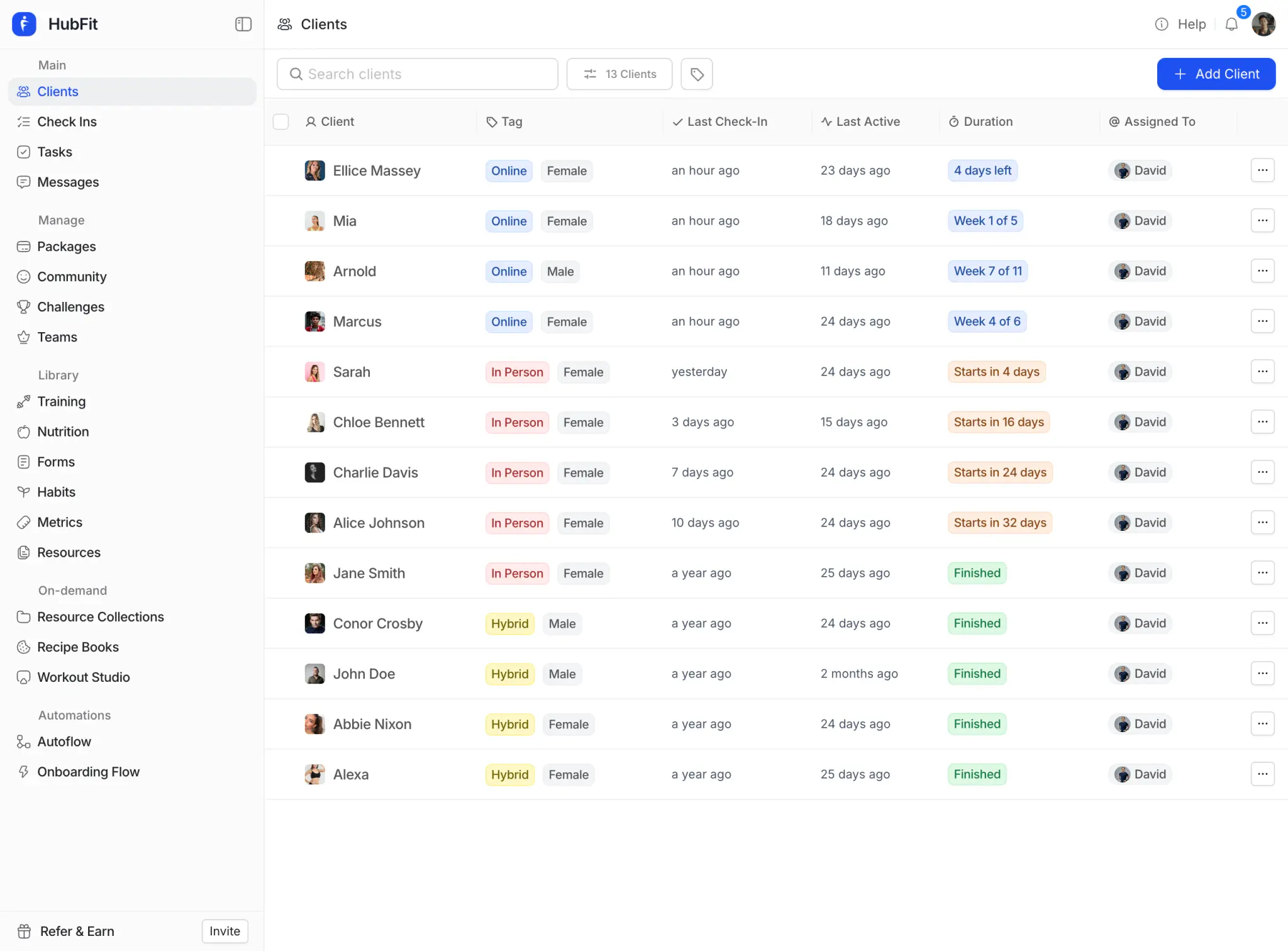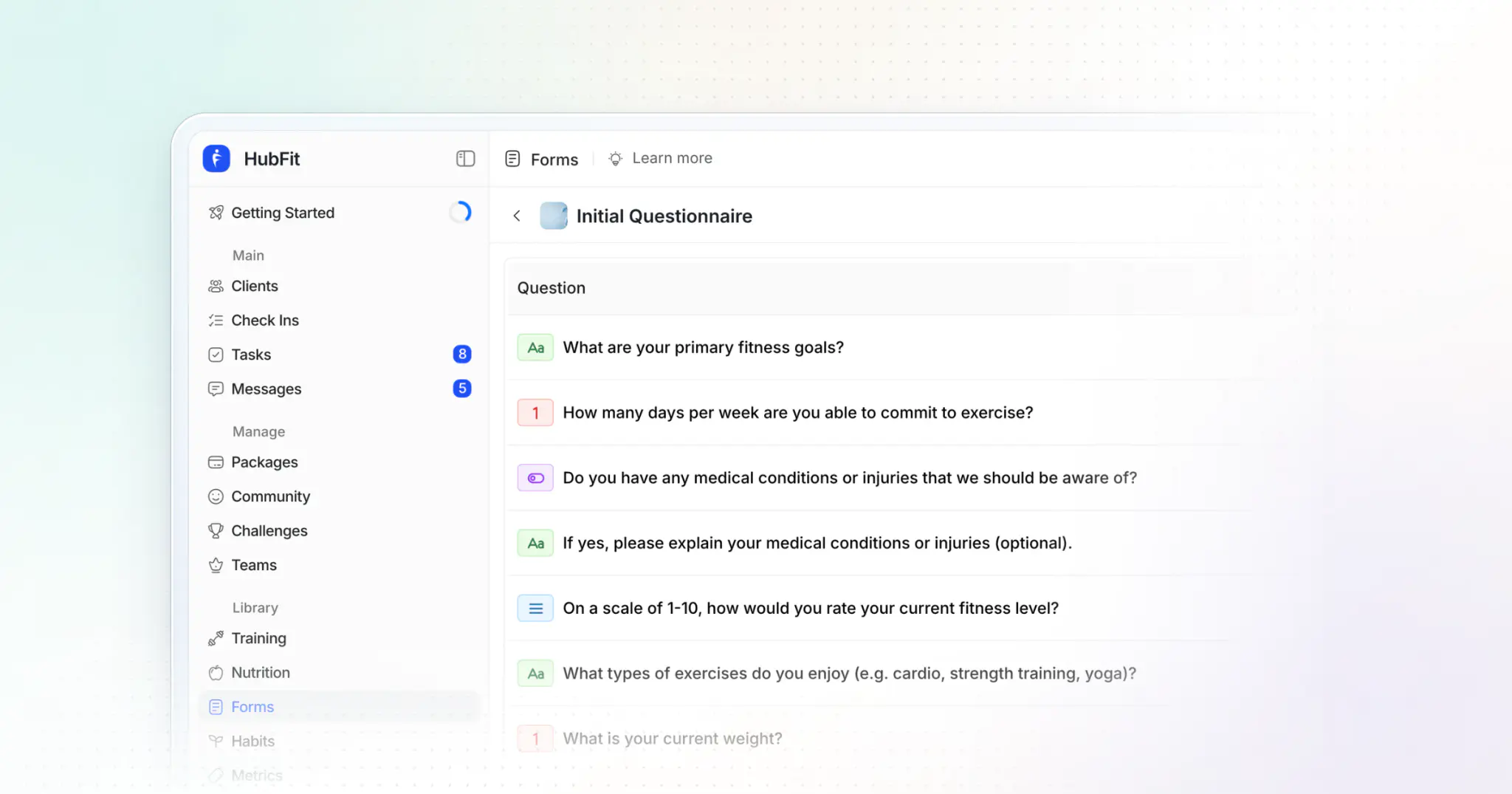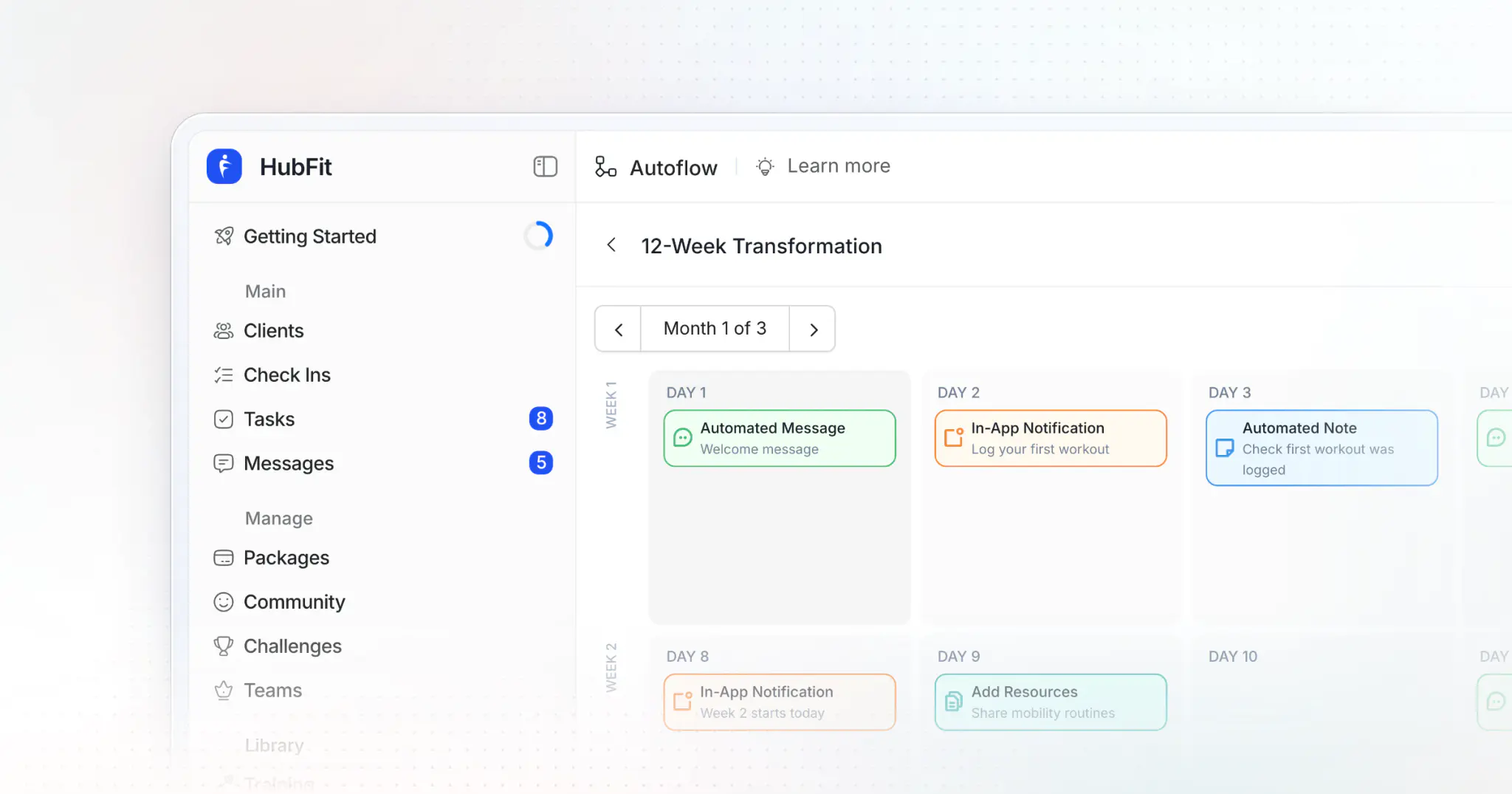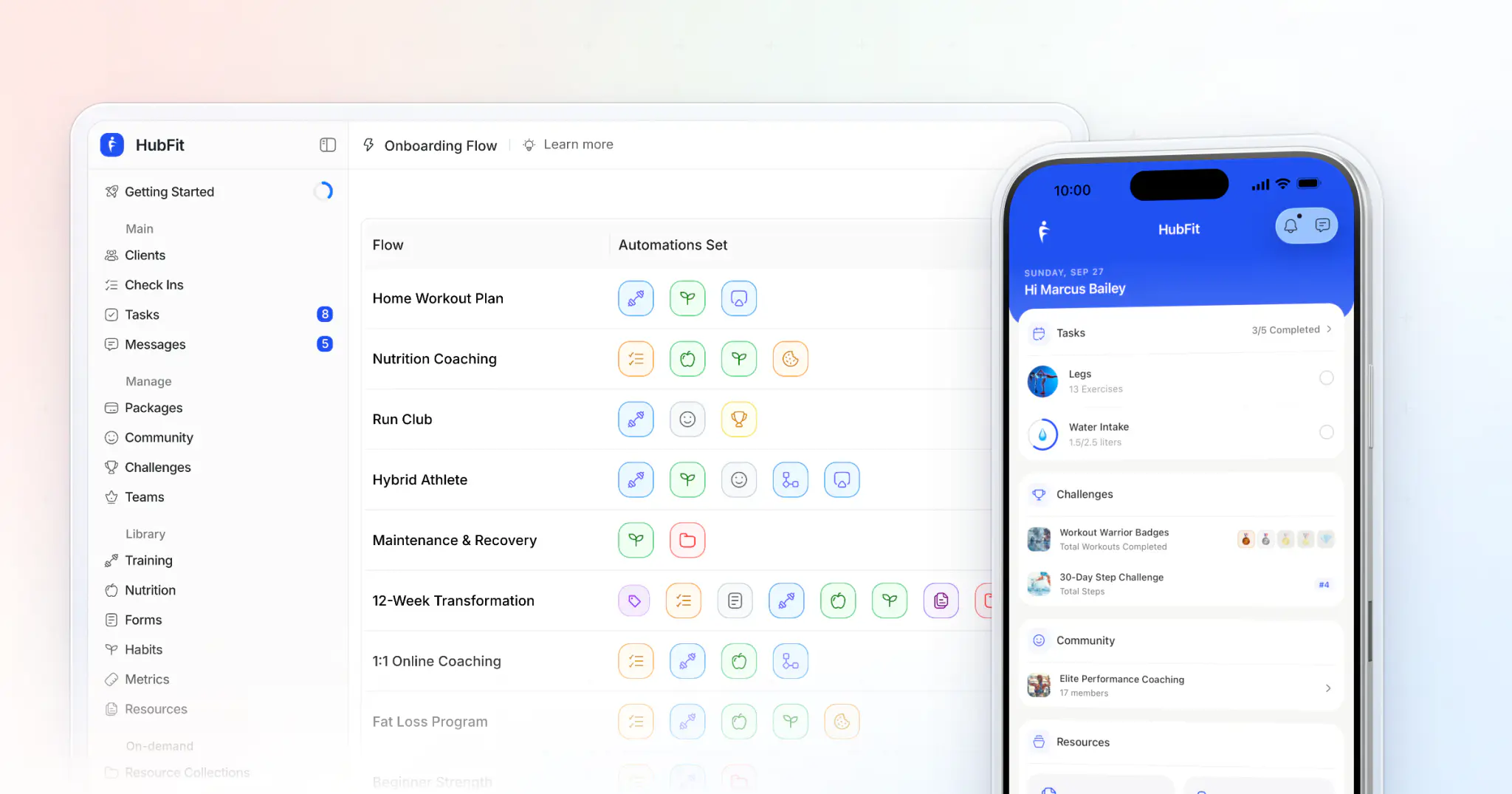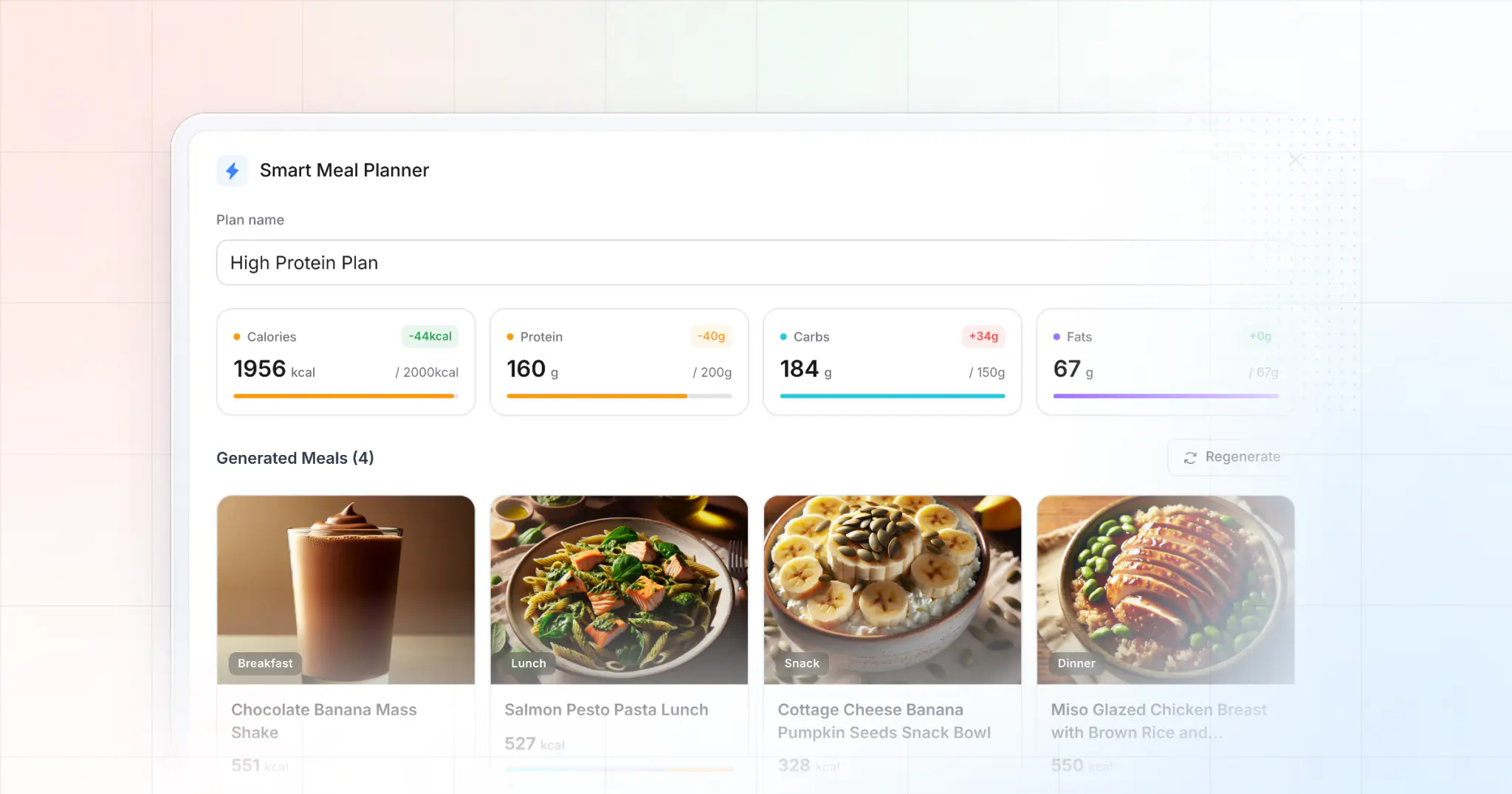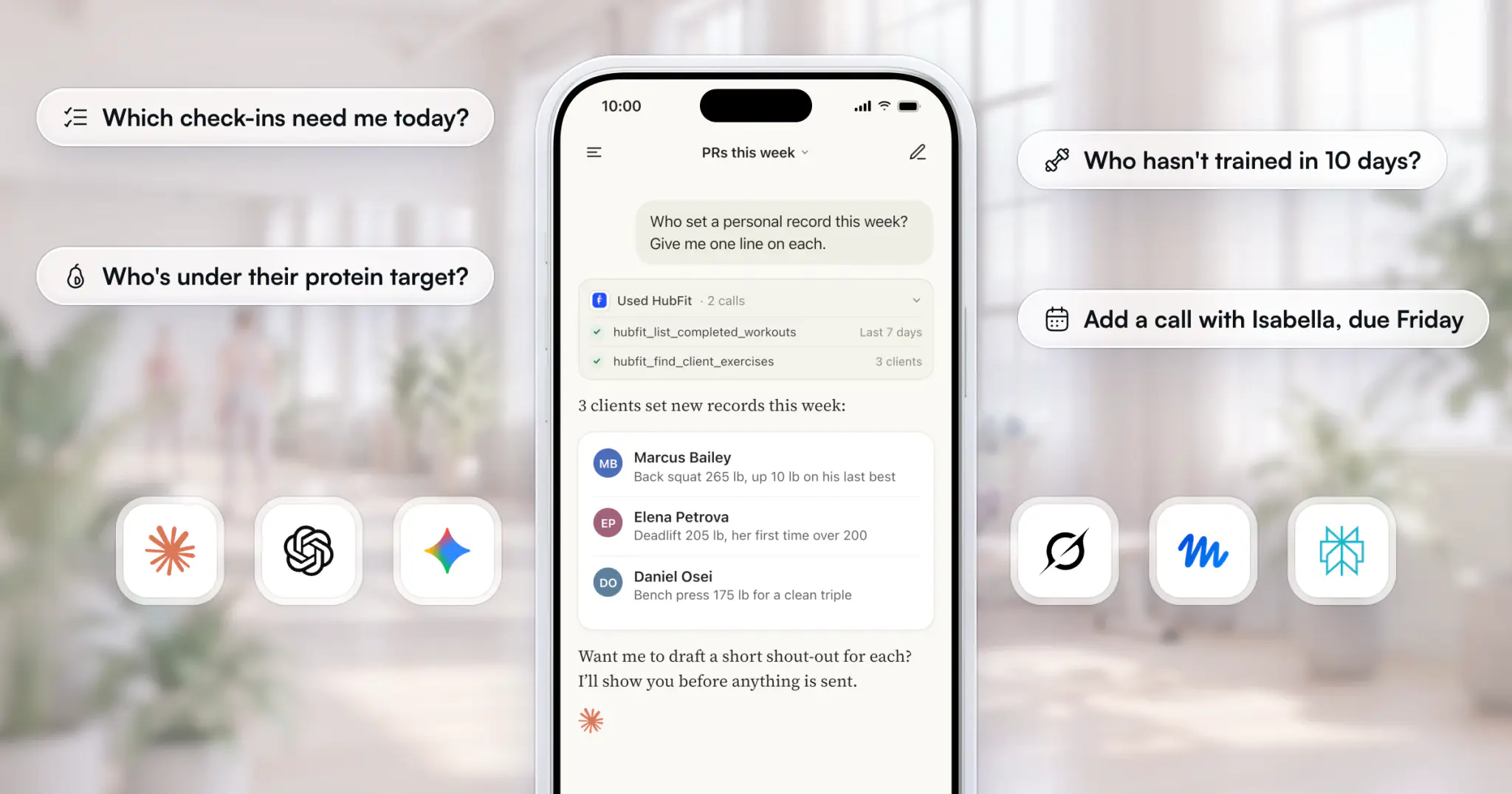
The most useful ChatGPT prompts for personal trainers ask about your real clients: who missed a check-in, who set a PR, who's under their protein target. Connect ChatGPT, Claude, Gemini, Grok, Muse or Perplexity to HubFit, the coaching app your clients train, log and check in with, and the 40 prompts below run on their real logs. Nothing changes until you approve it.
Not on HubFit yet? Add your clients on a free trial, and these prompts work as soon as they log. For prompts that work in any chat, see our guide to AI for personal trainers.
Key takeaways
- Generic prompts write; connected prompts know who skipped their workout.
- Schedule the best ones: a routine in Claude or a task in ChatGPT has the answer waiting each morning.
- Copy the formula, not just the prompts: who, when, what, how you want it, and "show me before you send".
40 ChatGPT prompts for personal trainers
Connect your assistant once in Settings → MCP (our guide to MCP for fitness coaches shows how), then copy one prompt at a time and swap in your clients' names.
Check-ins (1 to 6)
Check-in day is where these save the most time, because the assistant reads every answer before you do.
-
Which check-ins are waiting for my review? Summarize each one in a line and flag anything that needs a reply today. -
Summarize Maya Collins's last four check-ins. What's improving, what's slipping, and what should I ask her next week? -
Draft a review comment for Sam's latest check-in: two sentences, one win and one focus for next week. Show me before you send it. -
Which answers on this week's check-ins scored lowest? Quote them word for word, with the client's name. -
Which clients haven't submitted a check-in in the last two weeks? -
Go through today's check-ins and draft feedback for each one. Show me each draft before it goes.
Why they work: each asks for a short output and keeps the send behind your approval. For the questions worth asking clients in the first place, see our list of client check-in questions.
Training and progress (7 to 12)
Training prompts read every completed workout, set and personal record, so progress questions get exact answers.
-
Who set a personal record this week? Give me one line on each that I can use in my reply. -
How has Maya's back squat progressed over the last six weeks? Show her top set each week. -
Which clients completed fewer than two workouts last week? -
Show this week's workout ratings and notes, toughest first. -
Rank my clients tagged "online" by workouts completed this month. -
Read Marcus's last three leg sessions set by set. Is his volume going up, flat or down?
Why they work: they name a lift, a window or a tag, so the assistant reads the right logs instead of guessing.
Nutrition (13 to 18)
Nutrition prompts compare what clients logged with the targets you set, day by day. More on the coaching side in how to track client nutrition.
-
Who was under their protein target on most days this week? -
Which clients haven't logged food in five days or more? -
Compare Jess's logged calories with her targets for each day last week. Which days were furthest off? -
What did Daniel eat on his lowest-protein day this week? Suggest two swaps using foods he already logs. -
Which clients hit their macro targets on five or more days this week? I want to send them a shout-out. -
Do my clients log less on weekends? Compare weekday and weekend logging for the last month.
Habits, health data and metrics (19 to 24)
These prompts read the habits you assign, body metrics, and steps and sleep from Apple Health or Health Connect.
-
Which clients missed their step goal three or more days this week? -
Which clients slept under six hours on average last week? -
Show Ella's water habit by week for the last month, misses included. -
Who hasn't logged a weigh-in or a measurement in two weeks? -
Which habit did my clients miss most this month? -
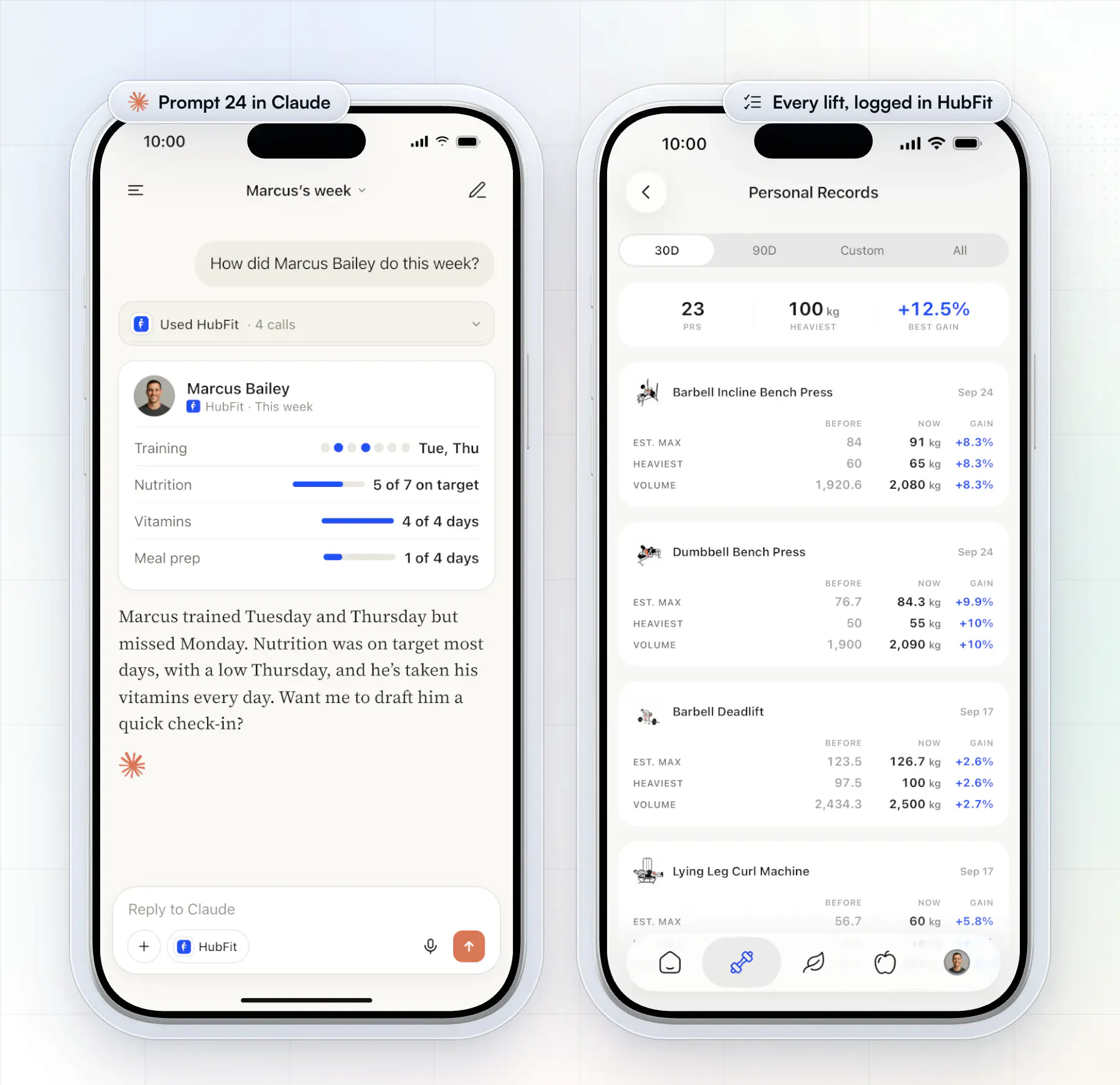
Give me Marcus's week in one paragraph: training, nutrition and habits.
Why they work: a missed step goal or a short night shows a slip first, long before a client cancels.
Prompt 24 replaces opening four tabs on one client. Here, Claude reads Marcus's week across training, nutrition and habits in one answer.
Retention: who's gone quiet (25 to 30)
Retention prompts look across your whole roster at once, which no coach has time to do by hand every week.
-
Who hasn't trained, logged food or checked in for 10 days? -
Which clients trained less this month than last month? Sort by the biggest drop. -
List my clients tagged "new" and how many workouts each has completed so far. -
Who's been the most consistent this month across training, nutrition and check-ins? I want to celebrate them. -
Add a task for me to call everyone who hasn't checked in for two weeks, due Friday. -
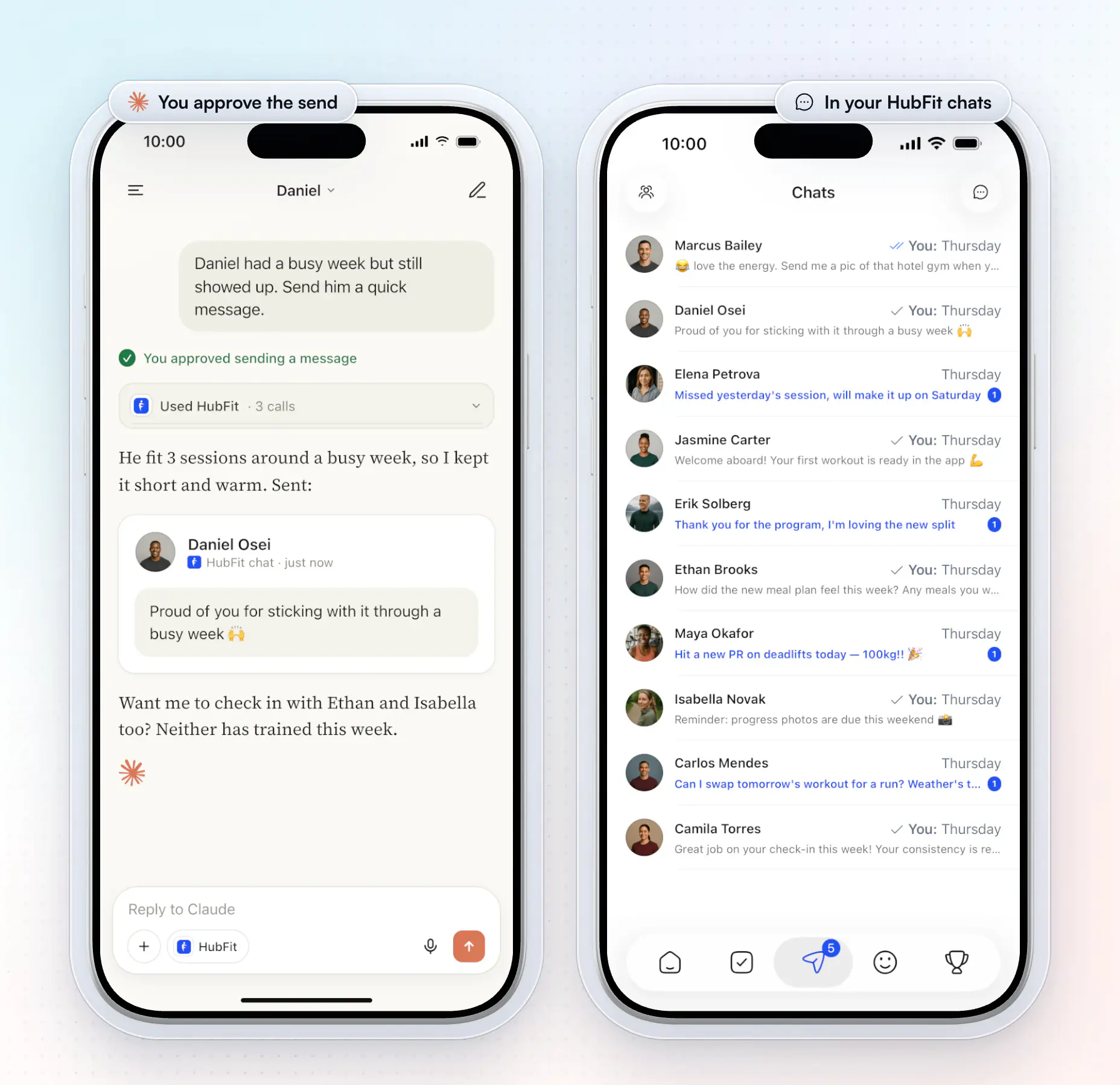
Draft a short, warm message for each client who's gone quiet for a week. Show me each one before you send it.
Why they work: they find the quiet clients and hand you the next step in the same chat. Pair them with our guide to keep clients accountable.
When you approve, the message goes out from you, in your own chat with the client, and they're notified straight away.
Admin: clients, notes and tasks (31 to 36)
Admin prompts add clients, write notes and manage your tasks, each one after your approval.
-
Add jamie@example.com as a client and run the New Online Client onboarding flow. -
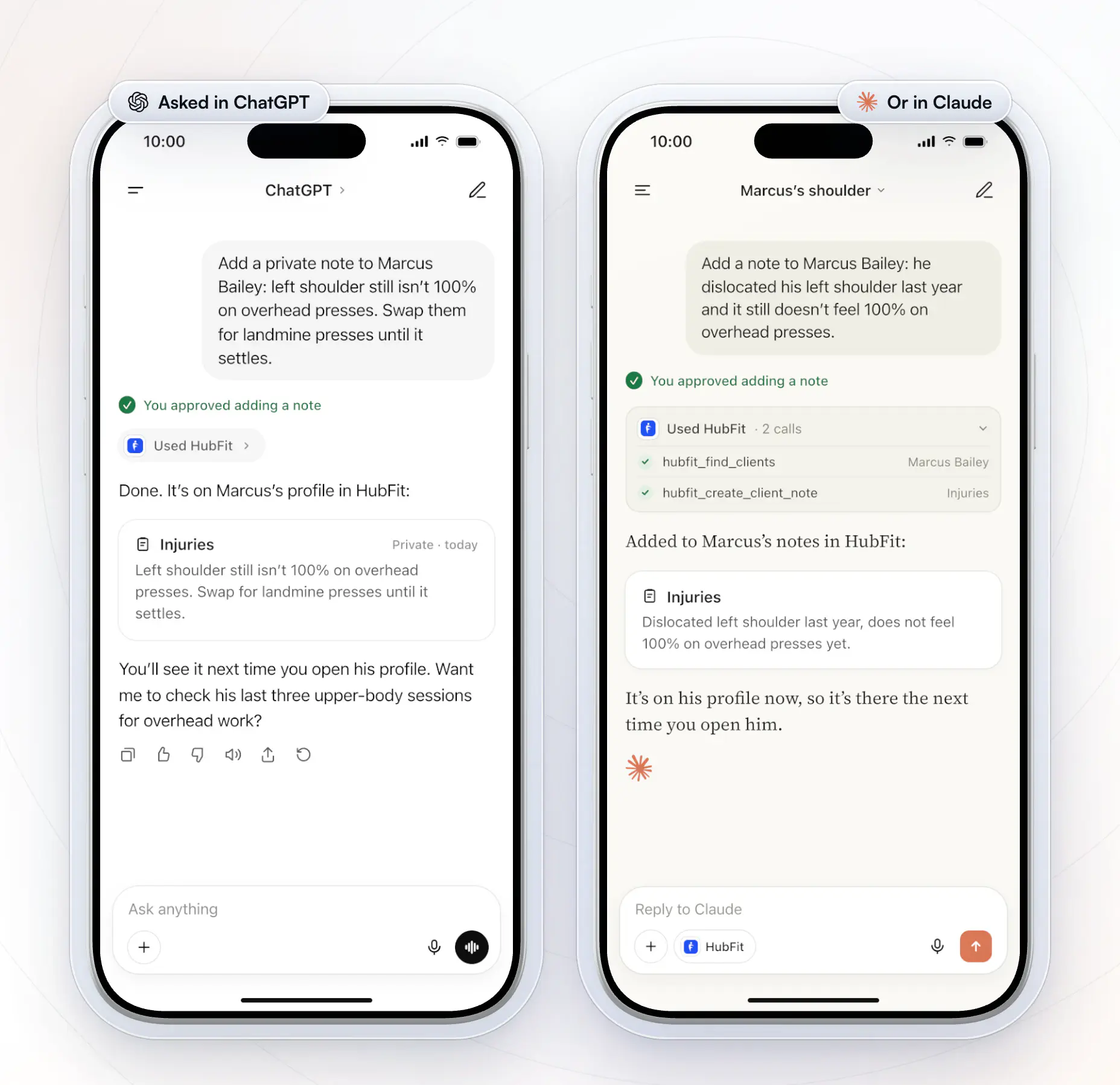
Add a private note to Maya's profile: left knee niggle, swap back squats for box squats until cleared. -
What notes do we have on Marcus? Summarize anything about injuries or his schedule. -
Which tasks are overdue, and when is each one due? -
Move every task due today to Monday. -
Which tags have the most clients, and which clients have no tag at all?
Why they work: they replace the clicks between onboarding, profiles, notes and the Tasks page with one sentence.
The same prompts work in ChatGPT. A note you dictate between sessions lands on the client's profile, where you'll see it the next time you open them.
With your other tools (37 to 40)
These prompts combine your client data with other connectors in your assistant, or run on a schedule.
-
Using HubFit and Google Calendar: list today's sessions with each client's last workout and any notes I should read first. -
Using HubFit and Slack: post a summary of the check-ins waiting for review to our coaching channel. -
Using HubFit and Canva: make a "PR of the week" graphic for Maya from her best lift this week, for me to send her. -
Every weekday at 7am, give me a briefing from HubFit: check-ins waiting, this week's PRs, and anyone who's gone quiet, with a draft message for each.
Save prompt 40 as a routine in Claude or a task in ChatGPT, and it runs before your first session.
Which prompts suit each kind of coach?
The best prompts depend on how you coach: online, in person, nutrition, a gym team or a big program. These are two to start with for each.
Online coaches
Online coaches get the most from roster-wide prompts, because they can't see clients in person.
Rank my clients tagged "online" by check-ins submitted this month and flag anyone with none in the last two weeks.
Summarize every check-in from the last 7 days in one line each, worst week first.
In-person personal trainers
In-person trainers use prompts on their phone, between sessions, to walk into each session prepared.
What has Marcus logged in the last 7 days? Include any notes about injuries.
Which clients tagged "in-person" haven't logged a workout this week?
Nutrition coaches
Nutrition coaches use prompts that compare food logs with targets, so a week of meals becomes a short list.
Who logged food on fewer than 4 days this week? Show their protein average next to their target.
Which clients are consistently over their calorie target on weekends? Give me the numbers.
Gyms and studios
Gym owners ask across the whole roster, and each coach on the team asks about their own clients.
Across all our coaching clients, who hasn't trained, logged food or checked in for 10 days?
List my clients tagged "new" and how many workouts each has completed so far.
Fitness creators and influencers
Creators selling a program to a large group use tags to ask about everyone in it at once.
Rank my clients tagged "12-week shred" by workouts completed this month.
Who in my "12-week shred" group set a personal record this week? Write one shout-out line for each.
How do you schedule prompts as routines and tasks?
A routine is a prompt that runs on a schedule, so the answer is waiting before you open the app. In Claude, save any of these as a routine: set the day and time, keep the connector on, and each run's briefing waits for you in Claude, ready to read and approve from. In ChatGPT, the same thing is a task: schedule the prompt with the HubFit connector turned on.
Monday: plan the week
Runs: Mondays, 6:00 AM. You start the week with one list: who needs you, what's due and who to praise.
Every Monday at 6am, use HubFit to plan my coaching week.
1. List my open tasks due this week, overdue first.
2. List the check-ins waiting for my review.
3. Find clients with fewer than two workouts last week, or no food logged in 5 days.
4. Name anyone who set a personal record last week.
Group everything by client and keep it to one screen. Suggest a follow-up task for each client in step 3, and add only the ones I approve.
Check-in night: draft every review
Runs: Sundays, 7:00 PM. Check-in day becomes reading and approving, not writing from scratch.
Every Sunday at 7pm, go through the check-ins submitted this week.
For each client:
- one line on how their week went (workouts done, nutrition, energy),
- their lowest-scoring answer, word for word,
- a two-sentence review: one win and one focus for next week.
Show me every draft before anything is sent. If a client mentions pain, an injury or a schedule change, add a task for me to adjust their program, due Tuesday.
Morning nutrition check
Runs: Daily, 9:00 AM. Small nutrition slips get a nudge the next morning, not at the end of the month.
Every morning at 9am, check yesterday's food logs against each client's targets.
List anyone who logged nothing, or ended more than 20% under their protein target, with their average for the last 3 days.
For each one, draft a short, friendly nudge with one easy swap from foods they already log. Wait for my OK before sending.
New-client watch
Runs: Daily, 12:00 PM. The first weeks decide who stays, so no new client goes quiet unnoticed.
Every day at noon, check my clients tagged "new".
For anyone who hasn't logged a workout or a meal in the last 3 days, show what they have done so far and draft a warm, short message to help them get started.
Add a task for me to call each of them, due tomorrow, once I approve.
Friday wins
Runs: Fridays, 4:00 PM. You end the week with ready-made praise, which clients remember.
Every Friday at 4pm, find this week's wins:
- new personal records, with the lift and the number,
- clients who trained 4 or more times this week,
- clients who hit their step goal on 5 or more days.
Write one shout-out line for each that I can send or share in my weekly check-in reply. Don't send anything yourself.
Monthly retention review
Runs: 1st of the month, 8:00 AM. The clients most likely to cancel show up a month before they do.
On the 1st of each month, compare each client's workouts and check-ins last month with the month before.
List the 5 biggest drops with the numbers, plus anything they said in check-ins about schedule, motivation or injury.
Suggest one next step for each, and add a call task for the ones I pick.
Every routine drafts and suggests; nothing reaches a client until you approve it. Start with one, run it for a week, then add the next.
How do you turn answers into to-dos?
You turn an answer into a to-do by asking for one in the same chat: the assistant adds it to HubFit's Tasks page (your coaching to-do list, not a scheduled ChatGPT task), with a title, a due date and the client it's about, once you approve. Tasks stay with your team and never reach the client.
These prompts work in Claude and ChatGPT alike:
Look at this week's check-ins. For every client who mentions pain, travel or a schedule change, add a task for me to adjust their program, due Thursday, with the client attached.
For each client who hasn't checked in for 14 days, add a task called "Check in with" and their name, due tomorrow.
Add a task due Friday to call each client tagged "new", with the client attached.
Find everyone who set a personal record this week and add one task for me to post their shout-outs, due Saturday, listing their names in the task.
List every open task about Marcus Bailey, and mark the ones about his shoulder as done.
Move every overdue task to tomorrow and show me the new list.
Team members, and tasks you assign to them, come with Ultimate; on every paid plan the tasks above go to you.
How do you use these prompts?
You use them in three steps, and the first takes a few minutes once.
- Connect your assistant. Choose it in Settings → MCP; the setup guide has the steps.
- Paste a prompt and swap in your names. Change "Maya" to your client and "this week" to the window you want.
- Read before you approve. A message or a check-in review reaches the client the moment you approve it.
If the assistant searches the web instead of your clients, start the prompt with "Using HubFit, …".
Why do prompts work better with client data?
Prompts work better with client data because the assistant answers from what your clients actually did, not from what you remember to paste in. Personal trainers are already using ChatGPT for programs and captions; connected prompts are for the coaching week itself. A plain chatbot can't see your roster, so most prompt lists for trainers stop at captions and sample workouts.
| Without client data | Connected with MCP | |
|---|---|---|
| "Who needs me this week?" | It can't know | Names, from their logs |
| A check-in reply | A template | Their answers, quoted |
| A progress question | A guess | Every set they logged |
| The next step | You copy and paste | Sent once you approve |
The connection is MCP (Model Context Protocol), an open standard that lets an assistant read and act in your coaching software.
How do you write your own coaching prompts?
A coaching prompt is a short request to your AI assistant that names who, when, what you want to know, how you want the answer, and whether anything should be sent. It's the same advice OpenAI and Anthropic give for any prompt: be clear, specific and direct.
| Part | Example |
|---|---|
| Who | "My clients tagged online" |
| When | "This week", "since October 1" |
| What | "Under their protein target" |
| How | "One line each, worst first" |
| Approval | "Show me before you send it" |
Short windows and tags also keep big roster questions quick to answer.
How does HubFit make these prompts work?
These prompts work because the data they ask about already lives in one app: workouts, nutrition, habits, health data, check-ins, notes and tasks.
- One connection, every client. Your assistant can read nearly everything in your coaching account.
- In-person clients too. Give them the app for logging between sessions, tag them "in-person" and ask about them the same way.
- It's on every paid plan. No per-call fee, and it works in your assistant's phone app.
See everything it does on the HubFit MCP page.
FAQ
Quick answers to what trainers ask before they try these prompts.
Can ChatGPT see my clients' data?
Only if you connect it. A regular ChatGPT chat sees only what you paste in. Once you connect HubFit and sign in, ChatGPT can read your clients' check-ins, workouts, nutrition logs, habits, metrics and notes. Only you, the team members you assign and the assistant you connect can see it, and we don't train AI models on it.
Do my clients need to use HubFit?
Yes, so there's something to ask about. Your clients log workouts, food, habits and check-ins in the HubFit app on iPhone or Android, and their Apple Health or Health Connect data comes in too. Add a client from HubFit, or with prompt 31, and their logs are there for your assistant from their first day.
How do I move my clients over?
Add them in bulk with HubFit's client import, one at a time, or with prompt 31, which emails each one their login. Every workout, meal and check-in they log from then on is something you can ask about.
Do these prompts work in Claude and Gemini?
Yes. HubFit connects to Claude, ChatGPT, Gemini, Grok, Muse and Perplexity, and prompts 1 to 36 work the same way in each. Claude also runs them from its phone app with voice. To schedule one, save it as a routine in Claude or a task in ChatGPT.
Do I need a paid ChatGPT plan?
Yes, ChatGPT needs a paid plan to add a custom MCP server. Other assistants have their own rules: Gemini needs a personal Google account in the US, for example. On our side, MCP is included on every paid plan.
Will the assistant send messages on its own?
No. Claude and ChatGPT ask you to approve each message, check-in review, note and task before it runs. Read it first: a message or review reaches the client straight away. You can also turn off the tools that change data and keep the assistant to answers only.
Can I run a prompt every morning?
Yes. Save a prompt as a routine in Claude or a task in ChatGPT, such as prompt 40, and a fresh briefing waits for you each morning with the check-ins to review, the week's PRs and the clients who've gone quiet.
Can ChatGPT write workout programs for my clients?
It can draft one in the chat, and HubFit's Workout AI drafts workouts straight into your library, with Premium and up. Check every draft against the client's history and injuries. Our guide to AI for personal trainers has drafting prompts for programs, meal plans and content.
Start with prompt 25 this week
Connect your assistant, paste "Who hasn't trained, logged food or checked in for 10 days?", and message the first three names before Monday.