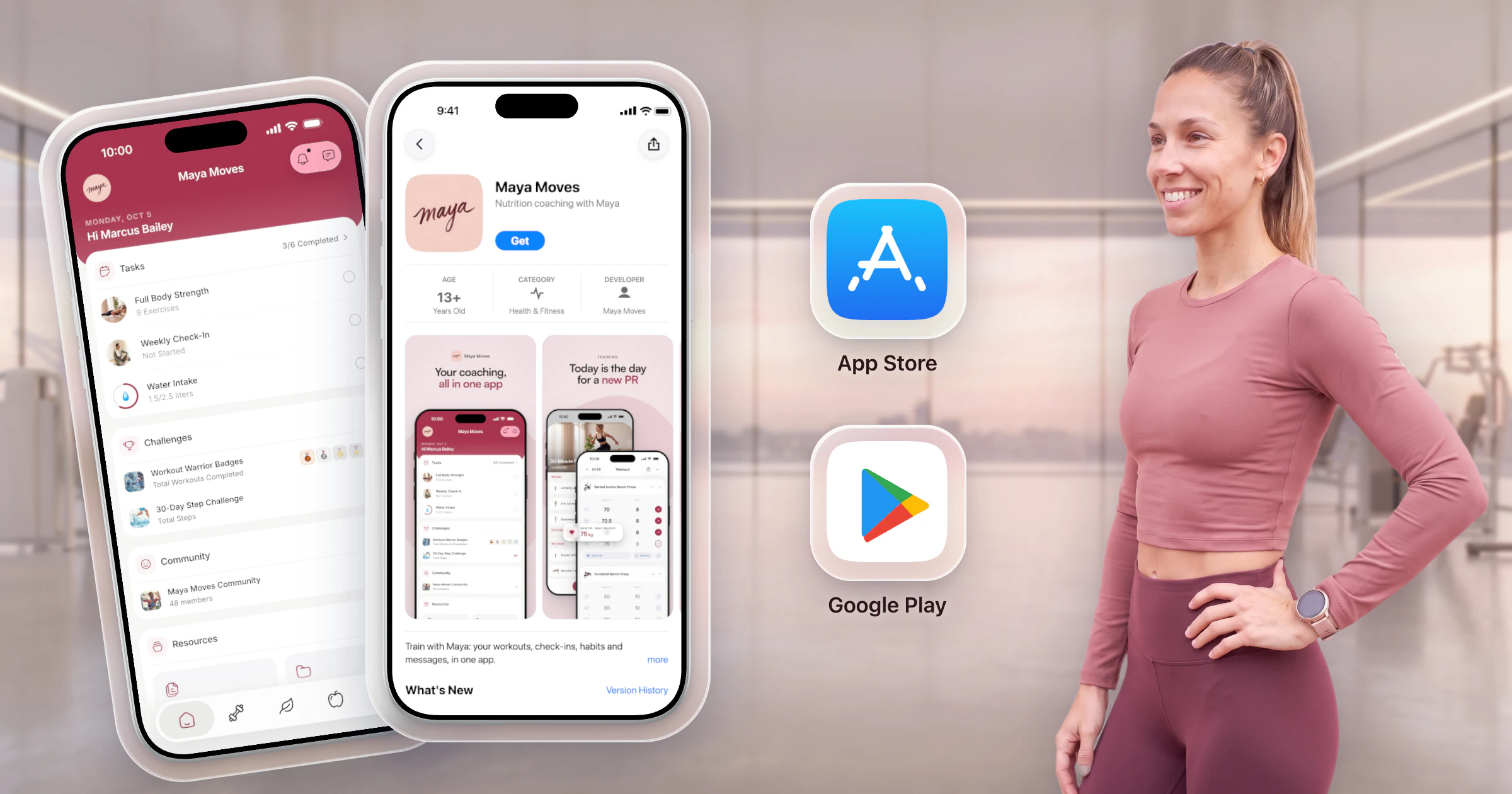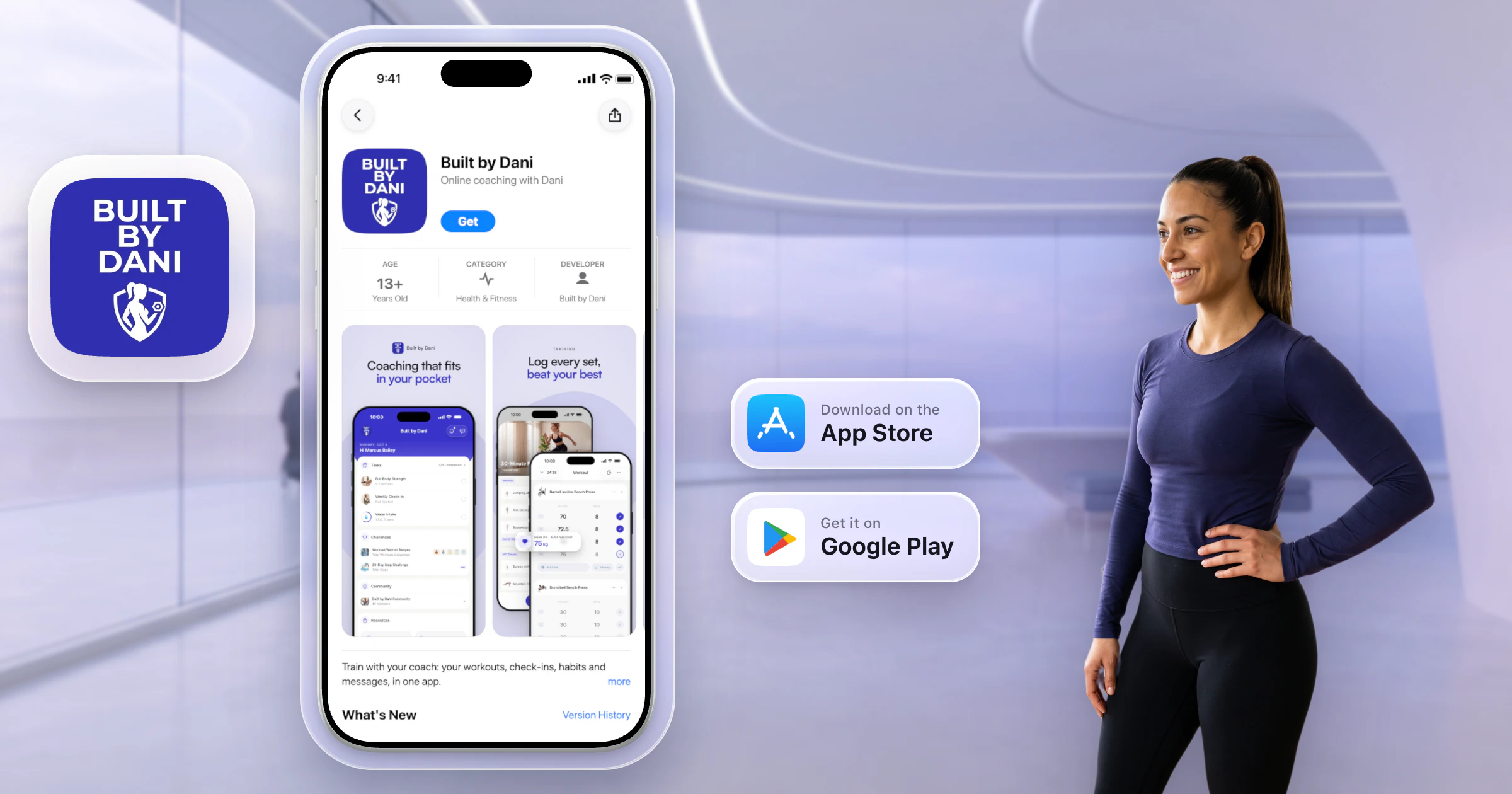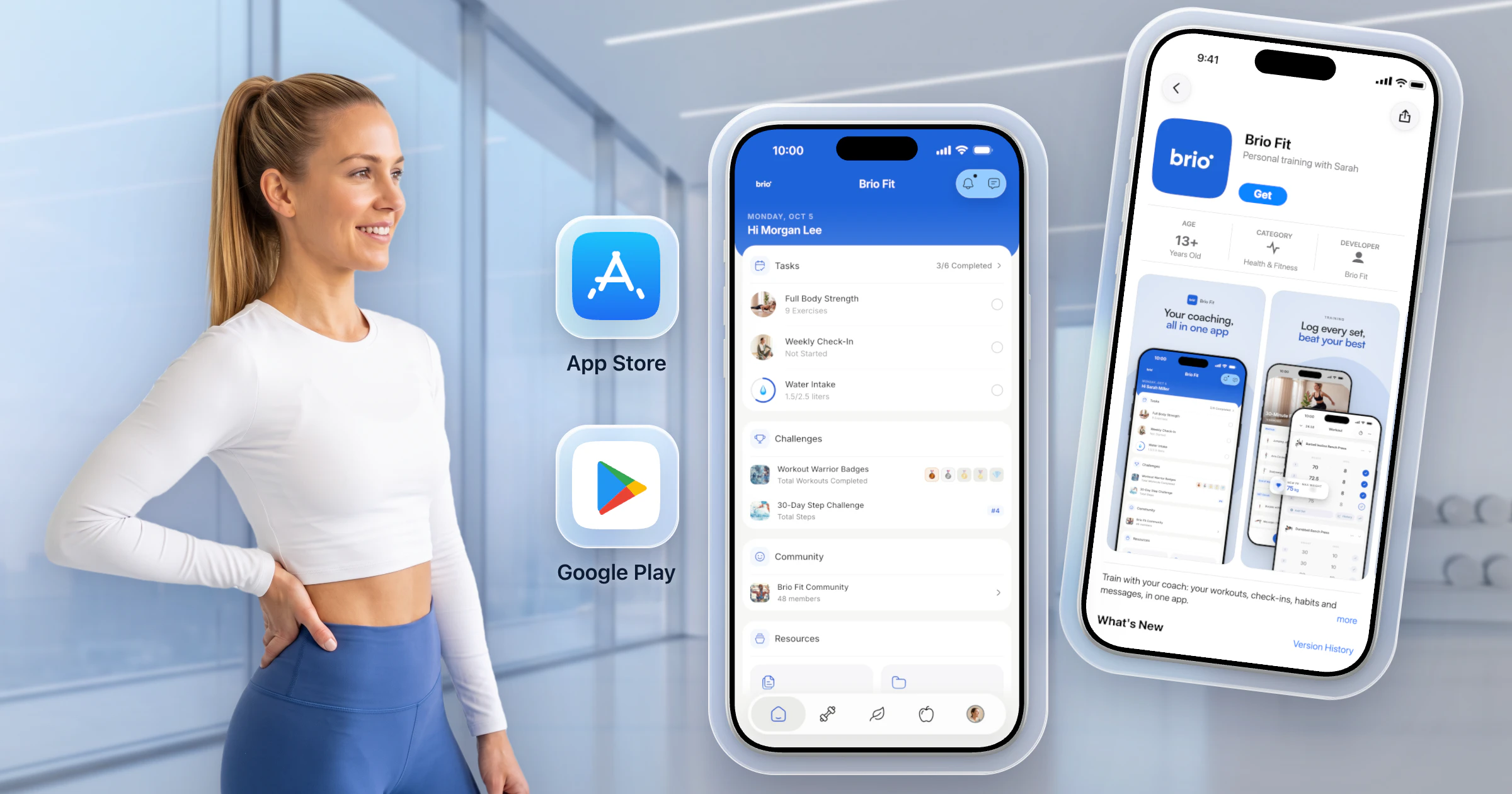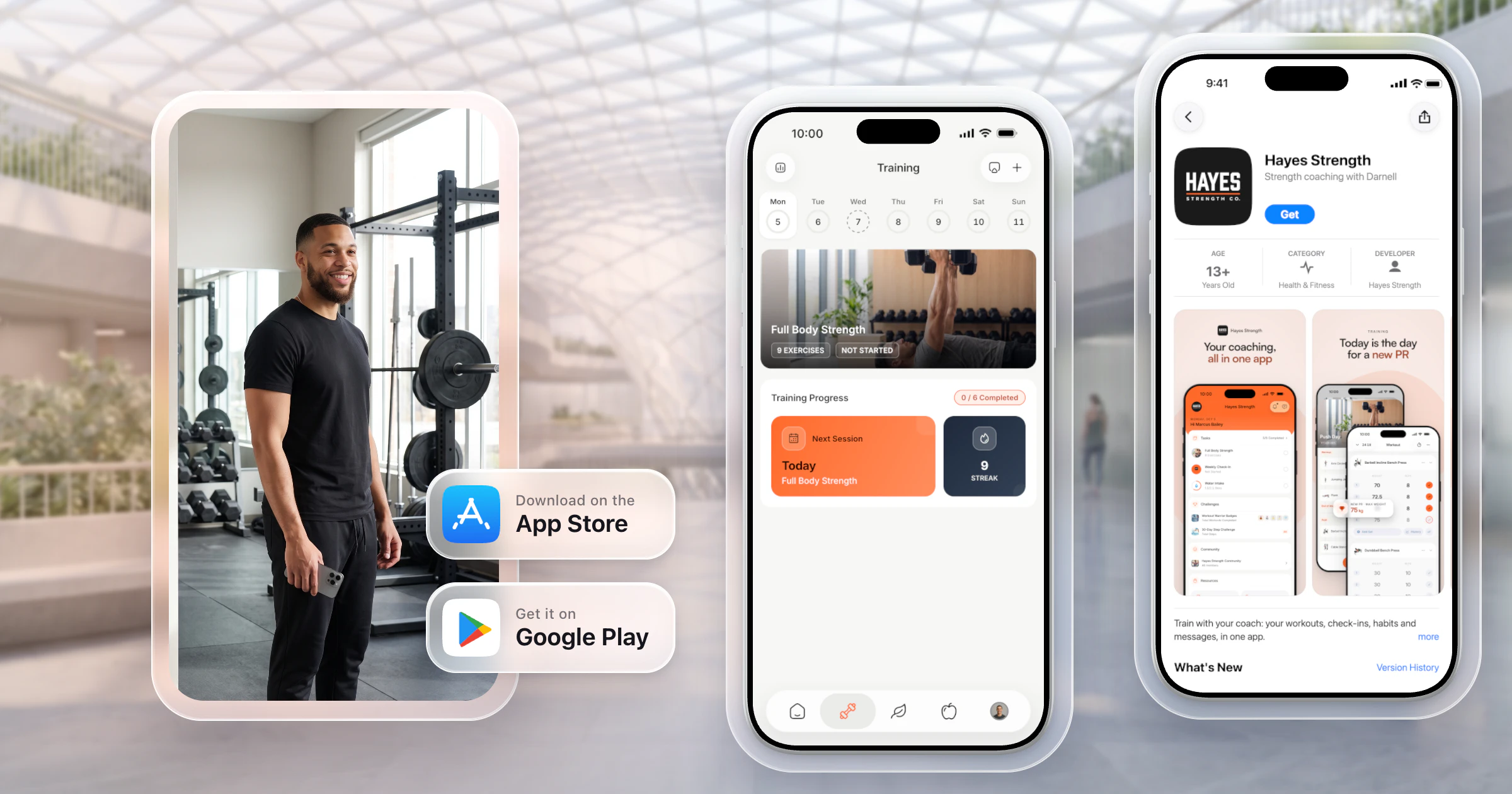
The easiest way to get your fitness app on the App Store and Google Play is HubFit's Branded App: we build, submit and maintain it under your business's name. You open your Apple and Google developer accounts as an organization, and your app is typically live in 7 to 10 business days once they're ready.


Your own app on the App Store and Google Play
- No setup fee
- Live in 7 to 10 business days
- Built and maintained by us
Key takeaways
- HubFit's Branded App is the easiest way onto both stores: built, submitted and kept up to date for you, with store review and the privacy policy handled.
- To publish under your business's name, Apple and Google need a registered business with a free D-U-N-S number.
- Your clients come with you: they sign in to your app with their existing details, and their programs and messages are already there.
- Apple charges $99 a year and Google Play $25 once. The Branded App is $189 a month on top of your HubFit subscription, with no setup fee.
What does it take to get your app on the App Store?
Getting an app on the App Store takes three things: a developer account in your business's name, a finished app with its store listing, and a pass through review. The account is the slow part.
Both stores ask a business to enroll as an organization (Apple, Google Play). That way your business, not your name, shows as the seller.
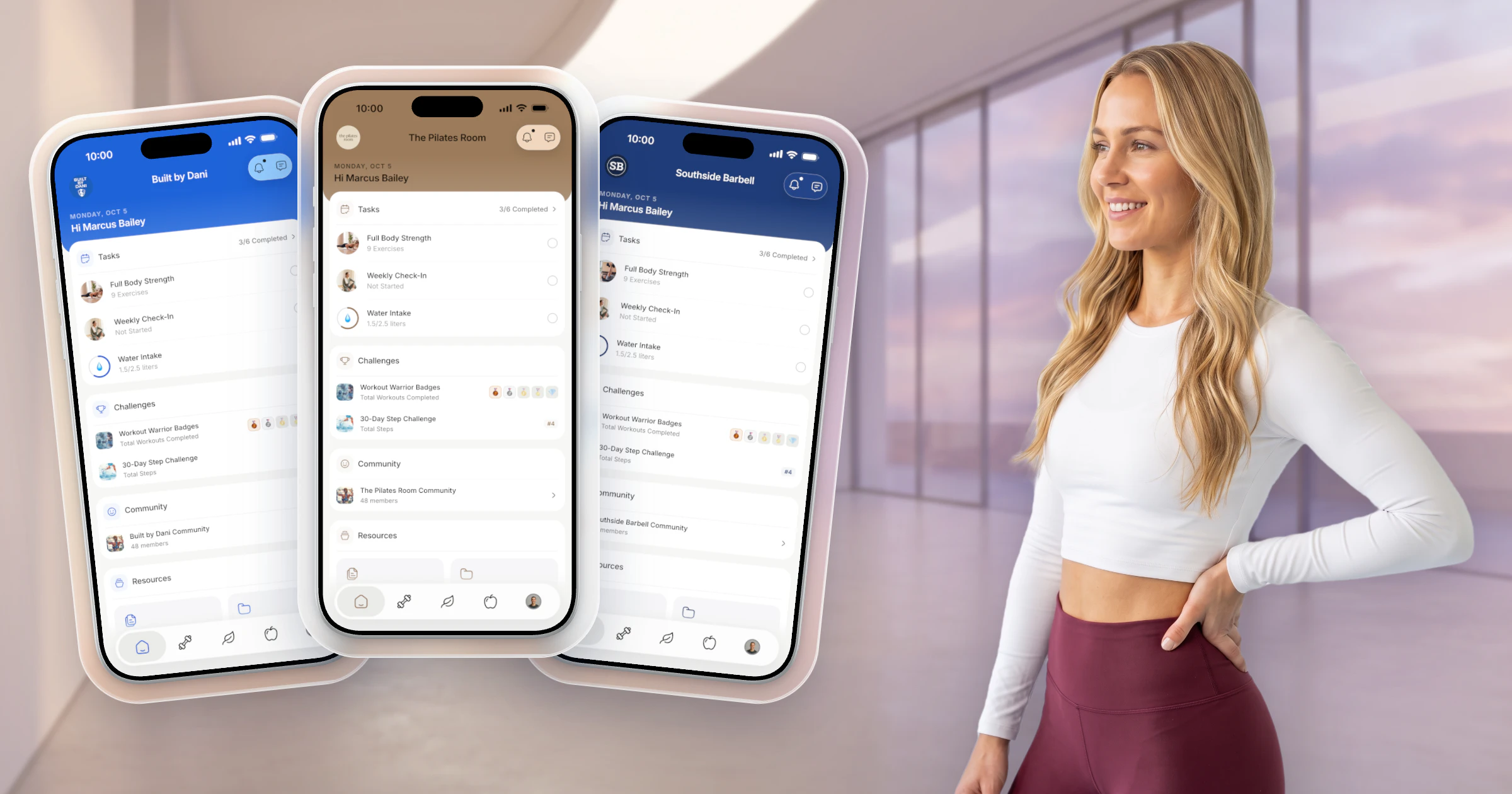
Here's what clients find once you're live: your name, your icon, your colors, and a complete coaching app underneath.
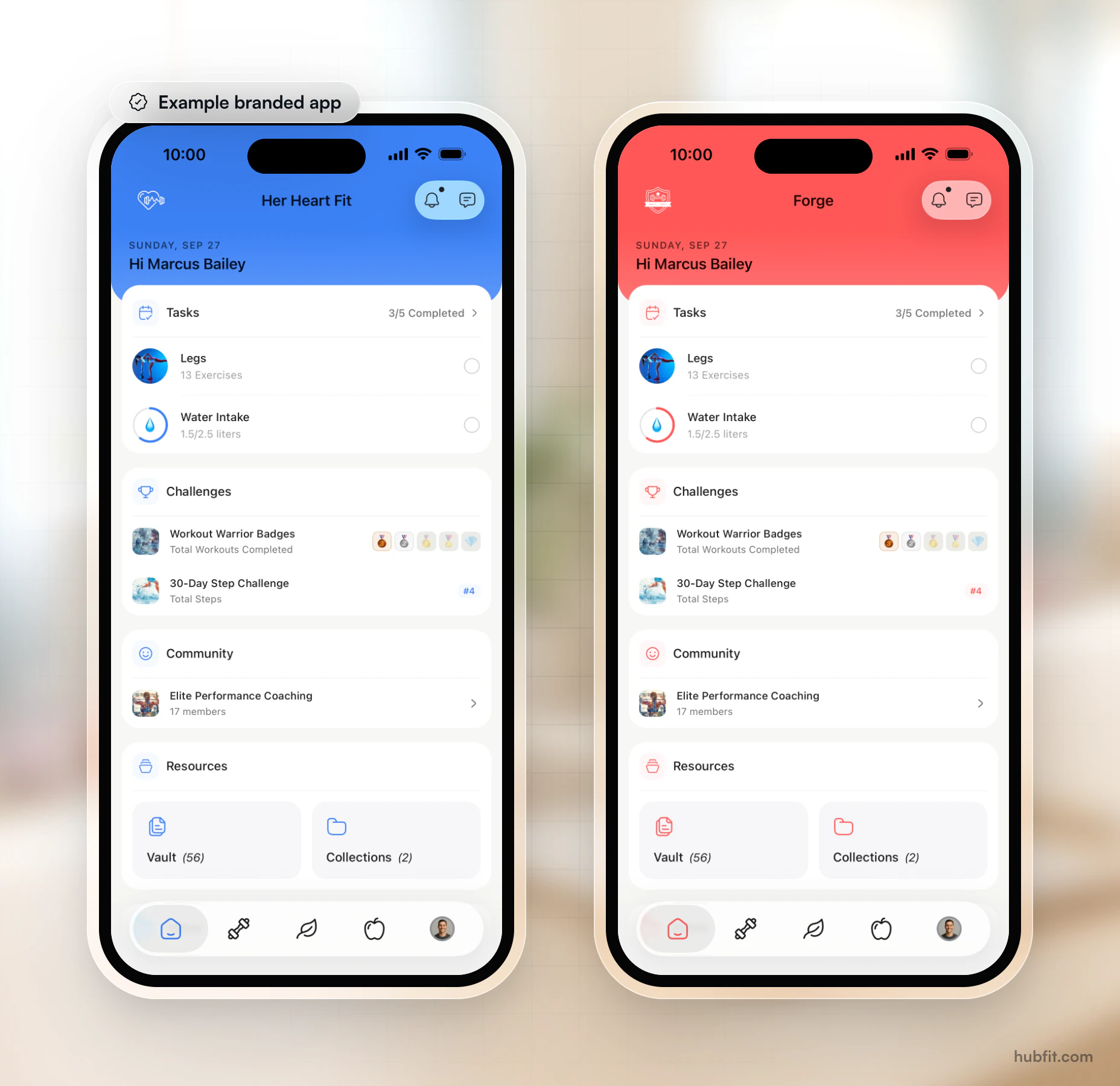
Figure: Her Heart Fit and Forge, each an example branded app, on the same client home screen.
Why HubFit is the easiest way to get a fitness app on the App Store
HubFit's Branded App puts the whole HubFit coaching platform in your own app on the App Store and Google Play, and we do the technical work. You get your own branded fitness app without hiring a developer.
- Built and submitted for you. We build your iOS and Android apps and submit them from your own developer accounts. No developers or agencies needed.
- The store work, handled. We prepare your store listings and handle store review and the privacy policy.
- Always up to date. New HubFit features and fixes ship to your app automatically.
- Everything your clients need. All of the HubFit client app: training, nutrition and meal plans, check-ins, habits, progress, messaging, community, challenges and on-demand content.
- No setup fee, no commitment. $189 a month on top of your HubFit subscription. If you end the add-on, the app comes off the stores and you keep coaching your clients with us.
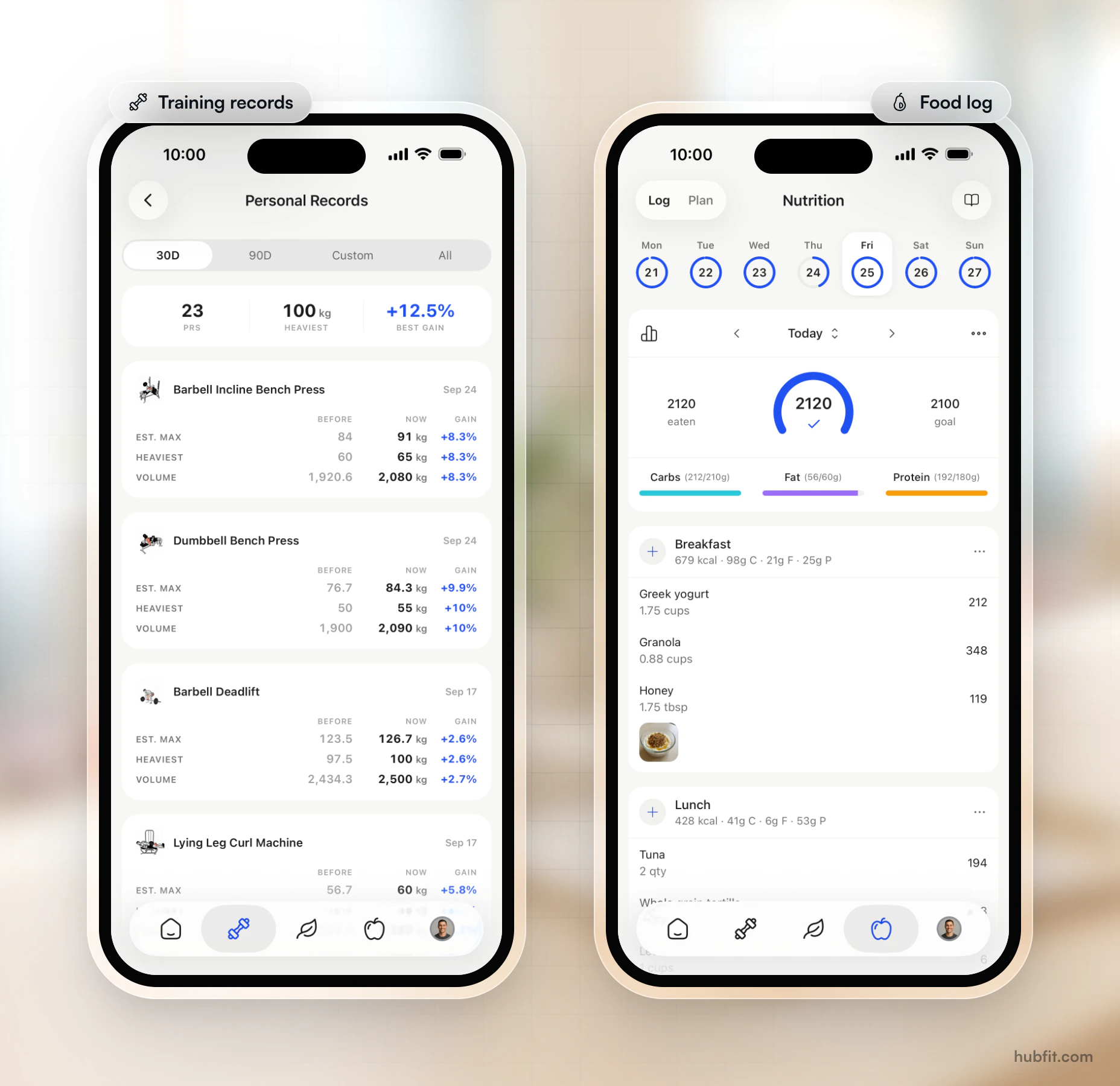
Figure: training records and a food log, in the HubFit client app your brand sits on.
Real coaching businesses already run on it:
- For Her Kind: Dr. Alisa DiFruscia's 1:1 coaching for women, in her own app.
- Proven: Josh Taylor's 200+ programs and live streams, in Proven's own app.
How does HubFit get your app on the App Store?
HubFit gets your app live in three steps, and we do most of the work.
- Share your brand. Your logo, brand color and app name. No brand kit yet? We help you settle the name, icon and color.
- Open your developer accounts. We walk you through Apple and Google Play, step by step.
- We build, submit and launch. We build the iOS and Android apps, prepare the listings and take them through App Store and Google Play review. Clients find your app by searching your name.
To qualify, you need a registered business with a D-U-N-S number, and both accounts enrolled as an organization.
How much does it cost to put an app on the App Store?
Putting an app on the App Store costs $99 a year for the Apple Developer Program, and Google Play adds $25 once. Building the app is the big cost.
| Cost | Amount |
|---|---|
| Apple Developer Program | $99 a year |
| Google Play account | $25 once |
| D-U-N-S number | Free |
| Building it yourself | $80,000 to $250,000 |
| HubFit Branded App | $189/mo + subscription |
We estimate a custom build at about $80,000 to $250,000 and 6 to 12 months of work, then $2,000 to $5,000 a month to run. To skip the build, apply for your branded app.
How to publish an app on the App Store yourself
Publishing an app on the App Store yourself takes seven steps, and the first three are paperwork, not code.
- Register a legal entity. Apple needs an LLC or corporation, not a trade name or sole proprietorship (Apple).
- Get a free D-U-N-S number. Request it through Apple's lookup tool, never from a paid third party (Apple: D-U-N-S Number).
- Set up a domain email and a live website. Apple checks both before it enrolls you.
- Enroll in the Apple Developer Program as an organization. This opens App Store Connect, where apps are listed and submitted.
- Open a Google Play developer account as an organization. Google verifies your D-U-N-S number, documents and website (Google Play).
- Prepare the store listing. Name, icon, screenshots, description, privacy policy and a demo login for the reviewer.
- Build, test and submit for review. Upload to App Store Connect, test with TestFlight, then submit both apps for review.
With the Branded App, you do steps 1 to 5 with our step-by-step help, and we do 6 and 7.
How long does it take to get an app on the App Store?
App Review itself takes a day or two; the paperwork before it takes longer. Apple reviews at least half of submissions within 24 hours and 90% within 48 hours (Apple App Review).
| Stage | How long |
|---|---|
| Form your business | Varies by state |
| D-U-N-S number | Up to 5 business days |
| Apple gets the record | Up to 2 business days |
| Apple review | 90% within 48 hours |
| Google review | Usually days, rarely 7+ |
| HubFit, after accounts | 7 to 10 business days |
The Branded App's clock starts once your Apple and Google developer accounts are ready, so the paperwork is the part to start first.
FAQ
These are the questions coaches and gym owners ask most about publishing an app.
Can my existing clients move to my app?
Yes. Once your branded app is live, your clients download it from the App Store or Google Play and sign in with their existing HubFit details. Their programs, history and messages are already there, so nobody starts over and you don't rebuild anything. You keep coaching them from HubFit, just as you do today.
Do I need a D-U-N-S number to publish on the App Store?
You need one to enroll as an organization, on Apple and on Google Play. Individuals don't. It's free: request it through Apple's lookup tool, allow up to 5 business days to receive it, then up to 2 business days for Apple to receive your record. A HubFit Branded App needs one, because it ships from your business's accounts.
Can I publish under my personal name instead of a business?
You can, but your personal name then shows as the seller on the App Store, and new Google Play personal accounts must run a closed test with at least 12 testers for 14 days. A HubFit Branded App needs a registered business with a D-U-N-S number and both accounts enrolled as an organization, so register the business first.
Do I need coding skills to publish a fitness app?
To build and submit an app yourself, yes, or a developer who has them, which is what makes a custom fitness app so costly. With your own branded fitness app, we build your iOS and Android apps, submit them from your own developer accounts, prepare the listings and handle review. You open the two accounts, with our step-by-step help.
Can HubFit publish the app under its own account for me?
No, and that protects you. Apple's guideline 4.2.6 rejects template apps unless the provider of the app's content submits them, so your app is published from your business's own developer accounts. That's how a white-label app works: HubFit builds and submits it there and guides you through opening both accounts. Your business is the seller.
Your app, on the App Store
The easiest way to get your fitness app on the App Store is to let HubFit build, submit and maintain it under your business's name, while you keep coaching. No setup fee, no commitment.


Your own app on the App Store and Google Play.
- Your name, icon & colors
- On the App Store & Google Play
- Built & maintained by us
Maya Moves
by Maya Brooks