
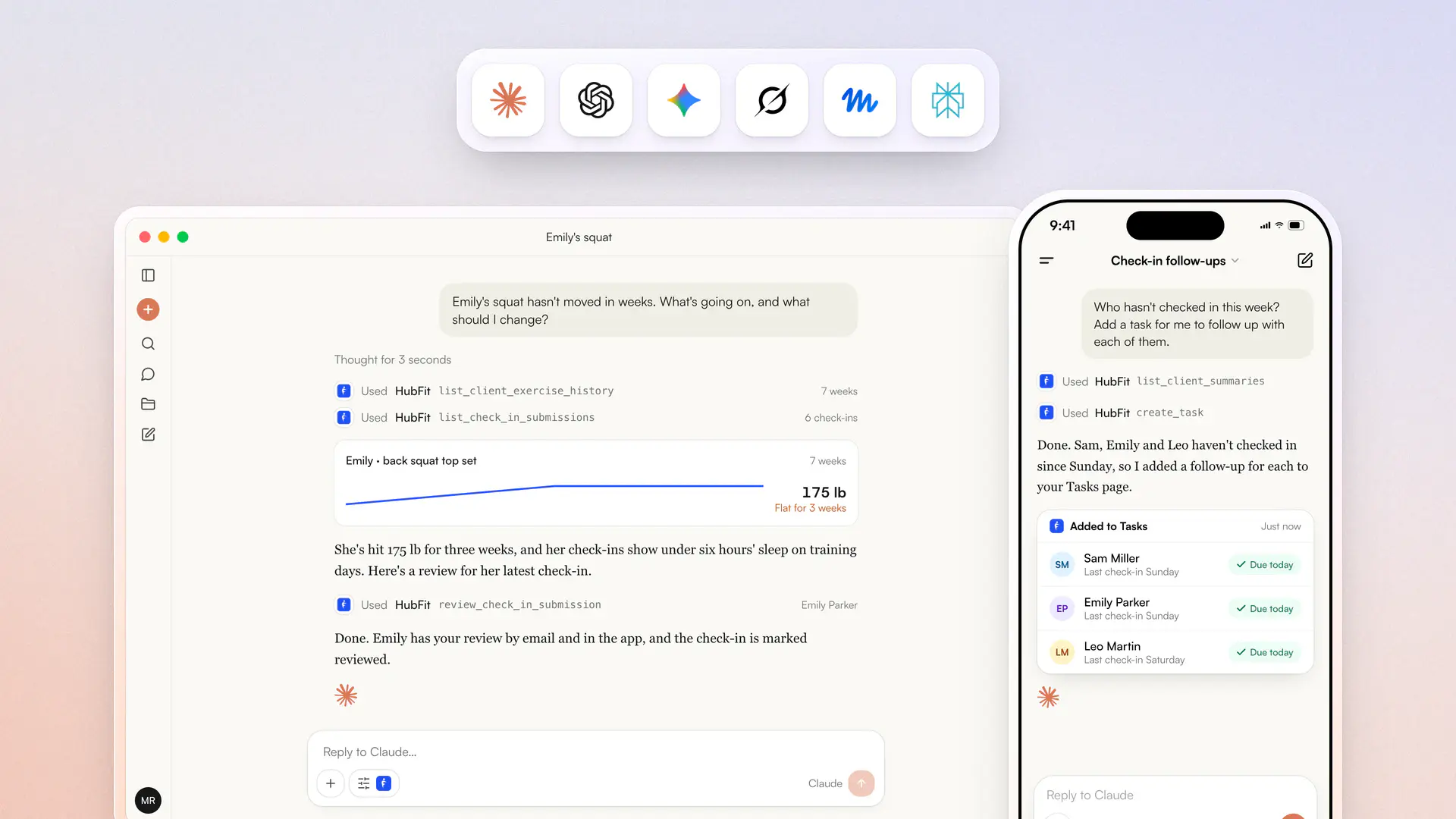

You can now connect HubFit to Claude, ChatGPT, Gemini, Grok, Muse and Perplexity. Paste one link into the app you use and sign in with your HubFit account, then ask about your business in plain words: who hasn't checked in this week, why a client's squat has stalled, who was under their protein target.
- Ask about clients, check-ins, workouts, nutrition, habits, metrics and health data
- Answer questions across your whole roster in one go, or filter by tag
- Review check-ins, message clients, add notes and tasks, and add new clients
- Approve every change before it happens
- Use it from the Claude app on your phone, voice included
- Save a prompt as a scheduled task in Claude for a fresh briefing every morning
- Combine it with other connectors such as Google Calendar, Canva and Slack
- Ask in English, Español, Français, العربية or any language your assistant speaks
Your assistant sees exactly what you can see in HubFit: admins see every client, and team members only see the clients assigned to them. Disconnect at any time under Settings → MCP.
See what it can do on the HubFit MCP page, or follow the setup guide to connect your assistant.