
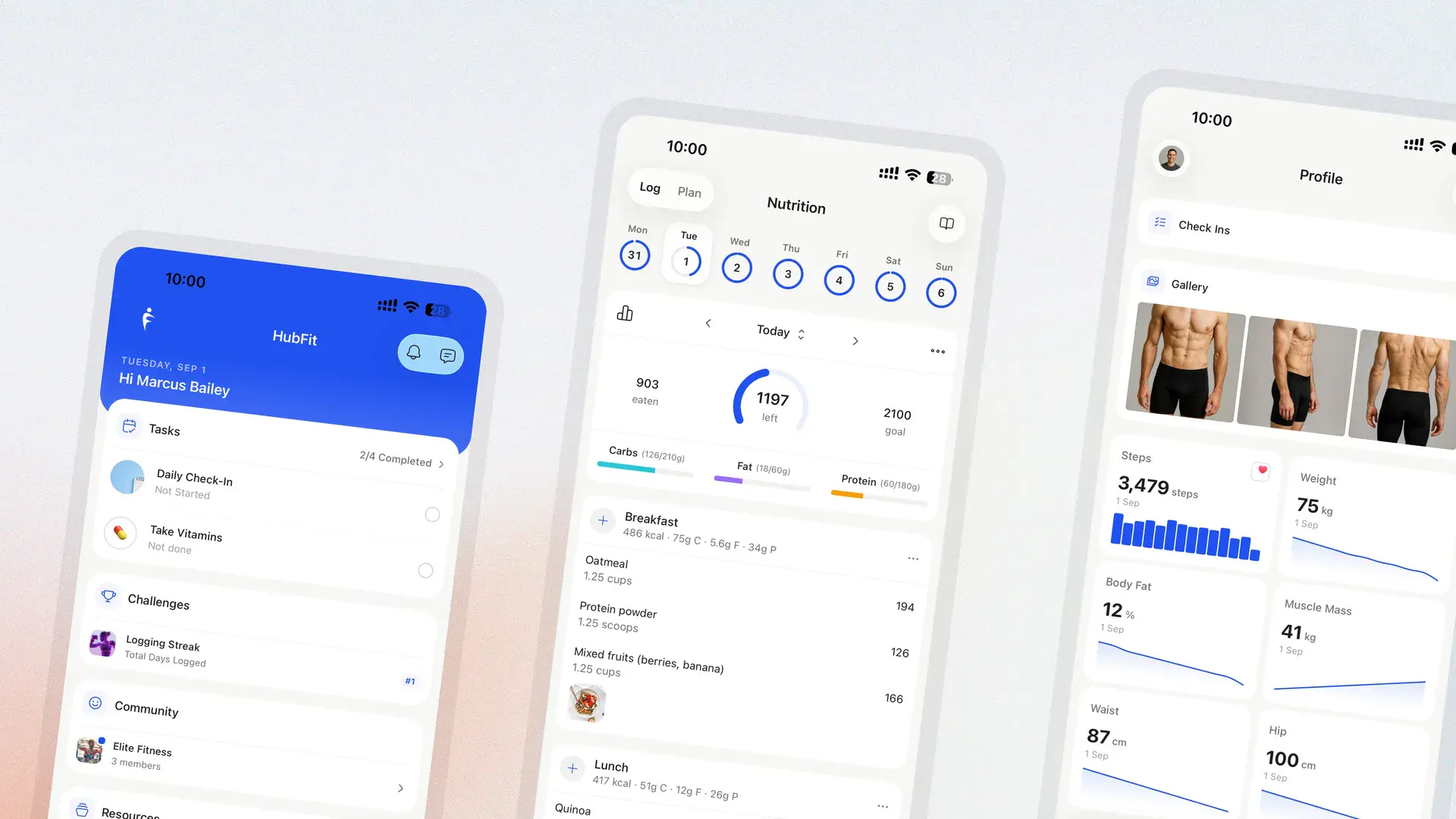

HubFit App 3.0 is our biggest release yet. Both the client app and the coach app have been redesigned from the ground up, and nearly every part of the day-to-day experience — nutrition, training, messaging, habits, check-ins — has been rebuilt alongside them.
A redesigned client app
The client app has been rebuilt from the ground up. Every screen has been reworked to be cleaner and faster, with a simpler structure for moving between training, nutrition, habits, and check-ins.
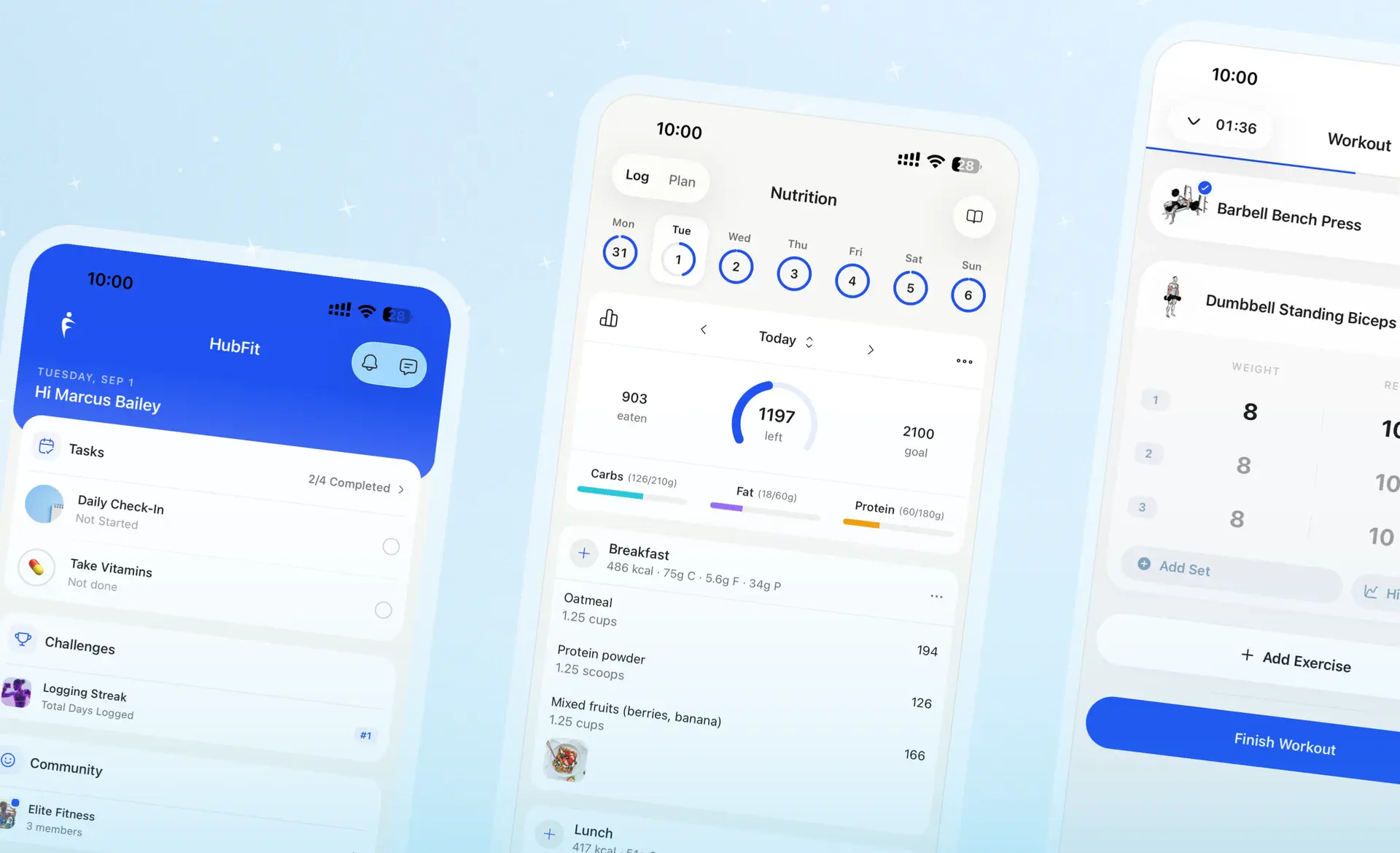
A new coach app experience
The coach app has been completely redesigned. The dashboard and client overview have both been reworked so you can see where your clients are at without digging, and challenges and community now have their own dedicated tab.
Dark mode
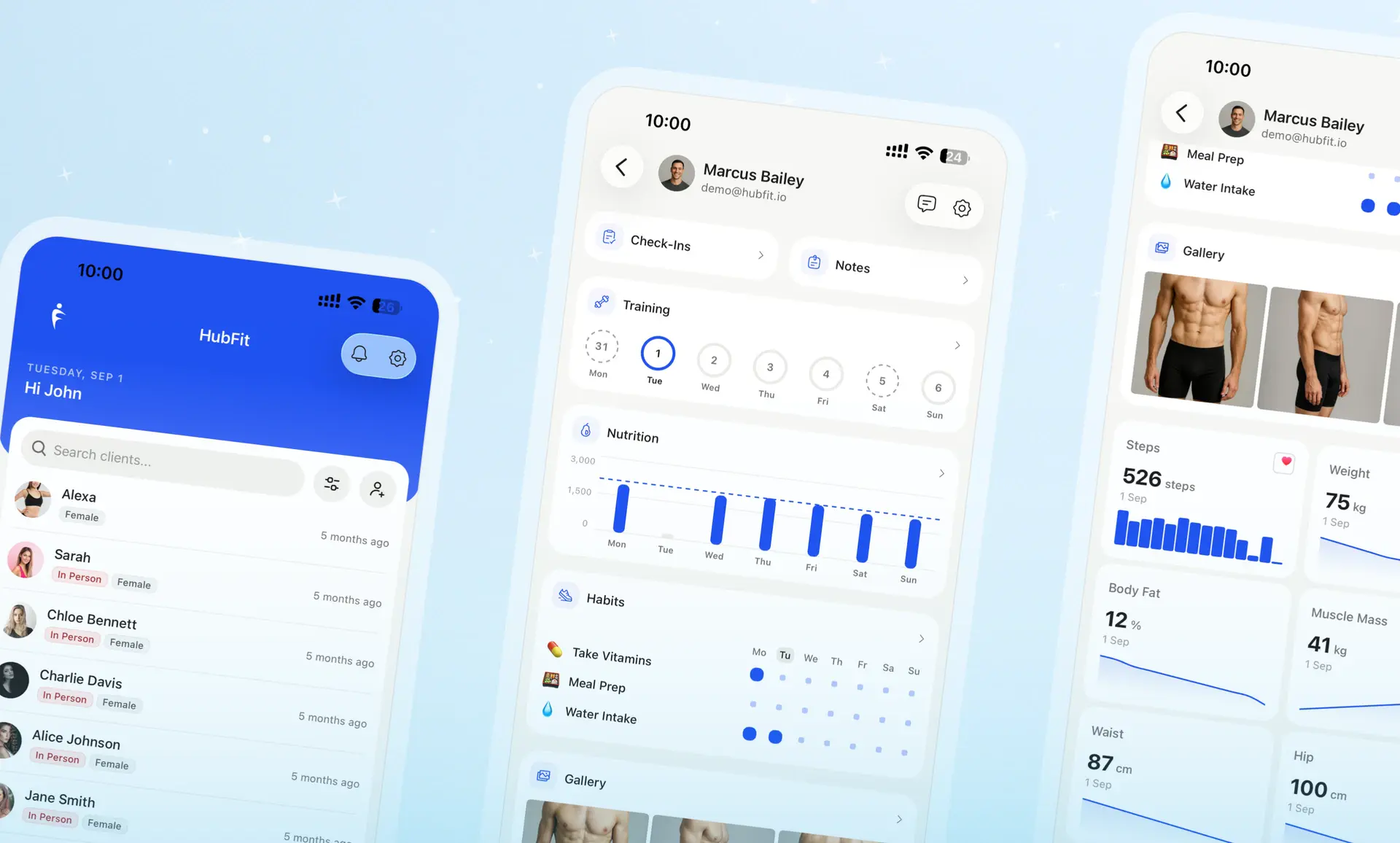
Dark mode is now available for both the client and coach app.
Nutrition upgrades
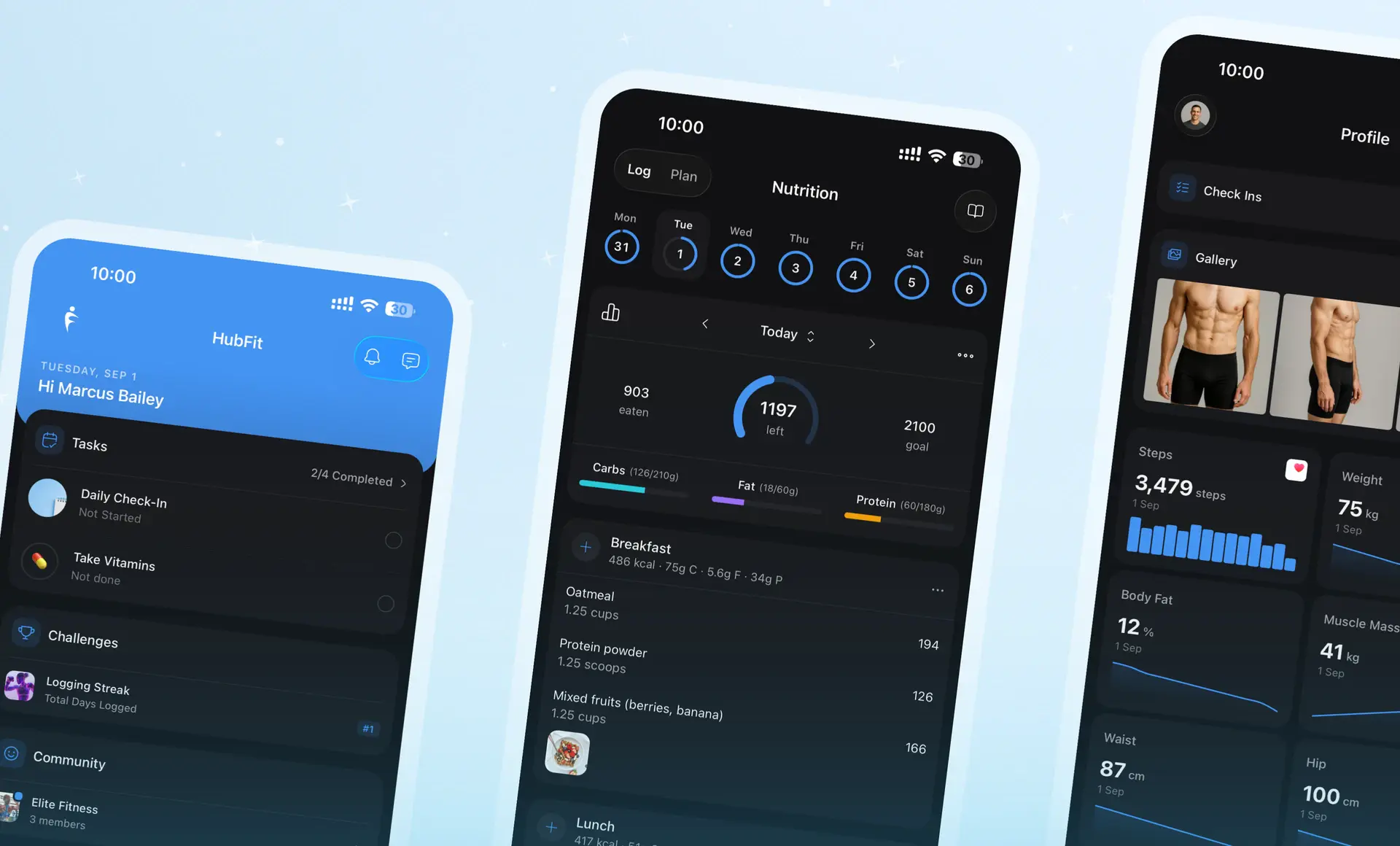
The nutrition tracker has been rebuilt. Logging is faster, clients have more control over their own targets, and there's now a proper record of what they've eaten with the nutrition breakdown.
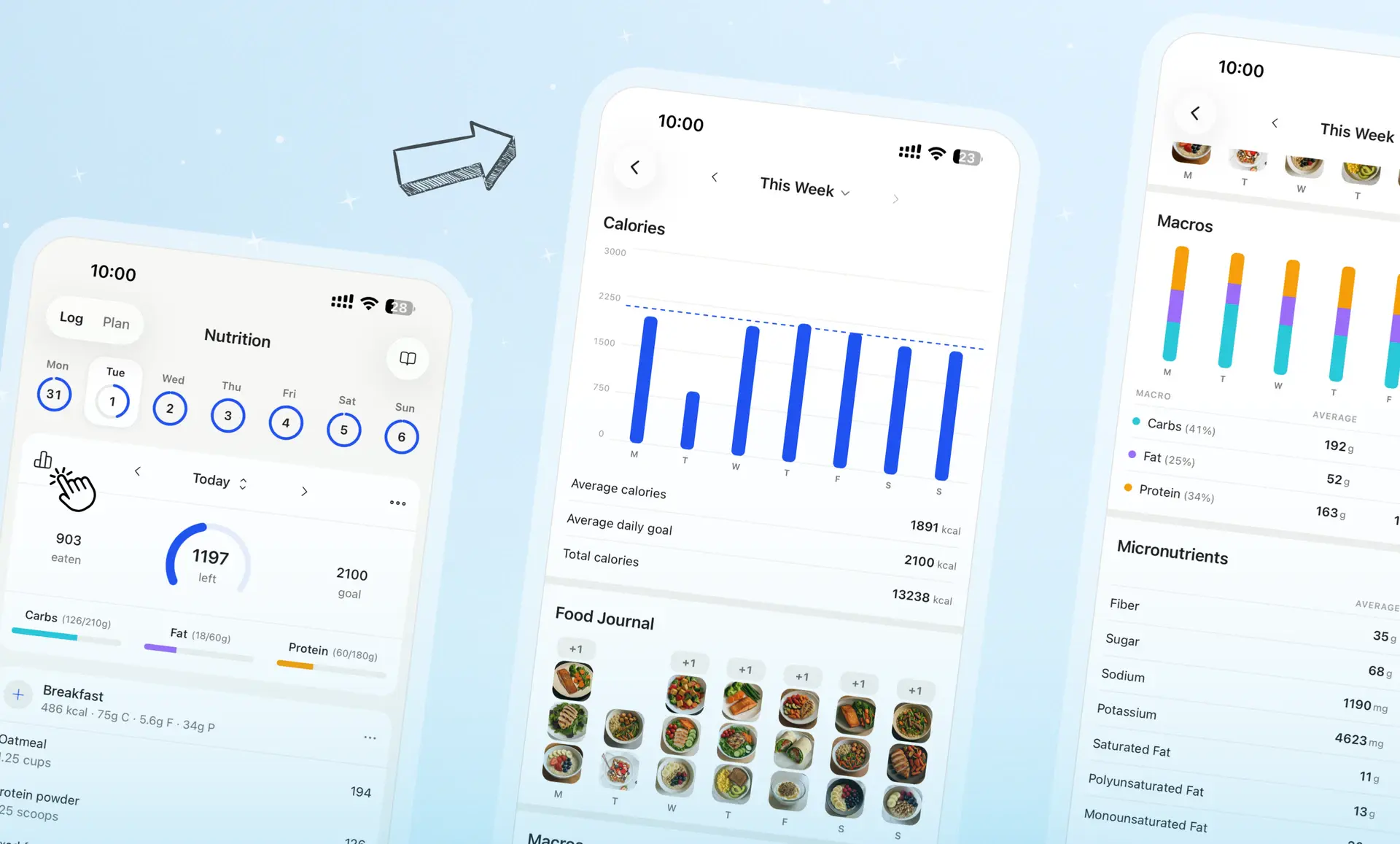
- Food Journal — clients can add photos of what they've eaten
- Quick Log — log macros for a meal directly, without entering each food
- Daily Meals — the meal split in the nutrition logger can now be modified
- Editable Goals — clients can set their own nutrition goals
- Nutrition Breakdown — daily and weekly macro breakdowns
- Share to Socials — share a meal straight to Instagram and other socials
- Food Database — improved food database and search
Training
We rebuilt the training tracker. Clients can change a session while they're in it, edit workouts that have already been tracked, and the new training statistics give a breakdown of what they've been training.
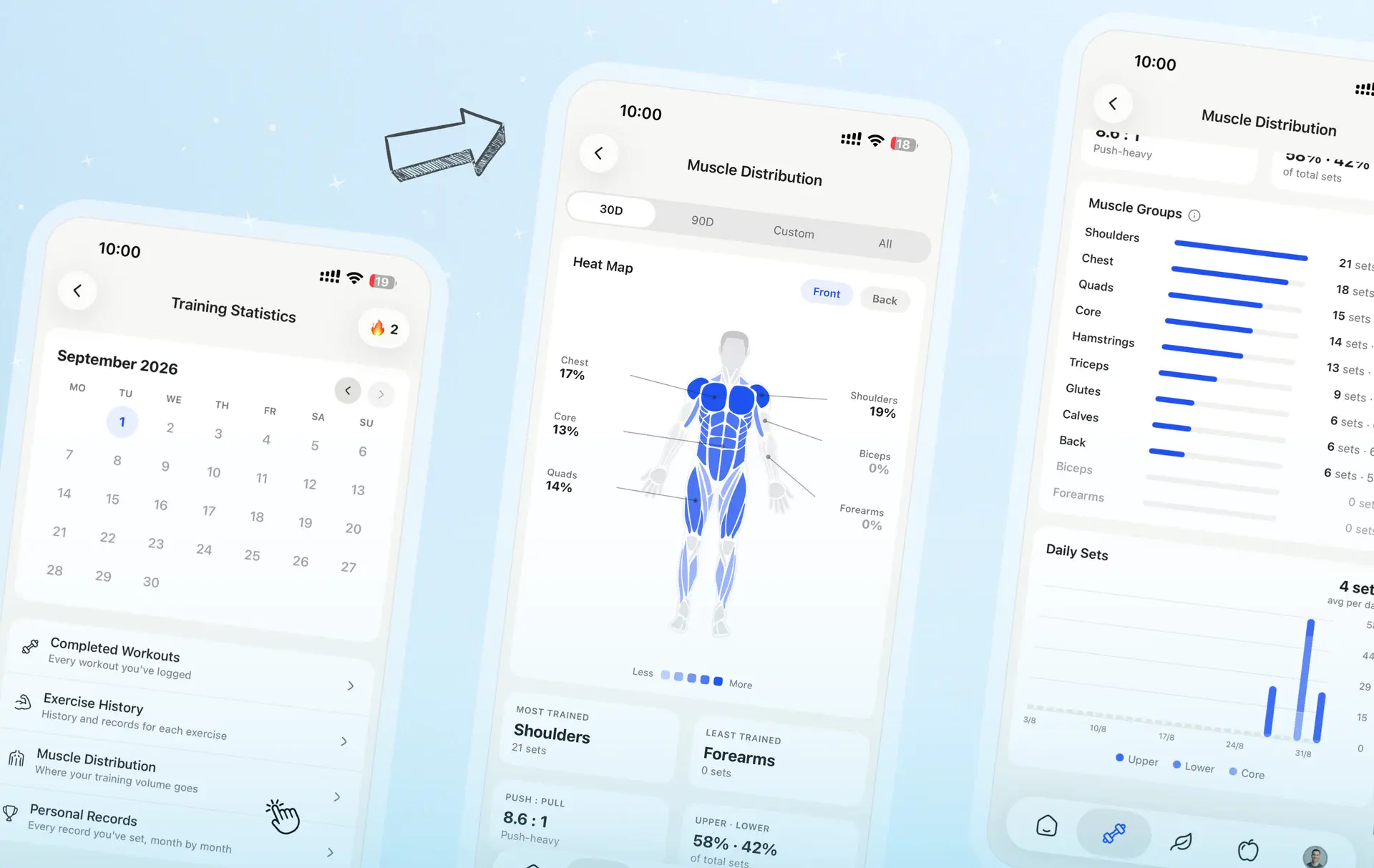
- Custom Workouts — clients can start their own session from scratch
- Edit While Training — swap, add, or change exercises mid-workout
- Edit Completed Workouts — fix a logged session after the fact
- Muscle Heat Map — see what's being trained and what's being skipped
- Monthly Breakdown — a full month of training volume in one view
- Muscle Breakdown — per-muscle detail behind the heat map
- Live Activities — see your workout on the iOS Lock Screen
Messaging
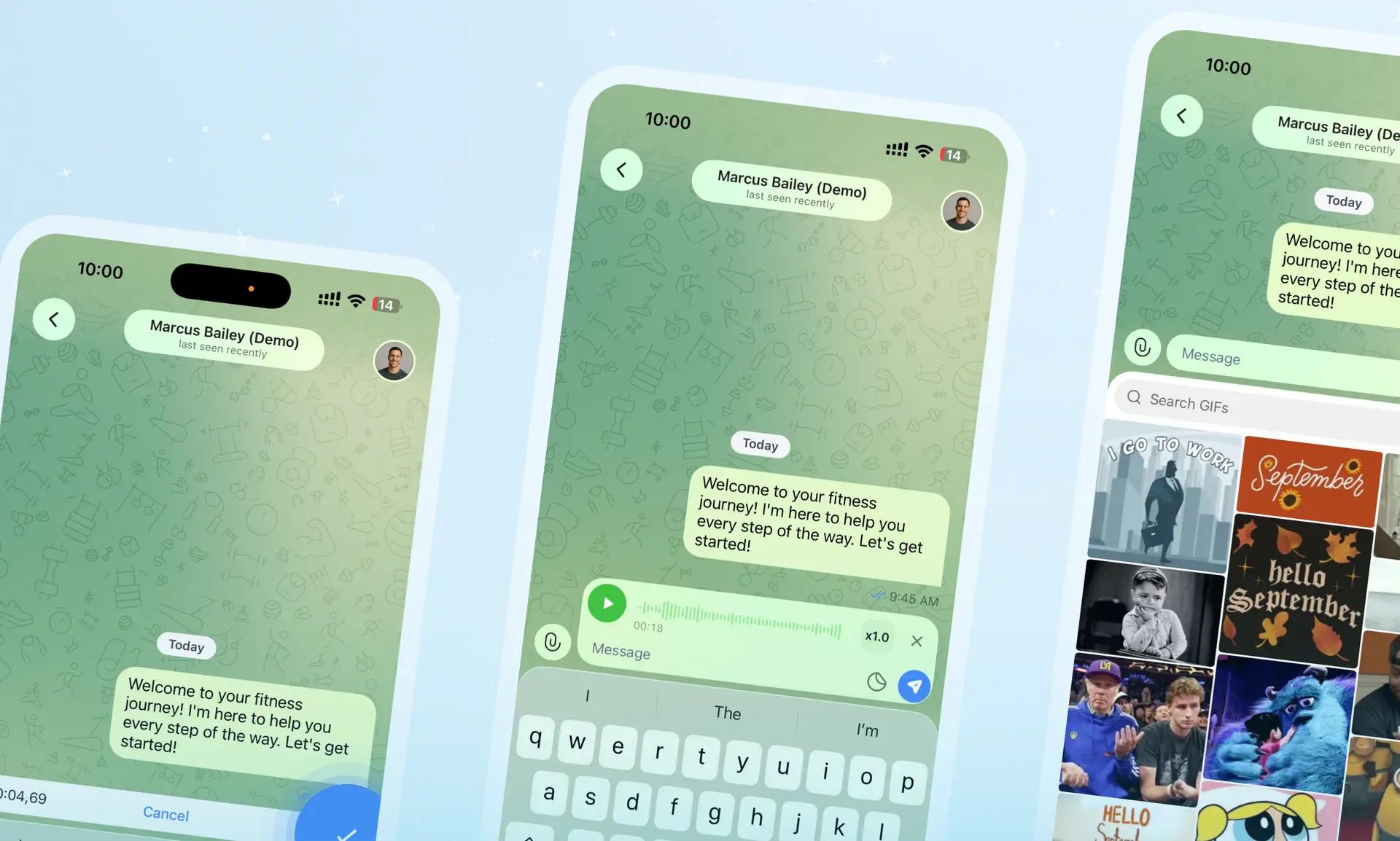
Messaging has been rebuilt from the ground up. A new design, smoother performance, and better voice notes.
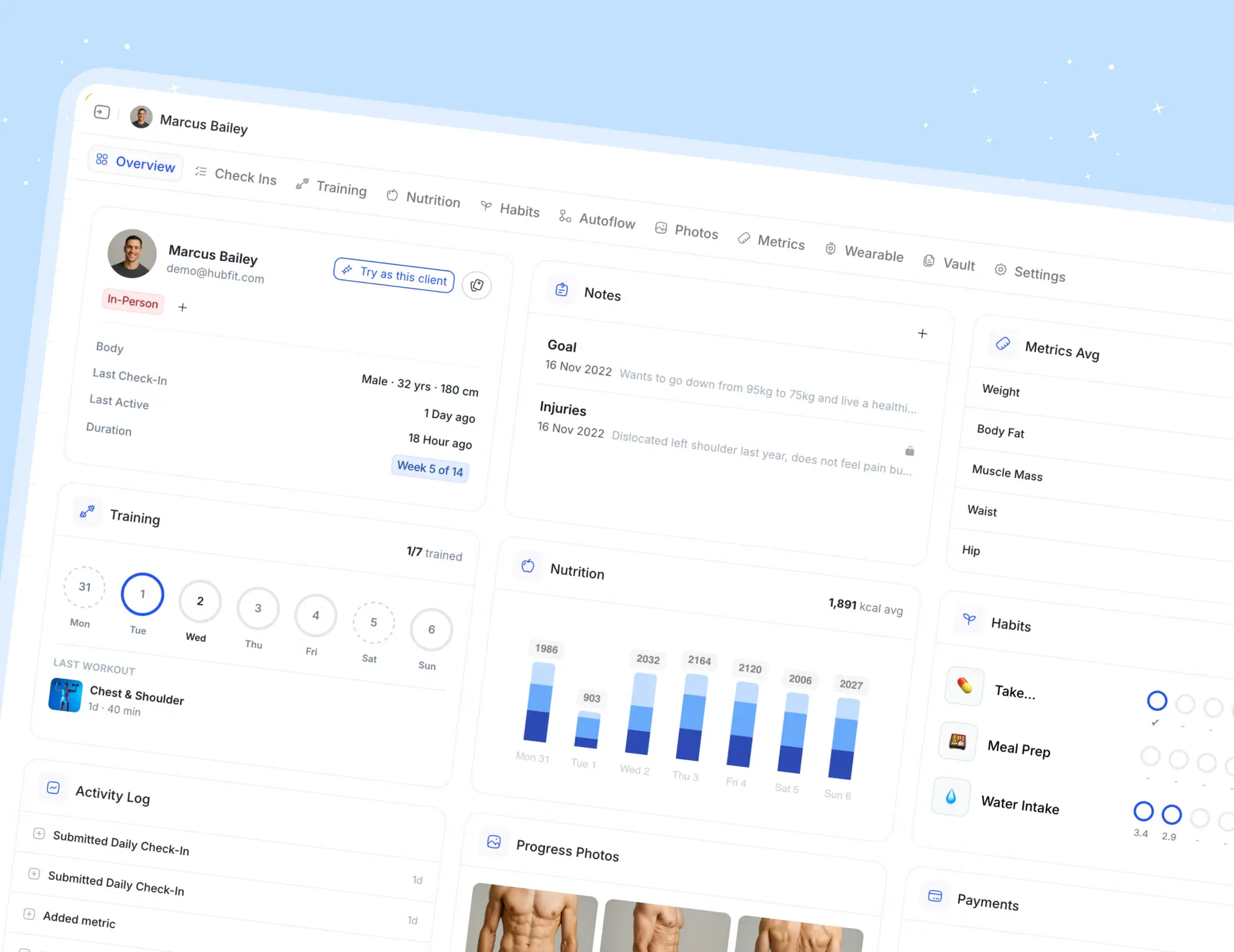
Client dashboard on the web
The client dashboard on the web has been redesigned. You get a weekly overview of nutrition, habits, training, metrics, and progress photos in one place.
And so much more
- Habits — simple yes/no habit tracking
- Backdated Check-ins — clients can fill in a check-in they missed
- Profile info — birthday, age, and height now live in the client profile
- 50+ more improvements and fixes made it into this release