
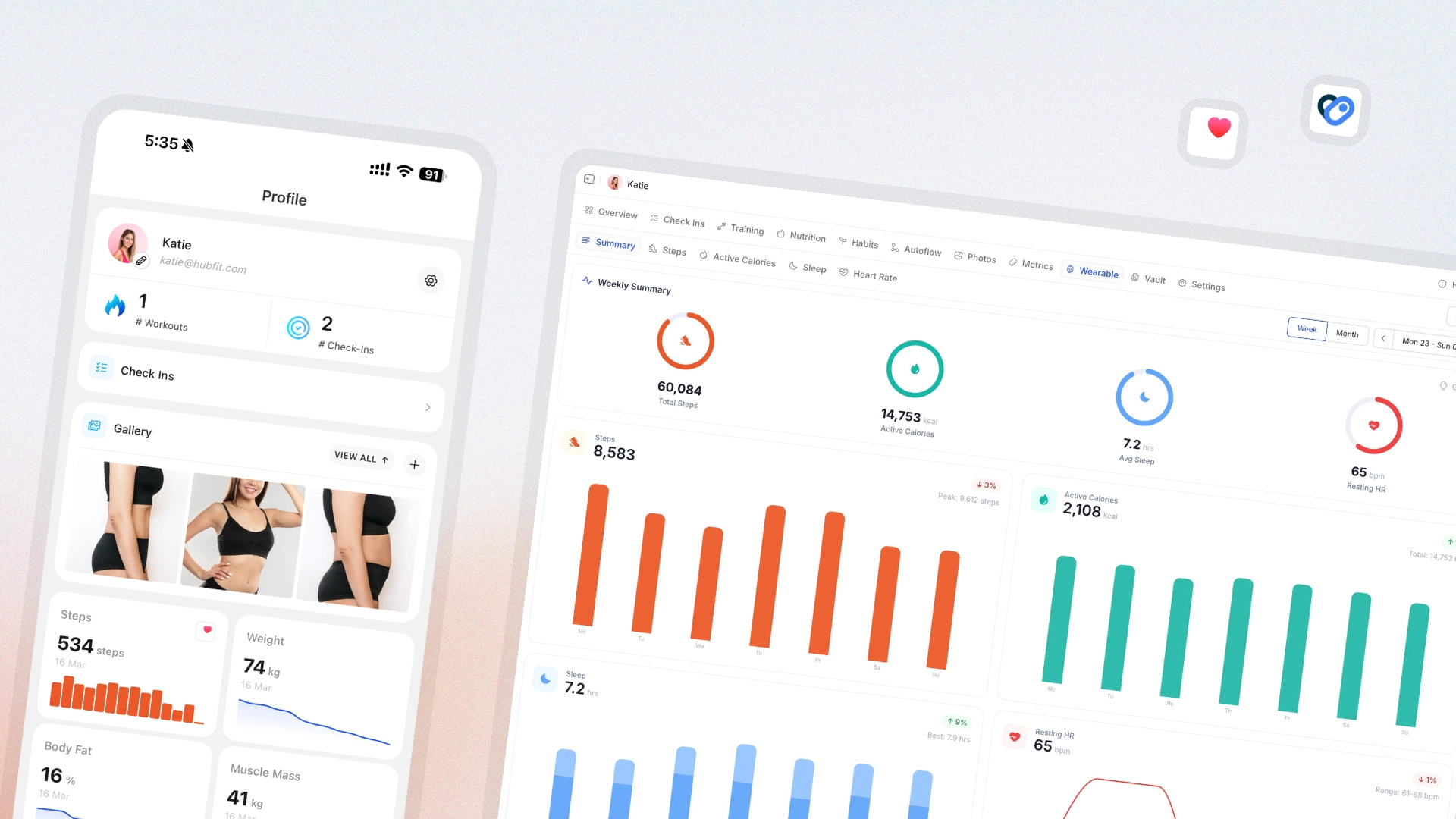
Wearable data has been one of the loudest requests for the last twelve months. As of today, Apple Health and Health Connect are fully integrated — every metric your client's watch tracks can land inside HubFit alongside their training and check-ins.
- Native support for Apple Health on iPhone and Health Connect on Android — any wearable that syncs to either is supported
- Sleep data from the client's wearable, displayed in HubFit with duration and quality
- Heart rate broken out into resting, average, and max
- Daily step count pulled in automatically
- Active calories shown alongside training output for the full energy picture
- A new health summary that aggregates every wearable metric into one view
- A dedicated Wearables tab on the client profile so coaches don't have to dig
- Metrics UI rebuilt with filters, rolling averages, and tooltips for deeper analysis
A note on permissions: sleep and heart-rate data only flows once the client has connected their wearable to Apple Health or Health Connect — for example, a Garmin watch connected to Health Connect. Clients already connected to Apple Health will need to grant the new permissions: iPhone Settings → Health → Data Access & Devices.