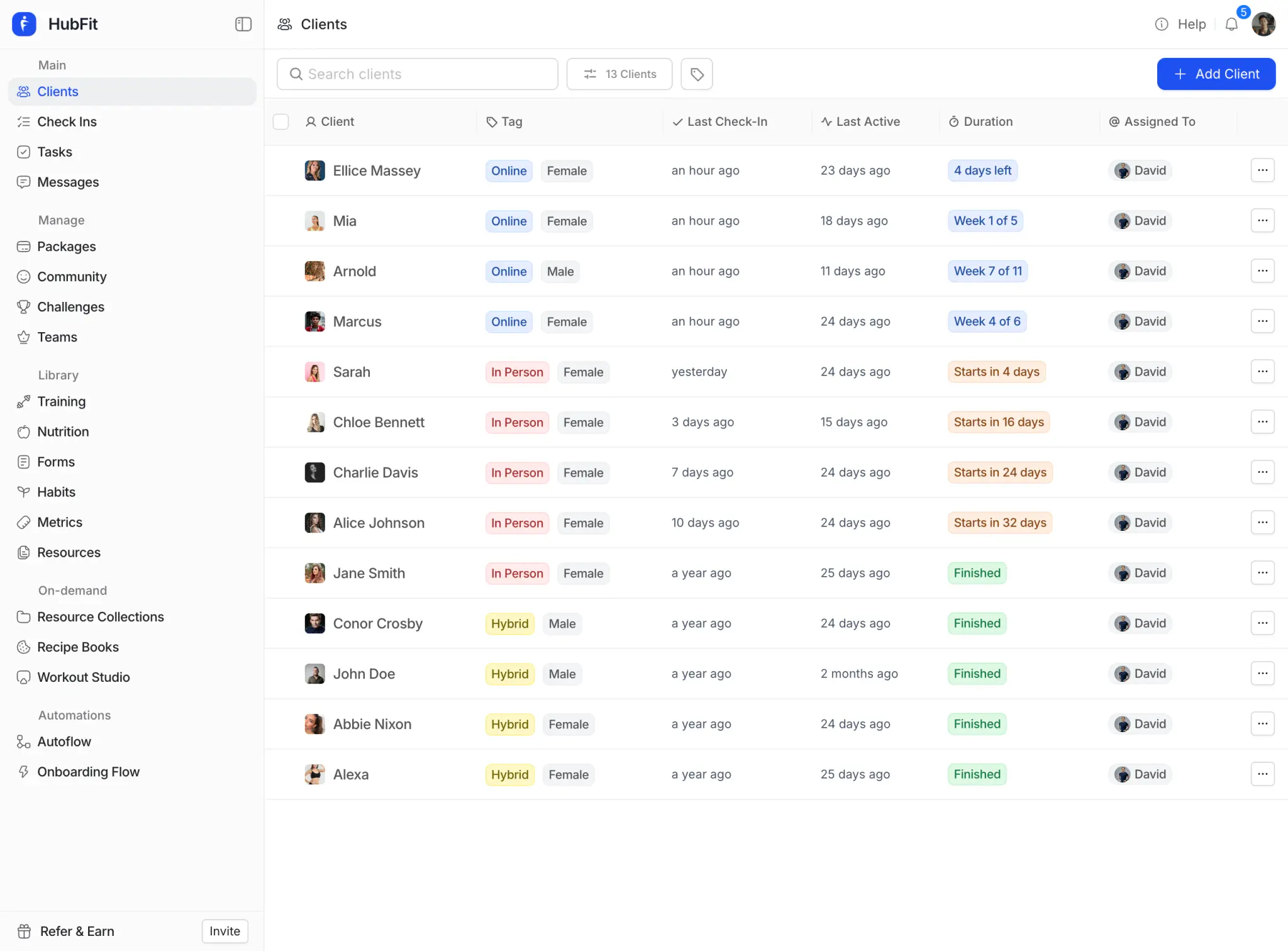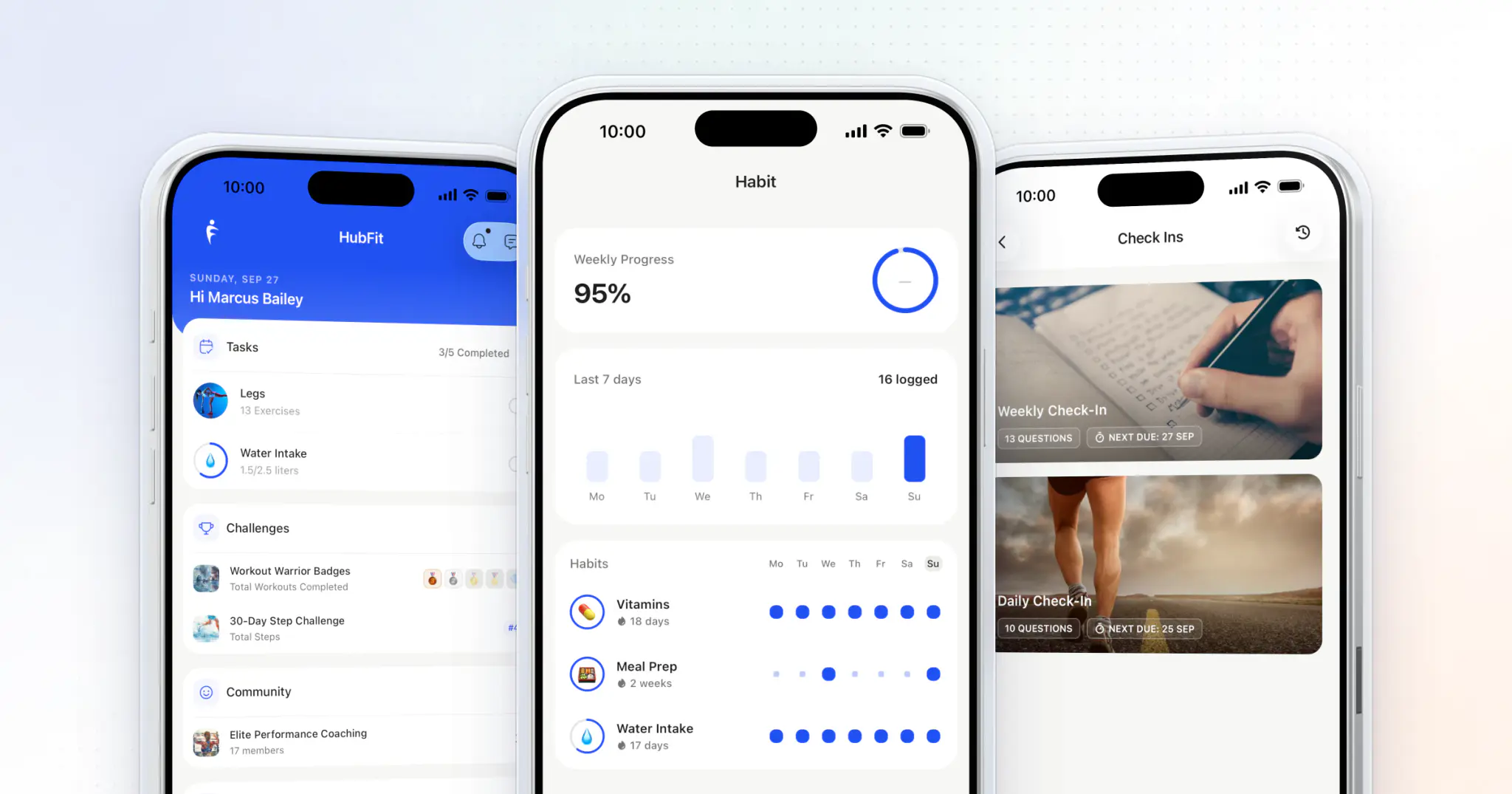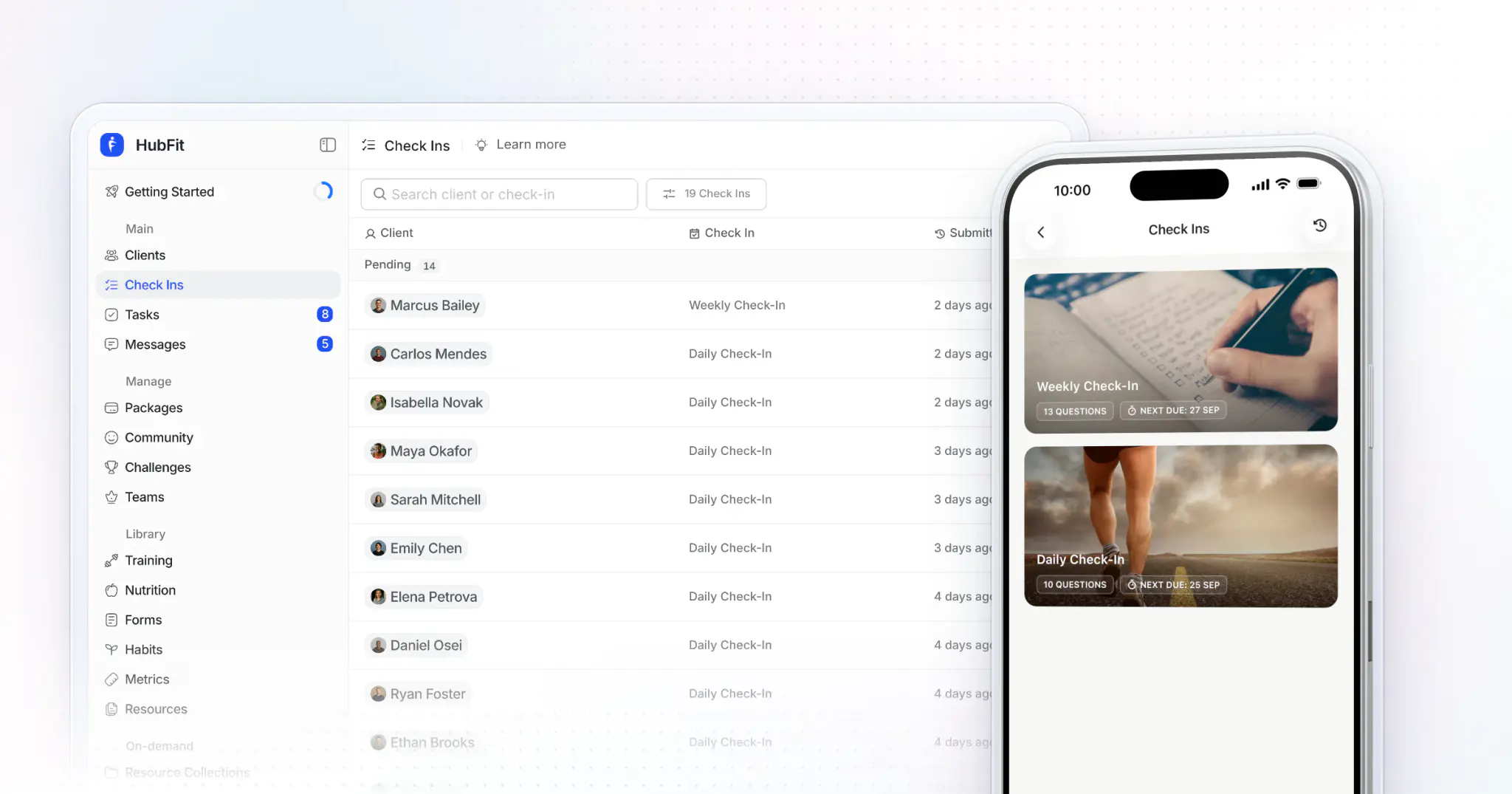
To do client check-ins as an online coach, send every client the same short form on the same day each week, read it against their last three or four weeks, and reply within 24 hours with one win, one fix and next week's plan. Run that way, a check-in takes you about two minutes. HubFit runs the whole loop in one app.
Key takeaways
- A short form on a fixed day beats a long one clients skip: 8 to 12 questions, mostly scales.
- Weekly suits most clients. Bi-weekly suits maintenance. Daily is for short, high-stakes phases only.
- Read the trend, not the week, then reply within 24 hours: one win, one fix, next week.
- In HubFit the reminder, the review queue, the comparison and your reply live in one app, so a review takes minutes.
What is a client check-in, and why does it work?
A client check-in is a recurring form where a client reports their week, the numbers and how it felt, so you can adjust their plan.
The program is the plan; the check-in is where you notice, adjust and encourage.
Tracking progress helps people reach their goals, and it helps more when they report it to someone else (meta-analysis of 138 studies). A check-in also gives clients a weekly moment to reflect, makes small wins visible, and proves a real coach is paying attention.
Why run check-ins in HubFit?
HubFit gives you the whole check-in loop in one app, and check-ins are included on every plan.
-
Forms clients finish: 11 question types, from 1 to 10 scales and star ratings to photos, video and a signature, and clients complete a weekly check-in in under 60 seconds in the app.
-
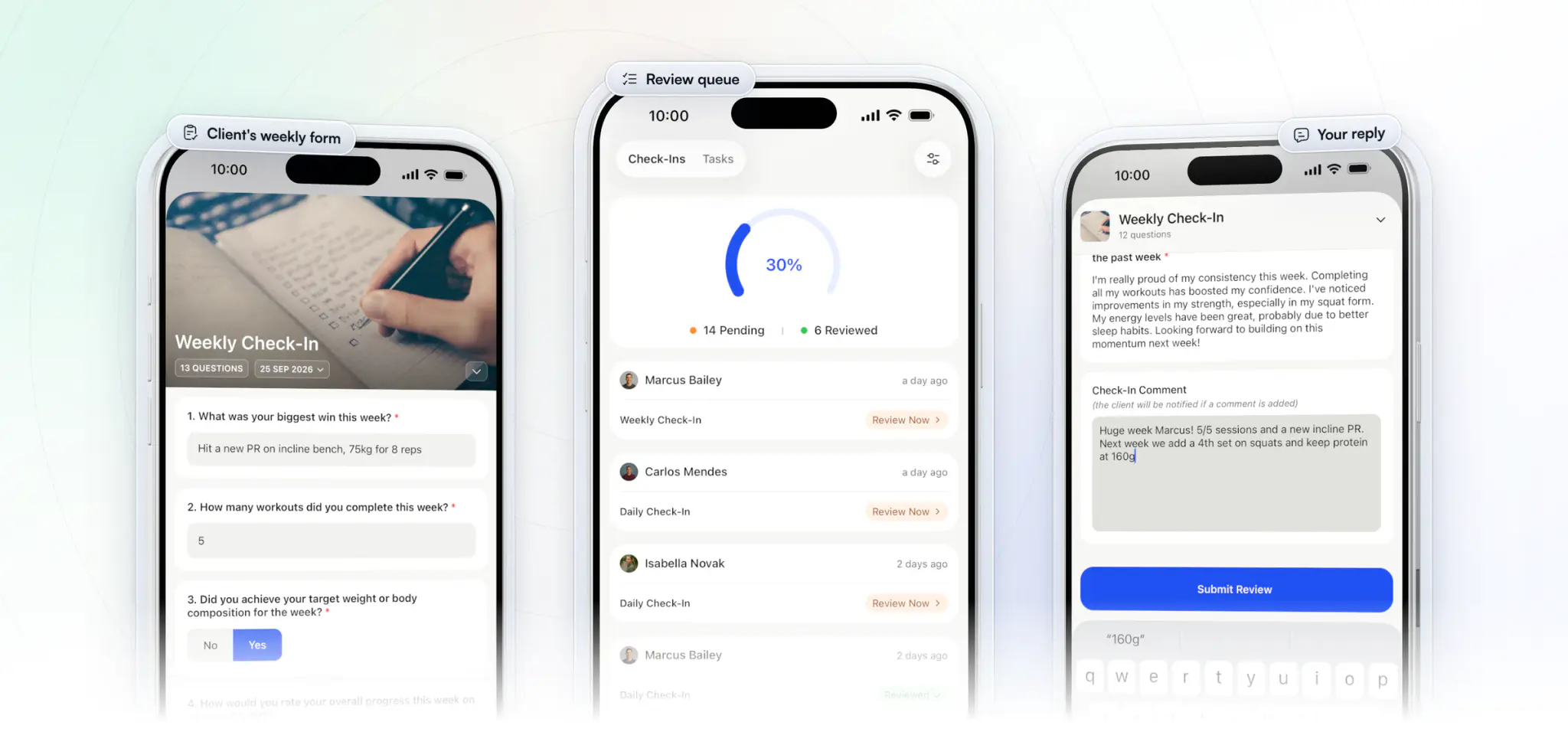
Nothing waits unseen: each submission stays Pending until you review it, on the web or in the coach mode of the HubFit app.
The whole loop sits in one place: the client fills in the form on their phone, it lands in your review queue, and you write your reply in the coach mode of the same app, on the train or between sessions. It is the same app that made HubFit the #1 coaching app, rated 4.9 on the App Store and Google Play.
How to do client check-ins as an online coach: 5 steps
Doing client check-ins well comes down to five steps, and only the last two take your time every week.
| Step | What you do | Your time |
|---|---|---|
| 1. Build the form | 8 to 12 questions, mostly scales | Once, 30 minutes |
| 2. Set day and reminder | Same day, automatic reminder | Once per client |
| 3. Teach it on day one | Why it matters, how to fill it in | 5 minutes per client |
| 4. Read the trend | Compare with the last 3 to 4 weeks | Under 1 minute per client |
| 5. Reply | One win, one fix, next week | About 1 minute per client |
1. Build a short check-in form
A good weekly check-in form covers training, recovery, nutrition and mindset, and a client can finish it on their phone without thinking twice.
Use 1 to 10 scales for anything you want to track: sleep, energy, stress, effort and how closely they followed the plan. Add a number for sessions done and bodyweight, and progress photos at the cadence you agreed. Finish with three open questions: the biggest win, what made the week harder, and what's coming up. The weekly form below is ready to copy.
2. Pick the day and automate the reminder
Weekly is the right frequency for most clients, on a fixed day they can plan around.
| Client | How often | Why |
|---|---|---|
| New or in a fat-loss phase | Weekly | Fast adjustments, close support |
| Stable, maintaining | Bi-weekly | Less admin, still accountable |
| Contest prep, peak week | Daily, short term | Details change day to day |
| Alumni, self-sufficient | Monthly | High-level accountability |
Friday check-ins let you plan the weekend with them. Sunday or Monday check-ins capture the weekend honestly. Pick the day that fits your own week, keep it the same for every client so you review in one sitting, and let the app send the reminder, so you never chase.
3. Teach the check-in on day one
Clients skip check-ins when they are confused, not lazy, so explain the process when you onboard a new client.
Tell them plainly: "I can only coach you with data. The check-in is your job; the adjustment is mine." Record a two-minute screen video showing where to tap, how to add photos and why you ask each question. Set the first check-in for day seven, so the habit starts in week one.
4. Read the trend, not the week
One week's numbers are mostly noise; three or four weeks show you what is really happening.
Before you change anything, put this week next to the last few. A sleep score sliding from 8 to 6 to 4 is a flag you can act on. A single bad Monday is not.
5. Reply within 24 hours: win, fix, next week
Every reply should do three things: name a win, fix one thing, and set the plan for next week.
Example reply: "Great week on protein, you hit it six days out of seven. Steps dropped midweek, so let's add a 10-minute walk after lunch. Next week: same calories, and send me side photos on Friday."
Record a short Loom video for a complex week; your voice builds trust a text can't. A written reply is fine for a green-light week.
A weekly check-in form you can copy
Here is a 10-question weekly check-in form in four groups: two questions on training, three on recovery, two on nutrition and three open questions to close. Every number repeats each week, so it becomes a trend you can read in seconds.
Weekly check-in · [Client name] · Week of [date]

TRAINING
1. How many of your planned sessions did you complete? (number)
2. How hard did training feel this week? (1-10)

RECOVERY
3. How well did you sleep this week? (1-10)
4. How was your energy? (1-10)
5. How stressful was the week outside training? (1-10)

NUTRITION
6. How closely did you follow your nutrition plan? (1-10)
7. Average morning bodyweight this week (number)

MINDSET
8. What was your biggest win this week?
9. What made this week harder?
10. What's coming up next week that I should plan around?
| Group | Questions | Answer type | Why it's there |
|---|---|---|---|
| Training | 1 to 2 | Number, 1 to 10 scale | Adherence and training load |
| Recovery | 3 to 5 | 1 to 10 scales | Catches a slide before it's a slump |
| Nutrition | 6 to 7 | Scale, metric | A trend without a food diary |
| Mindset | 8 to 10 | Short text | The context numbers miss |
Ask for progress photos every two to four weeks, not every week, so the form stays short. To build it in HubFit, use 1 to 10 scales for the ratings, a Metric question for bodyweight so it lands in the client's metrics, and a Progress Photos question when photos are due, then mark the questions you can't coach without as required. For 30 more questions to swap in by goal, each with its answer type, see our list of client check-in questions.
What should you compare in client check-ins?
Compare the same five things every time, because the change between check-ins matters more than any single number. Those five are: weekly average weight; waist and hip measurements; progress photos; sleep, energy and stress scores; and training adherence.
Then turn the trend into a decision:
- Weight flat for 2 to 3 weeks while they follow the plan? Adjust calories, steps or training volume.
- Poor sleep and falling performance together? Fix recovery before you add more work.
- Soreness, low energy and irritability building? Plan a deload week before they burn out.
- Adherence sliding for three weeks? Ask what changed, then simplify the plan.
- Better energy, fewer cravings, a new best lift? Point it out. Clients miss their own wins.
Progress photos and measurements
Progress photos and measurements only compare well when they are taken the same way every time.
- Weight: daily or several mornings a week, after the bathroom and before food, and compare the weekly average.
- Measurements: waist and hips every two to four weeks, at the same spot, relaxed, with the same tape.
- Photos: every two to four weeks, front, side and back, same time of day, same light, same clothing, same distance.
In HubFit, a Progress Photos answer files itself to the client's photo gallery and a Metric answer updates their metrics, so last month is one tap away and nothing is copied by hand. Our monthly check-in form template has the full measuring routine.
Steps, sleep and heart rate don't need typing in at all: HubFit syncs them from wearables through Apple Health and Health Connect.
How HubFit runs the check-in loop for you
HubFit takes the admin out of every step above, so your two minutes go on coaching. Here is what it does at each point of the loop.
1. Reminders go out on the day you pick. Schedule a check-in daily on the days you choose, weekly on one day, bi-weekly or monthly. The reminder arrives by push at the time you set, in the client's own time zone, and schedules stay in sync across your workspace, so every client's check-in lands on the same days and you review them in one sitting.
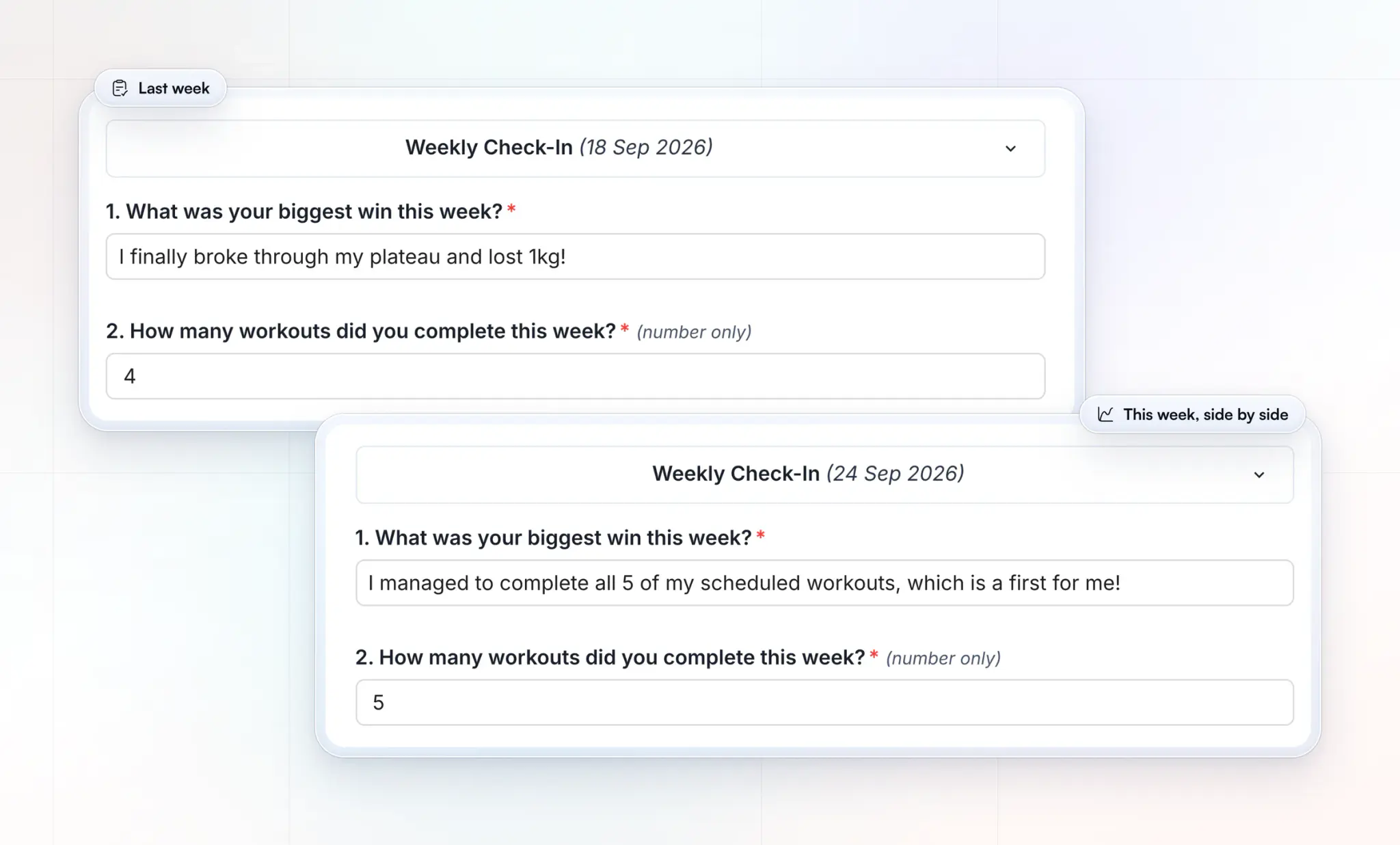
2. The trend is already drawn. Open any two submissions side by side to see what changed, and because Metric and Progress Photos answers file themselves to the client's profile, the numbers from step 4 are waiting for you instead of scattered across emails.
3. Your reply reaches them at once. Write your win, fix and next week in the review, or attach a Loom video for a harder week. When you mark it reviewed, the client gets a push notification and an email, so the reply never sits unread. Your note also saves as a draft while you look through the rest of their profile.
4. Clients finish what they start. A check-in auto-saves as a draft if the client leaves halfway, and the client always sees when the next one is due, so the habit sticks without you chasing it.
Our academy video walks through the same loop inside HubFit, from the form to the review:
What should you do when a client misses a check-in?
Send a friendly nudge 24 hours after the deadline, and book a short call if they miss two in a row. A missed check-in is usually a sign of a hard week, not a lazy client, and that is exactly when they need you most.
| Missed | What you do | Message to send |
|---|---|---|
| Once, 24 hours late | A friendly nudge | "Didn't see your check-in. All okay?" |
| Two in a row | A 10-minute call | "Let's grab 10 minutes this week." |
| Three or more | Shrink the form | "Just answer these three for now." |
Keep the nudge warm and short: no guilt, no lecture about consistency. If the same client keeps missing, the form is probably too long for their life right now, so cut it to the three questions you need most (sessions done, energy and the biggest obstacle) until they are back on track.
In HubFit, the missed check-in stays on the client's dashboard as overdue until the next one is due, so they see it every time they open the app, and a check-in can be backdated by up to 14 days, so their late answers still sit in the right week of the trend.
How do you know your check-in system is working?
Your check-in system is working when clients finish it, you reply fast, reviews take minutes and nobody asks for less admin. Check these four once a month; the thresholds are our own rules of thumb, not an industry benchmark.
| Measure | Healthy | If it's below |
|---|---|---|
| Completion rate | 8 or more of every 10 clients | Shorten the form |
| Reply within 24 hours | Every check-in | Review on one fixed day |
| Minutes per review | 1 to 3 | Fixed reply shape, templates |
| Clients asking for less admin | None | Cut questions you never use |
You can count the first two straight from your review queue: how many check-ins came in against how many clients you have, and how many still sit as Pending a day after the deadline. A queue that is empty by the end of your review day is the clearest sign the system works.
How do you speed up check-ins?
Most check-in time goes to logistics, not coaching: finding the form, the photos, last month's answers and the chat.
Take 40 clients. At 15 minutes each, check-ins cost you 10 hours a week. At one to two minutes each, the time Vegard Mikalsen of VM Coaching spends per client in HubFit, they take about an hour.
“I spend one to two minutes per client on a proper check-in now.”

The difference is the system, not your effort:
- One review day. Every check-in is due the same day, so you review in one sitting with no context switching.
- One reply shape. Win, fix, next week. You stop deciding how to write and only decide what to say.
- Templates. Build the form once and tailor one or two questions per client.
- Nothing typed twice. Photos, metrics and wearable data file themselves, so you read instead of copy.
- Reviews from your phone in the coach mode of the HubFit app, between sessions.
Between check-ins, small daily habits do the rest; here is how to keep clients accountable between check-ins. You can try the whole loop with your own clients: start your free trial and set up your first check-in today.
Why not run check-ins in spreadsheets?
Spreadsheets and free form tools work for five clients and break at twenty, because nothing in them connects.
| Job | Sheets, forms and DMs | A check-in app |
|---|---|---|
| Reminders | You send them by hand | Automatic push reminders |
| Photos | Lost in email and DMs | Saved to the client's gallery |
| Comparing weeks | Scroll and copy | Side by side, in the app |
| On a phone | Hard to fill in | Built for the phone |
| New submissions | You go and check | Waiting in your queue |
The cost isn't only your time. Every extra step for the client is a reason to skip the check-in, and every skipped check-in is a week you coach blind.
Common check-in mistakes to avoid
Most check-in problems come from a handful of mistakes, and each one has a simple fix.
- A 25-question form. Clients start skipping questions. Cut to what changes your decisions.
- The same form forever. Answering the exact same questions every week gets repetitive, and clients start to skim. Keep the core scales fixed for comparison and rotate one or two questions.
- Late or uneven replies. A reply that comes three days later teaches clients the check-in doesn't matter. Reply within 24 hours.
- Never asking about your coaching. Once a month, ask: "Is there anything you need more or less of from me?"
FAQ
Here are short answers to the questions coaches ask most about running client check-ins.
How often should online coaching clients check in?
Weekly, for most clients. It is often enough to adjust before a small problem grows, and light enough that clients keep doing it. Move stable clients to bi-weekly, use daily check-ins only for short phases like peak week, and keep monthly for alumni. Our daily and monthly check-in form templates cover both ends.
What is the best check-in software for online coaches?
Our pick is HubFit, the #1 coaching app. It runs the whole loop in one app: recurring check-ins with push reminders, 11 question types, a review queue with Pending and Reviewed, side-by-side comparison of submissions and Loom video feedback, on every plan. Our roundup of check-in software for online coaches shows what to look for in any tool.
What questions should a client check-in include?
Ask about training, recovery, nutrition and mindset: 1 to 10 scales for sleep, energy, stress and adherence, sessions done and bodyweight as numbers, then the biggest win, what made the week harder and what's next. For more wording by goal, see our client check-in questions, or copy the weekly check-in form template.
How long should a check-in take?
Under a minute for the client in the HubFit app, and one to two minutes for you: under a minute to read the trend and about a minute to reply. If either side takes much longer, the form is too long or your review is spread across too many tools.
Should clients see their own check-in trends?
Yes. Seeing their own wins keeps clients going, and it turns the check-in from a report to you into progress they can feel. In HubFit, the client web dashboard shows a weekly overview of nutrition, habits, training, metrics and progress photos in one place.
Should a check-in be a form or a conversation?
Both, in that order. The form collects the same data every week so you can compare it; the conversation is your reply, written or on video, where you explain what changes and why. A check-in that is only a chat loses the trend, and one that is only a form loses the client.
Should I reply by video or in writing?
Use a short video for complex weeks, plateaus or setbacks, because hearing your voice builds trust. Use a written reply for a green-light week. HubFit lets you add Loom video feedback straight to a reviewed check-in.
Run your first two-minute check-in this week
Clients who feel seen stay longer, which is the heart of how you retain online coaching clients. Build the form above in HubFit, set the day once, and spend your two minutes per client on the reply. HubFit takes the admin off your plate for every online coaching client.