
Introduction
Consistency is the backbone of any successful coaching program. As an online coach or personal trainer, you know that the time between sessions is where the real results happen. However, keeping clients accountable every single day without hovering over them is a challenge.
The solution lies in a structured, consistent feedback loop.
A well-designed daily check-in form template bridges the gap between the plan you wrote and the reality your client lives. It provides the data you need to adjust macros, tweak training volume, and catch red flags before they become injuries or drop-outs.
Below is a comprehensive 9-point daily check-in template designed to cover physiology, psychology, and adherence. You can copy this structure immediately to start getting better data from your clients.
In this article
- 1. Did you complete your planned workout today?
- 2. How are you feeling today physically and mentally?
- 3. Did you stick to your planned nutrition today?
- 4. Rate your energy levels today (1-10)
- 5. How is your mood today?
- 6. Today’s Hydration
- 7. Upload a photo of your meals today
- 8. Do you feel sore or fatigued in any particular areas?
- 9. Anything you want me to review or celebrate?
The Ultimate Daily Check-In Form Template
1. Did you complete your planned workout today?
Format: Yes/No
Why ask this: Monitoring training adherence is fundamental. If a client skips a session, you need to know immediately to adjust their weekly schedule or investigate potential barriers like time management or fatigue.
2. How are you feeling today physically and mentally?
Format: Open Text
Why ask this: Biofeedback is king. A client might hit their macros perfect but feel absolutely drained. This question gives them a safe space to vent about stress or celebrate feeling "light and energetic," which helps you gauge their readiness to train.
3. Did you stick to your planned nutrition today?
Format: Yes/No
Why ask this: Simple binary accountability. It forces the client to be honest with themselves (and you) about adherence. If the answer is "No," it usually prompts a conversation about what happened.
4. Rate your energy levels today (1-10)
Format: Scale (1–10)
Why ask this: Tracking energy trends over time is crucial. If a client consistently rates energy at a 3 or 4 for three days in a row, you know it might be time for a deload week or a refeed day before they burn out.
5. How is your mood today?
Format: Multiple Choice (e.g. Happy, Stressed, Anxious, Neutral, Motivated)
Why ask this: Lifestyle management is part of coaching. High stress (cortisol) can mask fat loss and impact water retention. Knowing their mood helps you coach the person, not just the body.
6. Today’s Hydration
Format: Metric Input (Liters)
Why ask this: Hydration is often the first thing to slip. By making this a measurable metric, you ensure they are prioritizing water intake, which is essential for performance and recovery.
7. Upload a photo of your meals today
Format: Media Upload
Why ask this: "Eating clean" is subjective; a photo is objective. This allows you to spot check portion sizes and food quality without needing them to meticulously track every gram if they are on a looser plan.
8. Do you feel sore or fatigued in any particular areas?
Format: Open Text
Why ask this: Injury prevention. If a client notes "lower back tightness" two days in a row, you can proactively adjust their deadlift programming or assign mobility work, proving your value as a coach who pays attention.
9. Anything you want me to review or celebrate?
Format: Open Text
Why ask this: End on a high note or a specific request. This is the client's "open floor" to ask about form on a squat video or brag about resisting the donuts at the office.
Use This Template Instantly
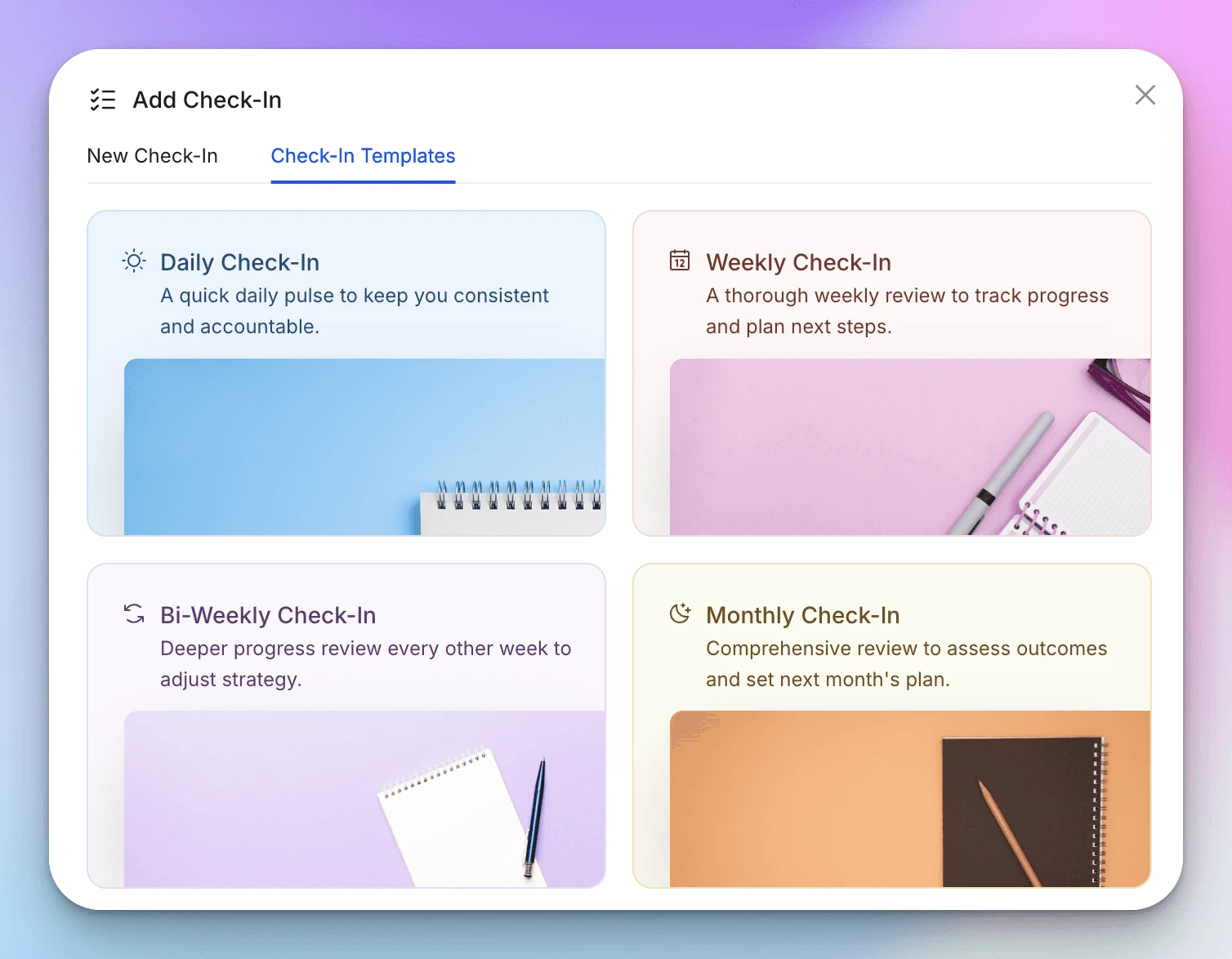
You don't need to build this from scratch. If you are using HubFit, we have pre-loaded this exact structure into the HubFit Template Library. You can import it to your account with one click and assign it to your clients immediately.
Here is what this form looks like for your clients inside the HubFit app
How You Can Use HubFit for Your Check-Ins
Having a daily check-in form template is great, but managing those responses via email, WhatsApp, or messy spreadsheets can quickly become a nightmare. If you have 20 clients checking in daily, that’s 140 forms a week to review.
This is where HubFit changes the game.
HubFit is designed specifically for online coaches to automate and organise the entire check-in process. Instead of chasing clients for updates, HubFit’s Powerful Check-In System handles the heavy lifting.
1. Automate the Workflow
With HubFit, you don't send a PDF every morning. You create a schedule that appears directly on the client’s dashboard as a task to complete.
-
Daily Reminders: Automatic notifications ensure clients know exactly what is upcoming and what is overdue.
-
Custom Templates: As mentioned above, you can save your own reusable templates to build a personalised library, ensuring a standardised experience for every client.
2. Auto-Syncing Data & Photos
When a client uploads their physique photos or logs their hydration in the HubFit check-in form, you don't need to download files and move them to a folder.
-
Photos: Automatically sync to the client’s gallery.
-
Metrics: Hydration, weight, and energy ratings automatically sync to the client's profile graphs.
3. Side-by-Side Comparisons
HubFit allows you to view Compare Check-Ins. You can pull up today's check-in next to one from a month ago to see side-by-side progress of photos, mood ratings, and energy levels. This allows you to spot trends and guide smarter coaching decisions instantly.
4. Review Check-Ins
HubFit has a fully fledged check-in reviewed system. You can clearly see which check-ins are "Pending" and which are "Reviewed." You can review a check-in and leave a comment, your clients will be notified that the check-in has been reviewed.
HuFit Check-in Feature Overview
Conclusion
A daily check-in is more than just a form; it is a touchpoint that builds trust and compliance. By asking the right questions, ranging from digestion to mental health, you gather the full picture of your client's progress.
However, great data is only useful if you can organise it. By using HubFit you can systemise automate your check-in process, you save hours of administrative work.